
Lots, batches and expiry
Before you start, sign in and open Stock / Stock / Stock Items, Stock / Stock / Batch types, and Stock / Reports / Lot reports.
Can’t find one? It may be turned off for your business, or your account may not be allowed to open it. Ask the person who set up your FeePrime. They can fix both.

Photo: Giovanni Randisi on Unsplash
Knowing you have 40 blocks of butter in the Akwa cold room sounds reassuring — until Amina discovers that 15 of them expired yesterday, sending 90,000 XAF straight into the bin. Or worse: a flour mill rings to warn that Tuesday’s bags were damp, and nobody knows which of the 400 croissants delivered to Hôtel Akwa came from that pallet.
For anything that spoils, ages, or might ever be recalled, a total stock count is not enough. You need to know which batch sits on your shelf, when it goes off, and where it went.
That is what lot tracking does in FeePrime. Once turned on for the right items, every goods receipt, production run, and outgoing shipment carries a batch identity — so short-dated stock leaves first and a supplier recall takes two minutes to trace instead of shutting down your shop.
1. What a lot is — and when to leave it off
A lot (or batch) is one shared identity given to a group of units that belong together. They arrived on the same truck, came out of the same oven run, or share the same expiry date.
Do not confuse lot tracking with serial tracking:
- Lot tracking gives one batch number to 50 bags of Flour 50kg or 20 cartons of milk that share an expiry date.
- Serial tracking gives a unique number to every single unit — useful for phones, POS printers, or generators, pointless for yeast or sugar.
Only turn on lot tracking for items that actually need it. Running a small shop selling aprons, plastic stools, or stainless-steel baking trays at Marché Central? Leave lot tracking off for those items. Nothing breaks, and your team will not waste time typing batch numbers for goods that never expire.
Turn it on for perishable foods, drinks, pharmacy stock, cosmetics, agro-inputs, cocoa consignments, or any ingredient you might ever need to trace back to a supplier.
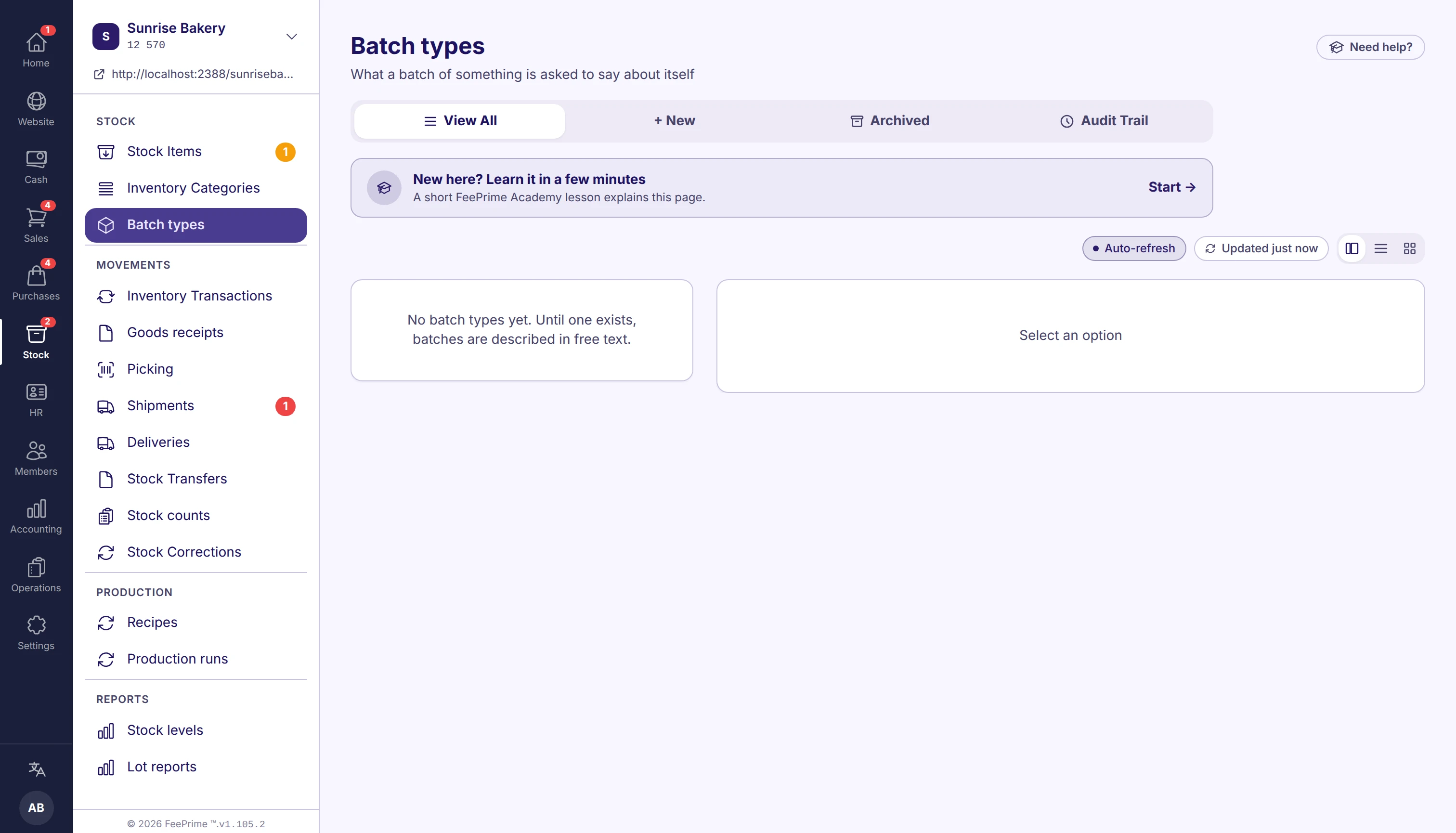 lot types screen in FeePrime (Sunrise Bakery).
2. Setting up a lot-tracked item
Open Stock / Stock / Stock Items and open the item you want to track — for example, Fresh Butter 5kg or Flour 50kg. Change its tracking method to lot tracked. From that moment on, stock movements for that item carry a batch reference.
Three settings do the heavy lifting:
- Shelf life days: Tells FeePrime how long a new batch lasts (for example,
14days for fresh yeast or90days for flour). Whenever a batch is created, FeePrime works out the expiry date automatically instead of forcing your storekeeper to count calendar days by hand. - Lot type: Defines what kind of batch identity the item uses, configured under Stock / Stock / Batch types. If you manage 30 dairy or pharmacy lines, set the lot type once on the category under Stock / Stock / Stock Categories so every new item in that category inherits it automatically.
- Lot allocation strategy: Tells FeePrime which batch to pull first when stock leaves on a pick request, shipment, or transfer. You have three choices: first expired first out, first in first out, or manual.
For anything with an expiry date, choose first expired first out. Save manual allocation for rare cases where a storekeeper must hand-pick a specific consignment every time, such as graded cocoa lots for export.
3. Why first expired, first out beats first in, first out
Many owners assume “first in, first out” is enough. In real trade, it fails the first week a wholesaler sends you older cartons from the back of their own depot.
Look at what happens in Sunrise Bakery’s Akwa cold room:
RECEIPTS INTO AKWA COLD ROOM (Stock / Movements / Goods receipts)
  Monday delivery    -> Batch BT-01 (20 blocks) -> Expires in 45 days
  Thursday delivery  -> Batch BT-02 (10 blocks) -> Expires in 10 days

PICK REQUEST & SHIPMENT NEEDS 10 BLOCKS ON FRIDAY:
  First In, First Out (FIFO)      -> Picks BT-01 (45 days left)
                                     Leaves BT-02 to spoil in 9 days!

  First Expired, First Out (FEFO) -> Picks BT-02 (10 days left)
                                     Saves 60,000 XAF of butter.
Thursday’s truck arrived later, yet its butter has far less life left. When a pick request is created under Stock / Movements / Pick requests and packed under Stock / Movements / Shipments, first expired, first out looks at the expiry date — not the arrival date — and clears the short-dated batch while it is still fresh.
4. Production runs, new batches, and origin
If you convert raw ingredients into finished goods — turning flour, butter, and yeast into croissants, or roasting and bagging coffee — open Stock / Production / Production runs.
When a production run turns inputs into finished outputs, the finished goods become a new batch of their own. That run records three crucial fields on the output:
- Lot reference: The batch code for what you just made (for example,
CR-2026-10-14). - Expiry: Calculated from the finished item’s shelf life days or entered directly for that batch.
- Origin: The link connecting the finished batch back to the exact input batches that went into it.
SUPPLIER RECEIPT            PRODUCTION RUN               CUSTOMER DELIVERY
[Flour Batch FL-09A]  --+                                +-> Hôtel Akwa (250)
                        +-> [Croissants Batch CR-1014] --+
[Butter Batch BT-02]  --+   (Origin: FL-09A, BT-02)      +-> Bonapriso Shop (150)
Origin is what turns traceability from a wish into a real answer. If the flour mill calls Amina next week to warn that FL-09A was damp, she does not have to throw away every pastry across Akwa and Bonapriso. She traces FL-09A through Origin, sees that only CR-1014 used it, and phones Hôtel Akwa immediately with exact numbers.
5. Lot reports: two habits that pay for themselves
Open Stock / Reports / Lot reports. This screen is where daily discipline pays off. You can filter your stock by five fields: item, batch reference, expiry before a date, location, and origin.
Two filters deserve a fixed place in your weekly routine:
- Weekly check — Expiry before: Every Monday morning, open Lot reports with Expiry before set 30 days ahead (or 7 days ahead for fresh dairy and bakery goods). You immediately see what is close to turning across Akwa, Bonapriso, and Marché Central while there is still time to bake it, move it via Stock / Movements / Stock transfer orders to a busier counter, or run a same-day discount.
- Recall path — Origin: When a supplier flags a bad lot, or a customer reports a quality issue, filter by Origin using the suspect batch reference. Every finished batch linked to that input appears in seconds, along with which location still holds remaining stock.
6. Four habits that keep batch tracking honest
Lot tracking earns you nothing if staff only fill it in on quiet mornings. Its value shows up weeks later when a supplier calls or stock goes sour — which is too late to guess.
- Never skip batch details at goods receipt: Record the supplier’s batch reference and expiry date the moment stock arrives under Stock / Movements / Goods receipts. Guessing from memory on Friday always gets dates wrong.
- Never fix a wrong batch count by typing over stock numbers: If Junior drops two cartons of milk in the cold room, record a proper movement, stock count, or reversal under Stock / Movements so the batch audit trail stays intact.
- Always link origin on production runs: Skipping input batches during a 5 AM baking rush breaks the recall chain permanently for that finished lot.
- Run Expiry before every week, not after goods spoil: By the time butter smells sour or milk curdles, there is nothing left to transfer or discount.
Try it
Open staging.feeprime.com — a practice copy of FeePrime, kept apart from the real thing — and test the full flow in five minutes:
- Open Stock / Stock / Stock Items and create a test item (for example, Practice Yeast 500g). Set its tracking method to lot tracked, set Shelf life days to
14, and choose first expired first out as its Lot allocation strategy. - Open Stock / Movements / Goods receipts and receive two separate batches of that item: Batch A expiring in 20 days, and Batch B expiring in 5 days.
- Create a pick or outgoing movement for a small quantity and check which batch FeePrime allocates first (it should choose Batch B, the sooner expiry).
- Open Stock / Reports / Lot reports and filter by Expiry before set to 30 days from today so both batches appear clearly.
- Filter the same report by Location or Batch reference to see how quickly you can isolate a single consignment.
Once you watch FeePrime pick the short-dated batch automatically, turning it on for your real perishable lines takes only a few minutes.