
Chart of accounts (OHADA vs none) and cash vs accrual
Before you start, sign in and open Accounting Reports / Income Statement (or any report under Accounting Reports).
Can’t find it? It may be turned off for your business, or your account may not be allowed to open it. Ask the person who set up your FeePrime. They can fix both.
Photo: Kelly Sikkema on Unsplash
Picture a Friday afternoon at Sunrise Bakery in Douala. Amina, the manager, runs March’s Income Statement and sees a strong month: 4,600,000 XAF in sales. Ten minutes later, Paul checks the exact same month from his desk and gets 2,800,000 XAF. Neither screen shows an error. Both numbers look neat, balanced, and ready to print.
What happened? Every report under Accounting Reports — whether Income Statement, Balance Sheet, Trial Balance, General Ledger, Journal Entries, or Cashflow — asks you two settings before it pulls your figures: your chart of accounts and your basis (cash or accrual), alongside the currency.
Pick the wrong setting and FeePrime will not warn you. It simply gives you a completely different, mathematically valid answer to a question you did not mean to ask.
1. Chart of accounts: OHADA or none
The first setting chooses how your figures are grouped and numbered. FeePrime gives you two choices: OHADA or none.
- OHADA places every sale, expense, customer balance, and supplier balance into the standard numbered accounts expected across Cameroon and the OHADA region (CEMAC and UEMOA). When your accountant asks for your Trial Balance or General Ledger at month-end or tax filing, every line already sits in the right class.
- None gives you the exact same underlying numbers without those OHADA account numbers. It is cleaner to read if you operate outside the OHADA region or use a different local chart.
If you operate in Cameroon or anywhere in the OHADA zone, pick OHADA and stay with it all year.
Common mistake: switching charts halfway through the year. Nothing in your data breaks, and both reports are still accurate on their own — but Q1 on OHADA and Q2 on none group lines differently. Put them side by side in a meeting and nobody can compare March to June.
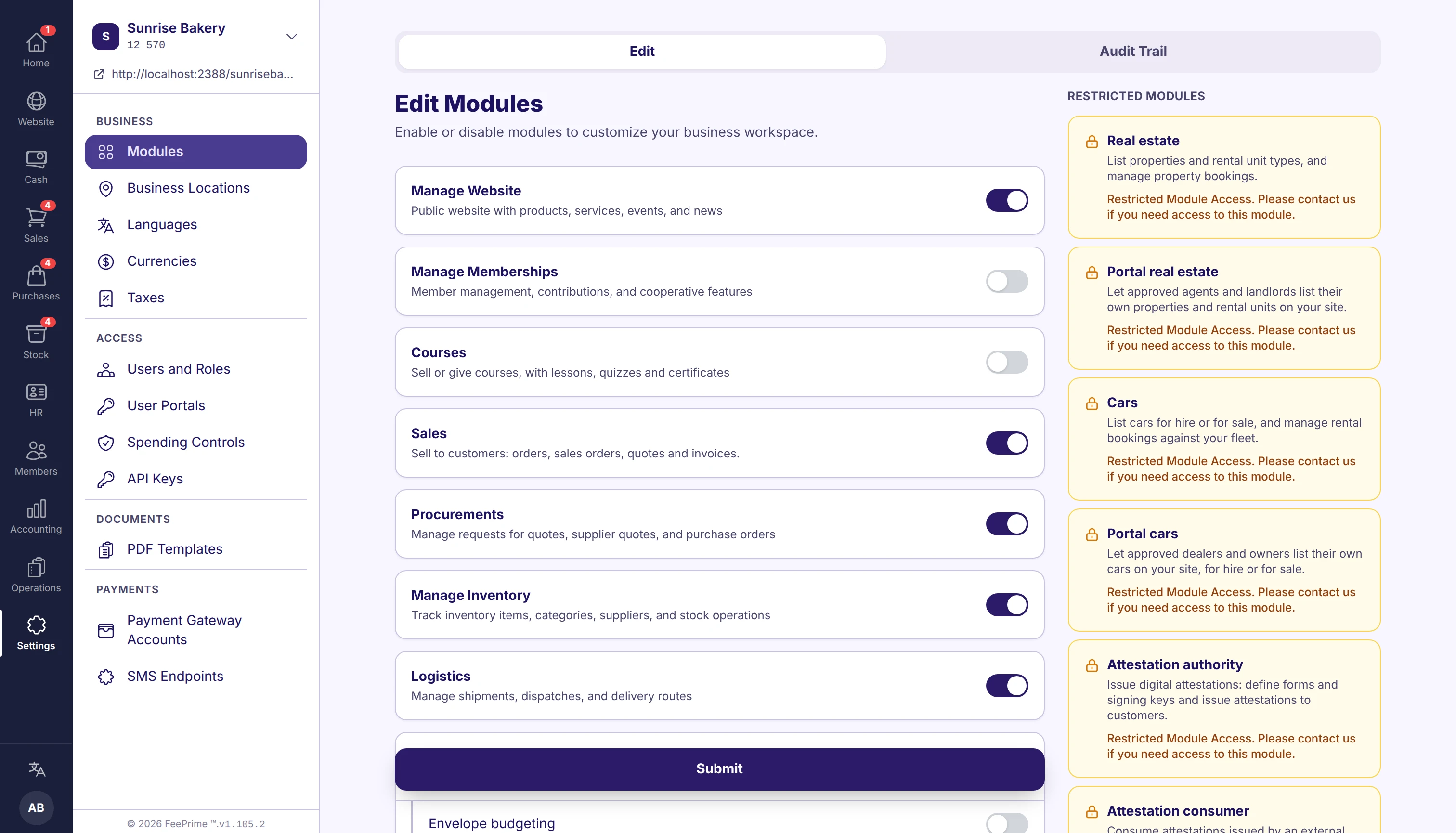 modules edit screen in FeePrime (Sunrise Bakery).
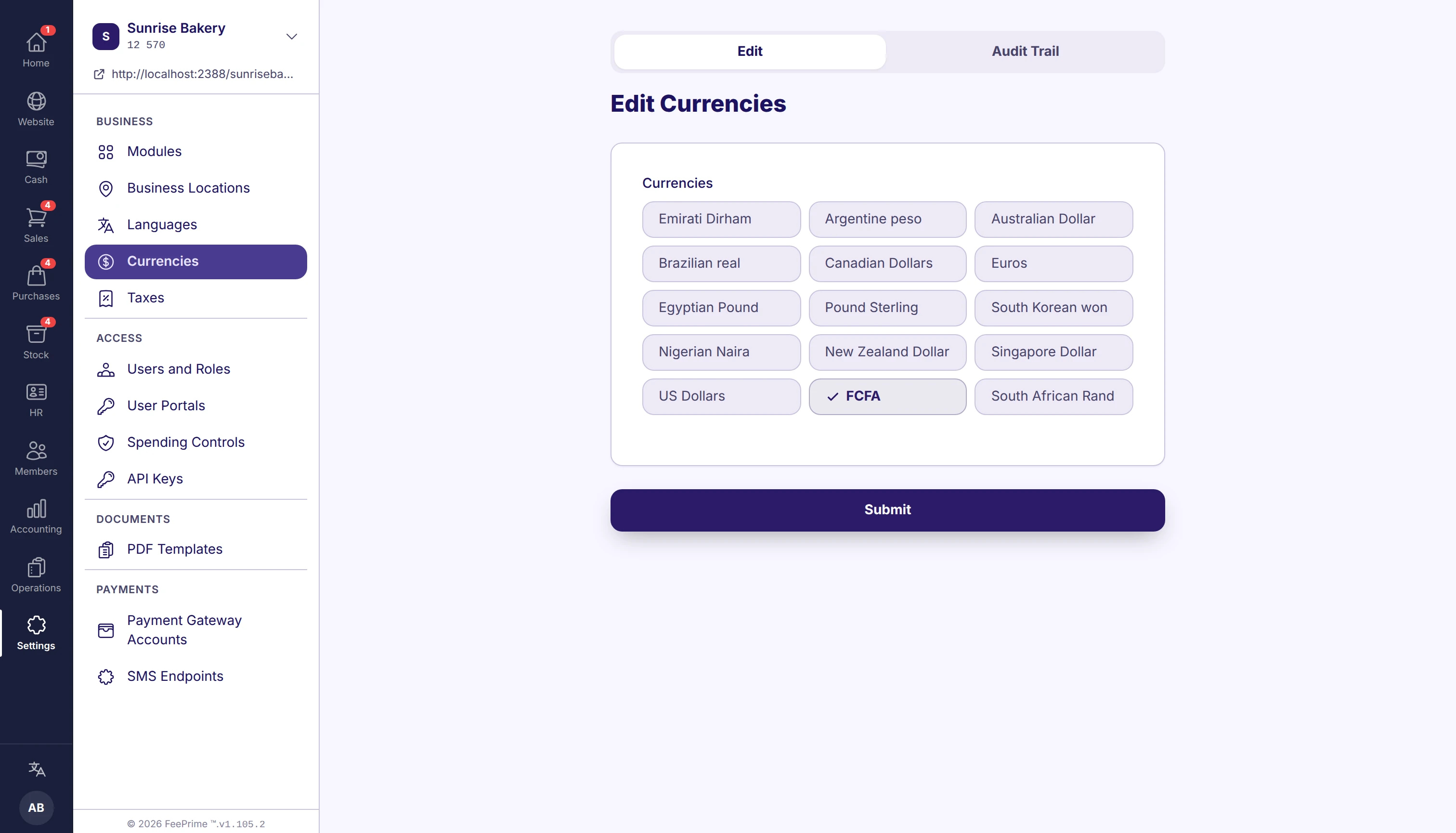 currencies edit screen in FeePrime (Sunrise Bakery).
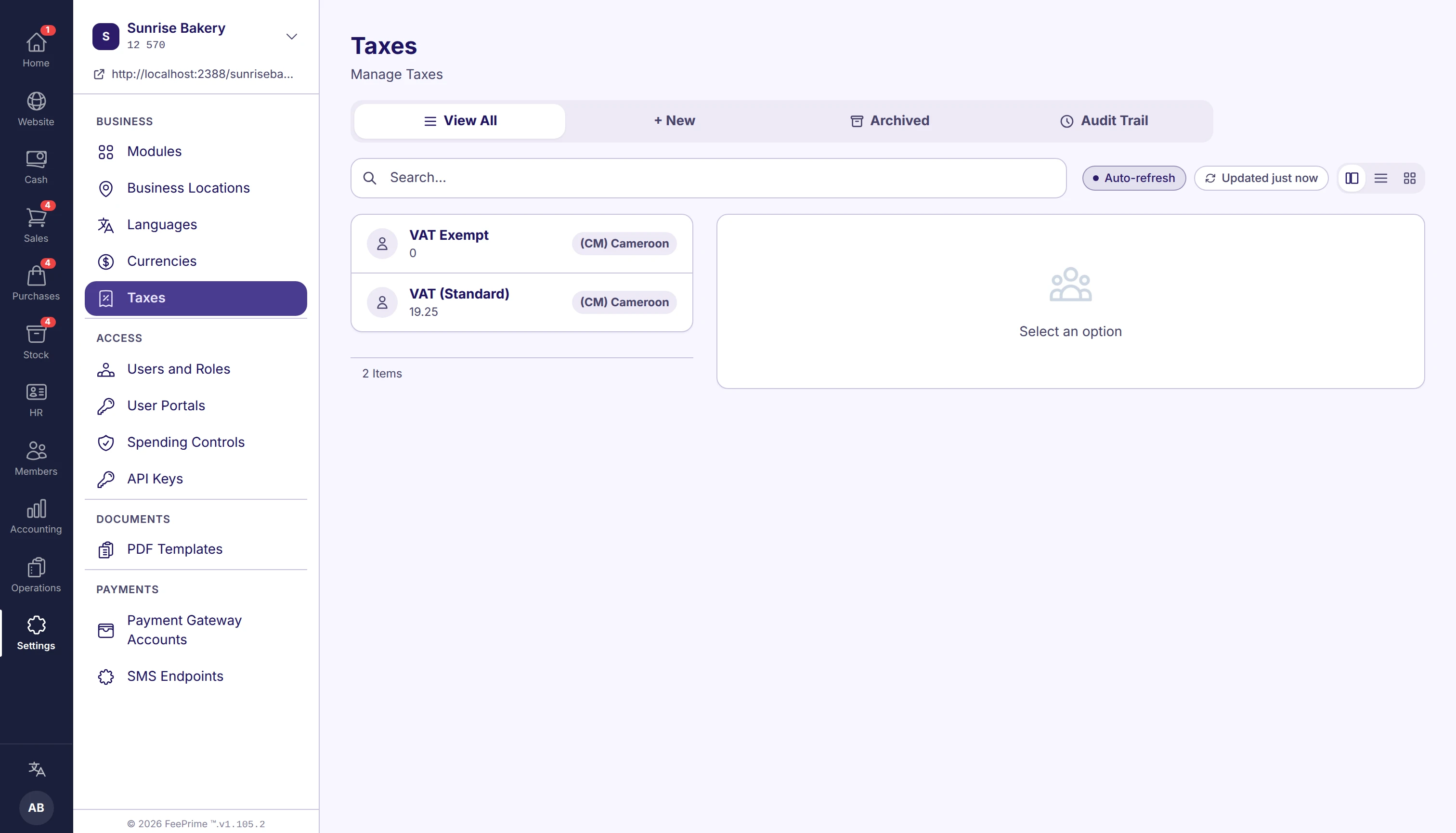 taxes screen in FeePrime (Sunrise Bakery).
2. Cash vs accrual: when a sale or bill counts
This is the setting business owners misunderstand most. It does not change how much you sold — it changes when that sale or cost counts.
Take Sunrise Bakery’s monthly bread contract with Hôtel Akwa. Amina delivers pastries all March and raises an invoice under Sales / Selling / Invoices on 20 March for 1,800,000 XAF. Hôtel Akwa pays by bank transfer on 12 May.
Hôtel Akwa invoice: 1,800,000 XAF (invoiced 20 March -> paid 12 May)

  CASH BASIS      Counts when the money actually moves
  -------------------------------------------------------------
  March:        0 XAF   (invoice sent, bank balance unchanged)
  April:        0 XAF   (still waiting for payment)
  May:  1,800,000 XAF   (transfer lands in the bank)

  ACCRUAL BASIS   Counts when you earned it or owed it
  -------------------------------------------------------------
  March: 1,800,000 XAF  (earned when the invoice was raised)
  April:         0 XAF  (already counted in March)
  May:           0 XAF  (cash arrives, receivable clears)
Neither answer is wrong. They answer two different questions:
- Cash tells you what actually happened to your money. Did cash come in or leave your accounts during this period?
- Accrual tells you what the period really earned and really owed — even if customers have not paid yet or you have not settled a supplier bill yet.
Here is the rule that surprises almost everyone the first time they see it: Invoices only create accounting entries in accrual. On cash, raising an invoice creates zero accounting entries until money actually moves under Cash / Money / Transactions.
That explains Amina and Paul’s Friday mystery. In March, Sunrise Bakery invoiced Hôtel Akwa for 1,800,000 XAF on 30-day credit, while walk-in counter sales brought in 2,800,000 XAF in cash. On accrual, March shows 4,600,000 XAF — a busy, healthy month. On cash, March shows 2,800,000 XAF — quiet until the hotel pays in May. Both reports are telling the exact truth.
3. Currency: run one currency at a time
Every accounting report also asks for a currency (from the currencies set up under Settings / Business / Currencies).
Suppose Sunrise Bakery does 95% of its business in XAF in Douala, and pays one European spare-parts supplier in EUR for oven elements. Always run your report one currency at a time — XAF first, then EUR separately.
Mixing currencies into one total is like adding 50 bags of flour and 50 litres of milk and calling the answer 100. The total looks like a real number and means nothing.
4. Changing a setting never rewrites your history
Many first-time users panic when they realise they ran last month’s Balance Sheet on cash instead of accrual, or on none instead of OHADA. Take a breath: picking a report setting does not change, delete, or overwrite a single transaction underneath.
Your invoices, bills, expenses, and cash transactions stay untouched. You simply open the same report, pick the right settings, and run it again.
The real danger is silent comparison. One wrong printout is easy to fix. The damage happens when two reports — produced weeks apart by two colleagues using different settings — sit side by side in a partner meeting or get emailed to a bank as if they measured the same thing.
Three habits stop that permanently:
- Never compare a cash report against an accrual report. Always check the basis at the top before comparing two months.
- Never switch between OHADA and none mid-year without flagging it. If your accountant deliberately changes your basis or chart, write that note clearly on anything you share.
- Decide once and write it down. Agree your default chart, basis, and reporting currency with whoever handles your accounts, then pin that note where everyone on the team can see it.
5. What a small shop needs vs a growing business
You do not need to overthink this. Match the settings to how your shop actually works:
HOW YOUR BUSINESS OPERATES             DEFAULT REPORT SETTINGS
----------------------------------------------------------------------
Small cash shop in Cameroon            Chart: OHADA
(walk-in sales, no credit invoices)    Basis: Cash (or Accrual — nearly
                                       identical when paid on the spot)
                                       Currency: XAF

Growing SME extending credit           Chart: OHADA
(invoices to hotels, B2B buyers,       Basis: Accrual for monthly P&L,
 external accountant / tax filings)    plus Cashflow / Cash view for
                                       checking real bank liquidity
                                       Currency: XAF (separate EUR run)

Outside the OHADA region               Chart: None
                                       Basis: Accrual or Cash (per
                                       your local accountant)
                                       Currency: Your main currency
One small counter, cash paid on the spot, no credit invoices? Your cash and accrual numbers will be almost identical anyway. Keep OHADA (if in the OHADA region) and your main currency, and stay consistent every month.
Selling on credit or working with an external accountant? Use accrual as your standard monthly Income Statement and Balance Sheet so you see what you truly earned and owed, and check Cashflow or a cash run when you need to see whether there is enough money in the bank for Friday’s flour delivery.
Try it
Open staging.feeprime.com — a practice copy of FeePrime, kept apart from the real thing — and see the difference with your own eyes in five minutes:
- Open Accounting Reports / Income Statement.
- Pick a period that has at least one unpaid customer invoice in it, choose OHADA, choose cash, select your currency, and run the report. Note the revenue total.
- Without leaving the screen, change cash to accrual for the exact same dates and currency, and run it again.
- Compare the two revenue numbers side by side — the gap is your unpaid invoiced activity for that period.
- Switch the chart of accounts from OHADA to none and run it once more to see how the underlying total stays the same while the OHADA account numbers disappear.
Seeing two different, equally honest answers for the exact same month is what makes this lesson click for good.