
Moving stock between locations
Before you start, sign in and open Stock / Movements / Stock Transfer Orders.
Can’t find it? It may be turned off for your business, or your account may not be allowed to open it. Ask the person who set up your FeePrime. They can fix both.
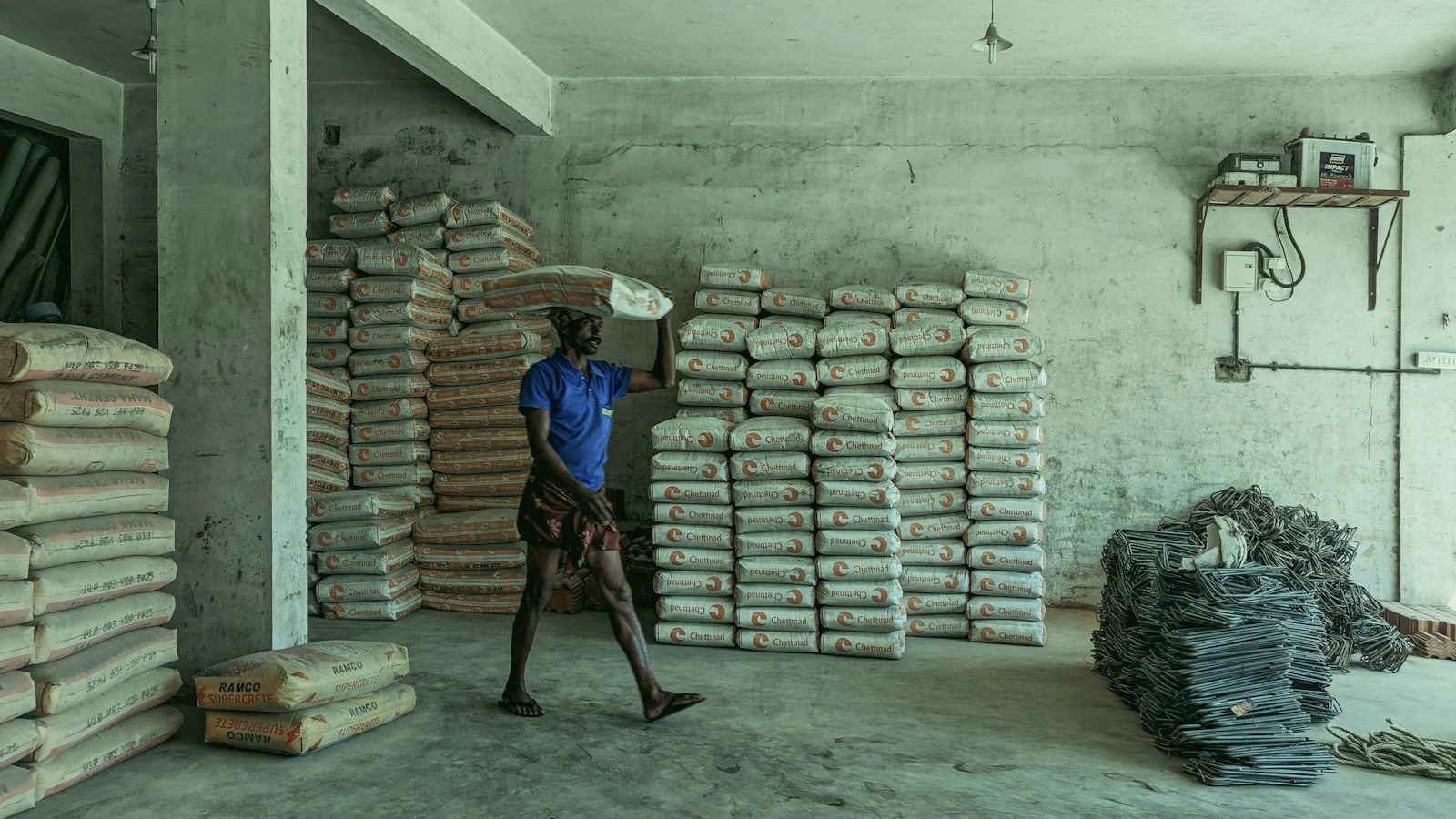
Stock sitting in the wrong place is stock you cannot sell. On a busy Tuesday morning at Sunrise Bakery, Bonapriso shop runs low on Flour 50kg bags while the Akwa bakery storeroom still has fifty stacked against the wall. Amina calls Junior to load the delivery motorbike and ride across Douala.
Moving stock between your own sites feels routine—so routine that it is where stock numbers most quietly break down. One storekeeper scribbles a note on a carton flap, the cashier at the receiving shop forgets to record the arrival, and two bags go missing on the road. Nobody notices until a month-end count uncovers a shortage with no rider, no route, and no date.
FeePrime fixes this by treating every stock move as a clear, traceable record—whether you are carrying two cartons across a hallway or sending a full load between branches.
1. Choose the right move: transfer order vs. quick internal transfer
FeePrime gives you two ways to move goods between your own locations. Picking the right one takes five seconds once you apply one rule.
Ask yourself: will the goods spend time on the road, in a vehicle, or out of both buildings?
| Situation | Screen to open | How it moves stock |
|---|---|---|
| Goods travel by bike, van, or courier between sites | Stock / Movements / Stock Transfer Orders | Two steps: dispatched from source → held in-transit → received at destination |
| Goods move across the same building in seconds | Stock / Movements / Inventory Transactions | One step: leaves the source area and lands in the destination immediately |
- Use a Stock Transfer Order whenever there is a real journey. While Junior sits in traffic between Akwa and Bonapriso, FeePrime holds those bags in-transit so neither shop counts them twice or promises stock it cannot yet touch.
- Use a quick internal transfer when there is no real transit gap—for example, Paul carrying two cartons of bottled juice from the Bonapriso back storeroom to the front display counter five metres away.
Running one shop with a single storeroom and no deliveries? Quick internal transfers cover almost everything you do. Leave multi-location transfer orders off until you open a second branch or put stock on the road—nothing breaks.
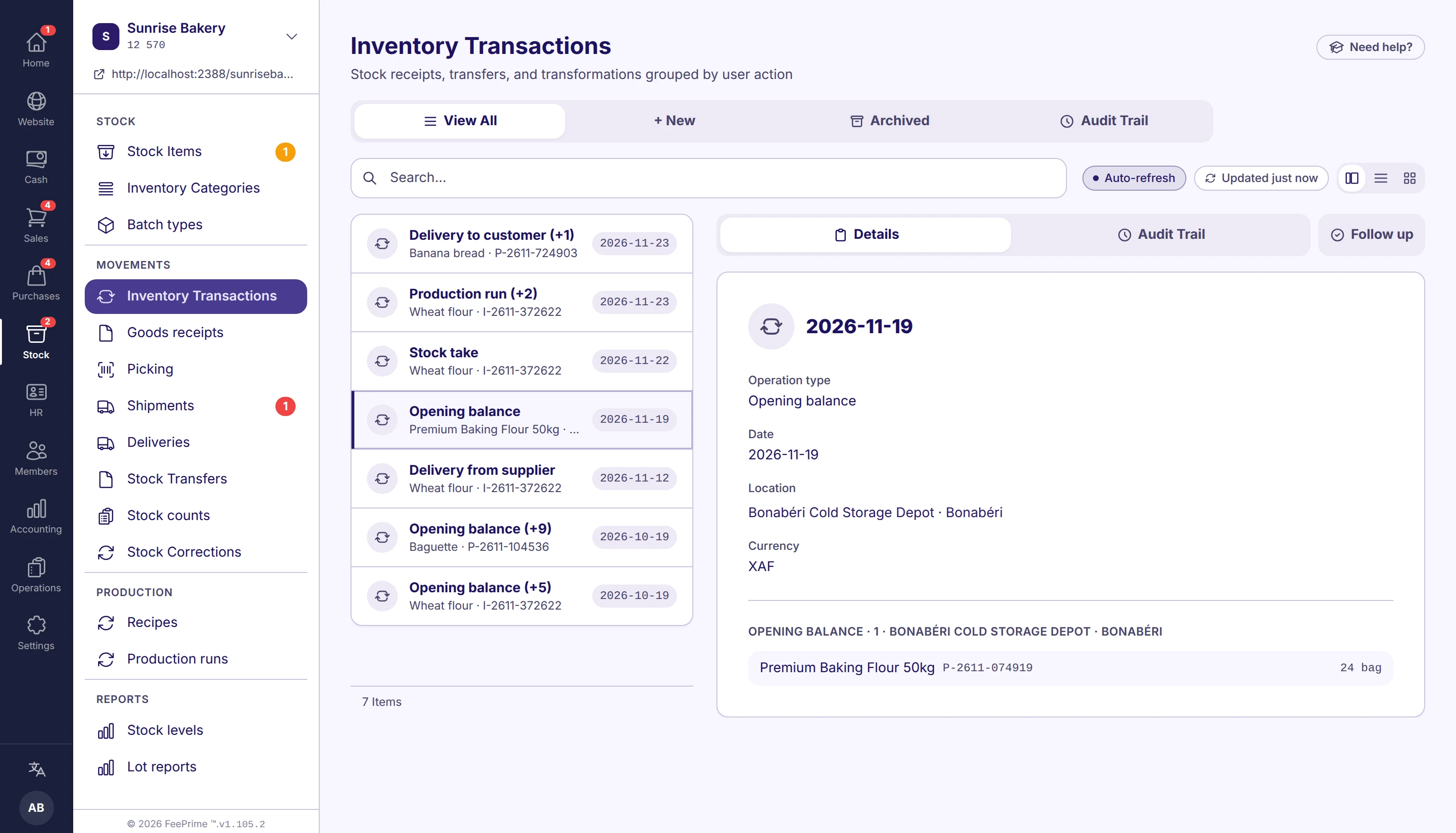 inventory transactions screen in FeePrime (Sunrise Bakery).
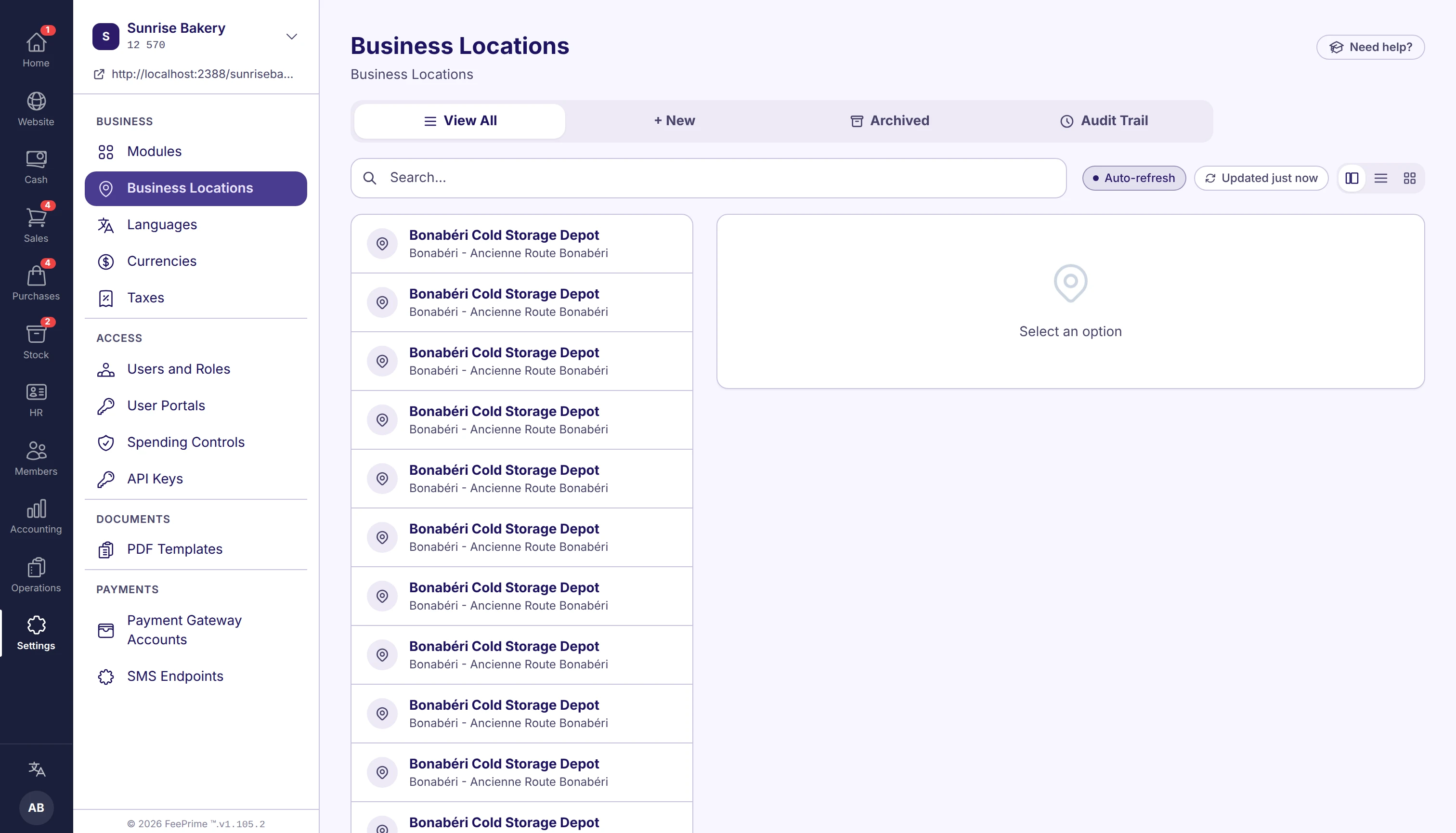 business locations screen in FeePrime (Sunrise Bakery).
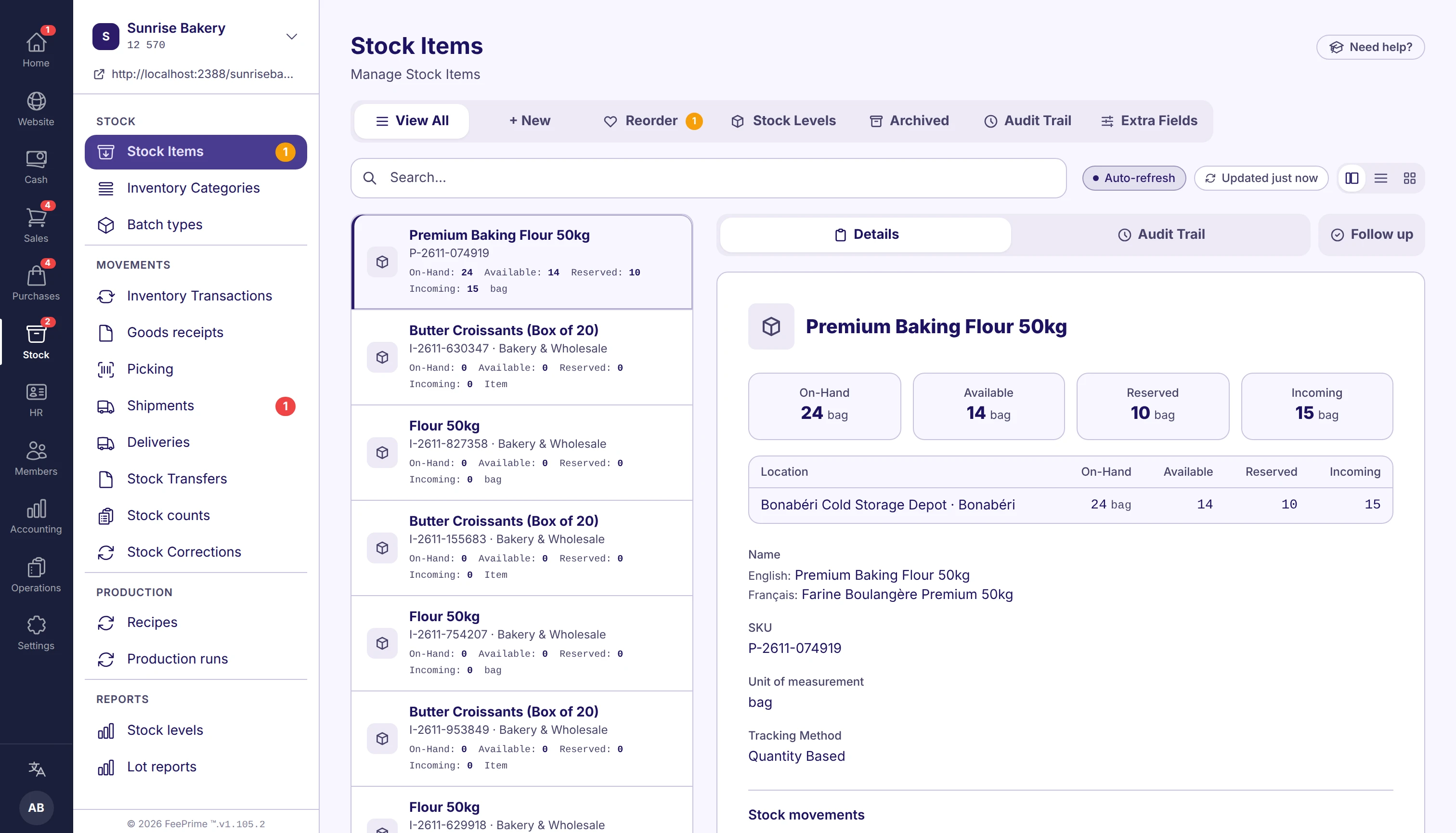 inventory items screen in FeePrime (Sunrise Bakery).
2. How the two-phase transfer protects your count
Every stock transfer order records two separate inventory movements. Neither side vanishes, and no extra stock is ever invented along the way:
  [ Akwa Bakery ]  ──(1. Dispatch)──▶  [ In-Transit ]  ──(2. Receive)──▶  [ Bonapriso Shop ]
    on-hand  --                          in-transit ++                      (still waiting)
                                         in-transit --                      on-hand  ++
At every minute of the day, Source + In-Transit + Destination equals the exact same company total.
Follow a real move of Flour 50kg bags at Sunrise Bakery:
  Stage                       Akwa Bakery    In-Transit    Bonapriso Shop    Total
  --------------------------------------------------------------------------------
  Before move                          50             0                 4       54
  1. Akwa dispatches 20 bags           30            20                 4       54
  2. Bonapriso receives 18             30             2                22       54
Look closely at that bottom row. Total company stock is still 54 bags. Akwa shows the 30 bags physically sitting in its storeroom, Bonapriso shows the 22 bags actually stacked behind its counter, and 2 bags stay visibly open in transit until Amina confirms whether Junior left them on the loading bay or a bag tore in the rain.
3. Record receipt when it arrives—and record what actually arrived
The two-phase design only protects your business if your team sticks to three non-negotiable habits.
Never mark a transfer received at the moment of dispatch. It is tempting for a busy storekeeper at Akwa to click both steps at once “to finish the paperwork.” Don’t. Marking a transfer received while 400 croissants are still strapped to Junior’s motorbike causes two immediate problems:
- Paul at Bonapriso sees stock on hand that is nowhere on his shelves, so he promises an order to Hôtel Akwa that he cannot deliver.
- You wipe out the in-transit checkpoint—the one safeguard designed to catch stock going missing on the road.
Always record the exact quantity that reaches the door. If Akwa dispatches 20 bags of Flour 50kg and only 18 arrive at Bonapriso, Paul enters 18, never 20. Receiving 20 “just to close the transfer cleanly” buries a 60,000 XAF shortage inside a future stock count weeks later, long after everyone has forgotten which rider carried the load. Recording 18 puts the 2-bag gap in plain view the same afternoon.
Never fix a missing transfer by typing over stock numbers or posting a silent adjustment. Trace the open discrepancy first. Once you know the truth—late second trip, returned to Akwa, or damaged on the road—record that real outcome cleanly.
4. Mobile locations count too
A location set up in Settings / Business / Business Locations and Stock / Stock / Warehouses does not need four walls and a roof. A delivery van, Junior’s motorbike, or a field sales rep carrying trays of bread to kiosks around Bonanjo can be tracked as its own location.
Without a mobile location, stock leaves your bakery at 06:30 and vanishes into a blind spot until the rider walks back through the door at 17:00. With the motorbike set up as a location:
- Akwa transfers 400 croissants to Junior’s Motorbike at dawn.
- Deliveries sold along the route draw directly from the motorbike’s stock.
- Unsold pastries return to Akwa on a return transfer at the end of the shift.
Every tray has a clear owner from oven to customer.
Only moving stock between two fixed shops? You do not need mobile locations yet. Keep your warehouse list lean and add a vehicle location only when riders or vans carry unsold goods on the road.
5. Transfers are not sales—and how to fix mistakes cleanly
Moving flour, butter, or bottled juice between your own locations changes where your inventory sits, never how much your business owns. A transfer creates zero revenue, generates no customer invoice, and never triggers 19.25% TVA. Never tell a cashier to “sell” stock to another branch just to make the shelves balance—that inflates your sales reports and distorts your profit.
Whenever a stock total looks off around a move, check Stock / Movements / Inventory Transactions and Stock / Reports / Inventory Reports. Because every transfer conserves total stock, an unexpected jump or drop almost always points to one of two causes:
- A dispatched transfer still waiting in transit because the receiving shop forgot to confirm arrival.
- A quick one-step internal transfer posted twice or entered with the wrong quantity.
Posted an internal transfer with the wrong figure? Do not try to hide it or wait for Stock / Movements / Stock Counts to paper over it. Reverse the mistaken entry in Stock / Movements / Inventory Transaction Reversals, then post the correct move cleanly. Your history stays honest and both shops stay accurate.
Try it
Practice on staging.feeprime.com—a practice copy of FeePrime, kept apart from the real thing—so you can test a short arrival without touching live numbers:
- Sign in to staging.feeprime.com and open Settings / Business / Business Locations and Stock / Stock / Warehouses to verify you have at least two locations to transfer between.
- Open Stock / Movements / Stock Transfer Orders and create a new transfer order for 20 units of an item from your main location to your second location.
- Mark the transfer order as dispatched, then open Stock / Movements / Inventory Transactions to see the units leave the source and sit in transit while your company total stays unchanged.
- Return to the transfer order and record 18 units received instead of 20. Check the balances at source, in transit, and destination to see how the 2-unit gap stays clearly flagged.
- Open Stock / Movements / Inventory Transactions and post one quick internal transfer of 2 units between two nearby areas, then inspect Stock / Movements / Inventory Transaction Reversals so you know where to undo a mistyped move.
Five minutes on staging is enough to make every future stock move across your branches calm, traceable, and airtight.