
Auditing, archiving, and cleaning up your product catalogue
Before you start, sign in and open Sales / Catalogue / Products and Sales / Reports / Product Catalog.
Can’t find one? It may be turned off for your business, or your account may not be allowed to open it. Ask the person who set up your FeePrime. They can fix both.

A product list never breaks all at once. It goes bad one small shortcut at a time. A new pastry goes live without a price. A French name never gets its English translation. A seasonal item you stopped making six months ago still sits on your website and clogs up the cashier screen at the Akwa counter.
If you run Sunrise Bakery across the Akwa bakery, the Bonapriso shop, and the Marché Central stall, those tiny gaps turn into real money lost. Cashiers ring up the wrong item. Online visitors hit a blank product card and leave. Monthly sales reports stop adding up.
This final lesson in Products & Offers gives you a simple, repeatable habit to keep your catalogue clean—without losing a single day of sales history.
1. Run the Product Catalog report before customers find your mistakes
Open Sales / Reports / Product Catalog. It lists your products grouped by product group, and it comes with two filters that earn their keep every single week:
- Only missing price catches any product a customer or cashier could click on that still has no price attached.
- Only missing translation catches any product that has a name in one language (say, French) and nothing in your other language (say, English).
Nobody spots either gap by scrolling through 120 products. If Amina adds six new weekend pastries in French on Friday morning, everything looks spotless on her French screen. Meanwhile, an English-speaking visitor from Bonapriso looking at the website sees blanks or broken labels—and walks away.
  Sales / Reports / Product Catalog
        │
        ├──▶ Filter: Only missing price        ──▶ Fill missing XAF prices before launch
        ├──▶ Filter: Only missing translation  ──▶ Complete missing EN / FR names
        └──▶ Review groups & stopped items     ──▶ Archive old items, check max discounts
Run the report before you launch new items or promotions, not after a customer messages you about a blank price. Two minutes on Friday saves twenty awkward conversations on Saturday.
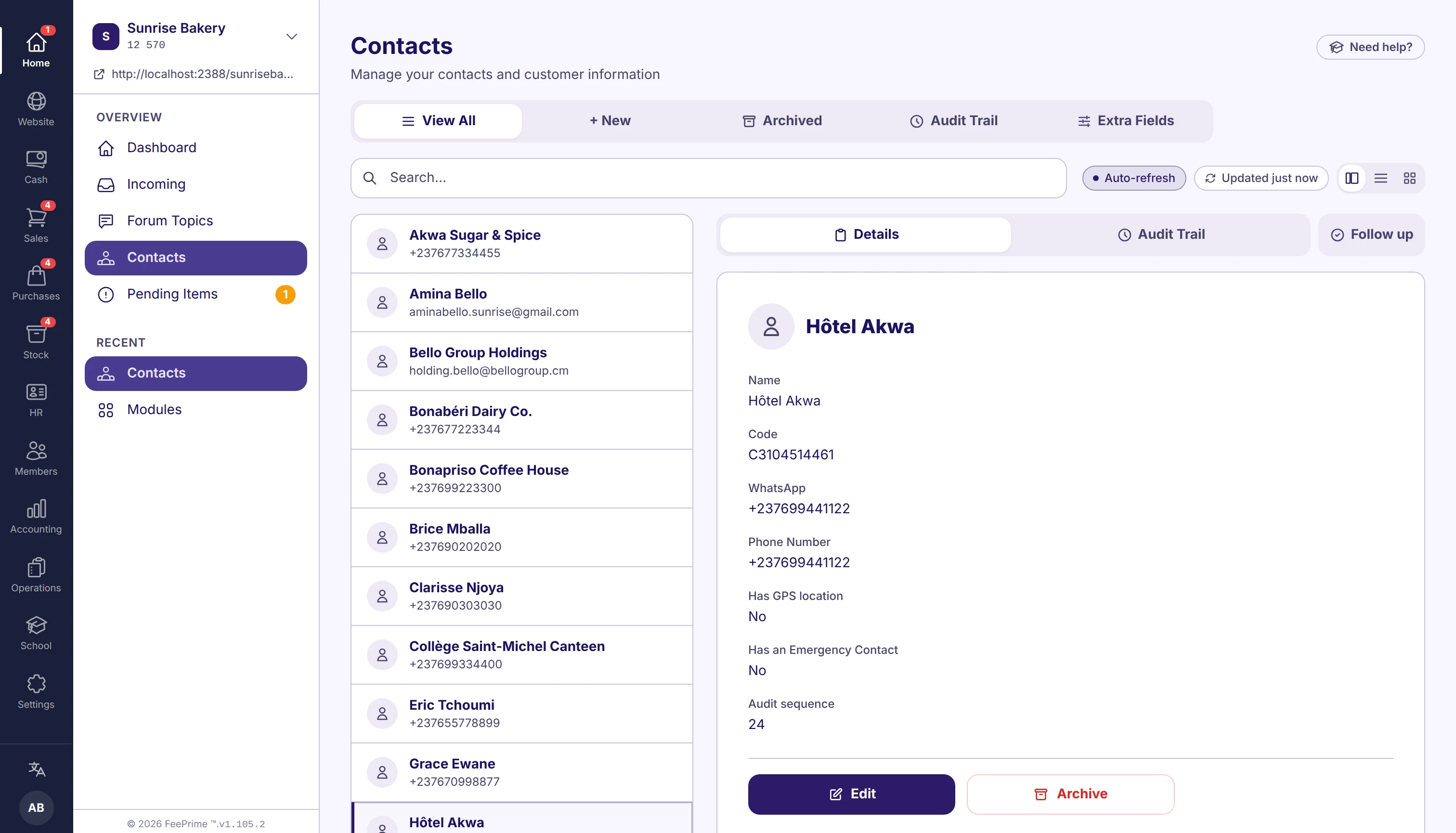 contacts screen in FeePrime (Sunrise Bakery).
 sales quotes screen in FeePrime (Sunrise Bakery).
2. Hide from shop vs archive: two different tools
When something changes with a product, FeePrime gives you two completely different tools. Mixing them up is one of the fastest ways to clutter your business.
  What changed with this product?
  │
  ├── Still sell it in-store or to B2B, just not on the website
  │     └──▶ Hide from shop
  │          (stays active for cashiers & orders, off the public site)
  │
  ├── Stopped selling it completely
  │     └──▶ Archive
  │          (leaves active lists & pickers, keeps every past order intact)
  │
  └── Replaced it with a different item
        └──▶ Archive the old one, then create a new product
             (NEVER rename the old record — it rewrites your past sales)
Use Hide from shop when you still sell the item, just not to the public online. For example, Sunrise Bakery sells Flour 50kg wholesale to Hôtel Akwa, so Amina wants it ready for internal orders—but she does not want retail customers ordering 50kg sacks from the website. Hiding it from the shop removes it from the website while keeping it ready for her team.
Use Archive when you have stopped selling the item altogether—like a Seasonal Mango Tart once mango season ends. If you only hide a discontinued product from the shop, it stays inside your product lists, your cashier pickers, and your internal reports forever. Archiving moves it completely out of your daily workspace while keeping it linked to every past order that ever included it. Last year’s sales totals stay 100% accurate.
Archive, never delete—and never leave discontinued items sitting live in your pickers.
3. Never rename an old product into a new one
It feels tidy to recycle an old record. Suppose Sunrise Bakery stopped baking its Christmas Log Cake in January and launches a Valentine Berry Cake in February. Why not just open the old Christmas cake and type the new name over it?
Never rename an old product into a new one. It causes the exact same damage as reusing an old customer or supplier record for someone else.
Every past order points to that product record. The moment you rename it, last December’s orders and sales reports quietly start claiming you sold 85 Valentine Berry Cakes in December. Nothing warns you, nothing throws an error, and every comparison with last year becomes useless.
When one product ends and another begins, do two clean steps: archive the old one, then create a brand-new product for the replacement.
4. Search before you add: one shared catalogue for everyone
Your catalogue in Sales / Catalogue / Products belongs to the whole business. Everyone sells from the exact same records.
When Amina corrects the price of a butter croissant from 600 XAF to 700 XAF at the Akwa bakery, it is corrected everywhere. And when Paul at the Bonapriso shop gets in a hurry and creates a duplicate product, that duplicate now exists for everybody.
Imagine the shop already has Baguette Tradition, and Paul types a new record called Tradition Baguette because he did not spot it right away. Both records look fine on their own. Nobody gets an error message. Yet over the next three months, half the sales land on one record and half land on the other—so no report will ever tell Amina how many baguettes Sunrise Bakery actually sold.
Search before you add. And search on part of a word, because that is how FeePrime’s search works best. Typing bagu or croiss catches both “Baguette Tradition” and “Tradition Baguette” before a duplicate is ever born.
5. A one-hour quarterly check (and what small shops can skip)
You do not need to obsess over your catalogue every afternoon. Set a calendar reminder once a quarter—one quiet hour is enough for most SMEs:
- Open Sales / Reports / Product Catalog and filter by Only missing price. Fix every blank price.
- Run the report again with Only missing translation. Fill any gaps between your active languages.
- Open Sales / Catalogue / Products and archive everything you stopped selling over the last three months.
- Check that your main product groups still match what you actually sell today.
- Re-check the maximum discount on any product group where ingredient costs or margins have shifted—if butter and flour jumped 18% this quarter, last year’s 15% maximum discount may now be wiping out your profit.
One small shop, one language, no public website? Skip the translation filter and the hide-from-shop checks—nothing breaks. Focus your twenty minutes on missing prices, archiving dead items, and keeping duplicates out. Bigger bilingual shops, multi-branch bakeries, and online stores need all five checks.
6. You have finished Products & Offers
That wraps up the Products & Offers course. Here is everything you now know how to run cleanly:
- What a product record holds, and how it connects to your stock.
- How prices and taxes work across your catalogue.
- How product groups help customers and staff find their way around your range.
- How maximum discounts and commissions are controlled per group.
- How add-ons stay neatly out of your main product list.
- How offers bundle products together with their own pricing rules.
- How order forms collect extra details that plain product lines cannot.
- How partner pages work—and how to keep the whole catalogue clean over time.
Next up is Sales and Customers, where we take these products and follow them through quotes, sales orders, invoices, and getting paid.
Try it
Practice this cleanup routine safely on staging.feeprime.com—a practice copy of FeePrime, kept apart from the real thing—in five minutes:
- Sign in to staging.feeprime.com and open Sales / Reports / Product Catalog.
- Turn on the Only missing price filter, note any flagged item, then switch to Only missing translation to see how quickly gaps stand out.
- Open Sales / Catalogue / Products and search using just part of a product name (four or five letters) to verify how partial-word search catches near-duplicates.
- Pick one sample product you pretend to sell offline only and toggle Hide from shop, then pick a second sample product you pretend to discontinue and Archive it.
- Check one product group’s maximum discount setting to see where you would tighten it if supplier prices rose.
Once you have done this once on staging, your real quarterly check will feel effortless.