
Recording invoice payments and order advances
Before you start, sign in and open Cash / Money / Transactions, Cash / Money / Cash Accounts, Sales / Selling / Orders, and Sales / Selling / Invoices.
Can’t find it? It may be turned off for your business, or your account may not be allowed to open it. Ask the person who set up your FeePrime. They can fix both.

Photo: Ato Aikins on Unsplash
Picture a busy Monday afternoon at Sunrise Bakery in Akwa. Hôtel Akwa sends 60,000 XAF by MTN Mobile Money for 400 croissants to be delivered early Tuesday morning. Paul the cashier sees the SMS alert and asks Amina the manager two familiar questions: “Do I book this as today’s sale? And what if they call at 6 AM and cut the order to 350 croissants?”
If Paul records that cash as a sale today and raises an invoice tomorrow, the bakery counts the same 60,000 XAF twice. If he tosses it into a loose “customer credit” pot, nobody can tell at month end which of Hôtel Akwa’s six weekly orders it actually paid for.
In FeePrime, every franc coming in is recorded as a transaction under Cash / Money / Transactions. What that money pays off depends on one simple question: does an invoice already exist? For physical goods, it usually does not—and handling that gap cleanly is what keeps your cash, your sales, and your customer balances honest.
1. Two things a payment can pay off
Every incoming customer payment in FeePrime settles one of two things:
- An invoice payment pays off a document that already states the final amount owed under Sales / Selling / Invoices. This is the normal path for memberships, event tickets, credits, or any service you invoice up front.
- A customer advance is money taken against an order under Sales / Selling / Orders, before any invoice exists. This is the normal path for physical goods, because quantities, deliveries, or substitutions can still change before the sale is final.
An advance is not a sale yet.
It is money you are holding on the customer’s behalf. Until the goods go out and the invoice is raised, you owe the customer either their order or their money back. The money only becomes a sale when the invoice is written.
Never count an advance as sales revenue the day the cash arrives. That is why FeePrime records it as its own kind of movement. If you counted it as a sale on Monday when the Mobile Money pinged, you would count the exact same sale a second time on Tuesday when the invoice was raised.
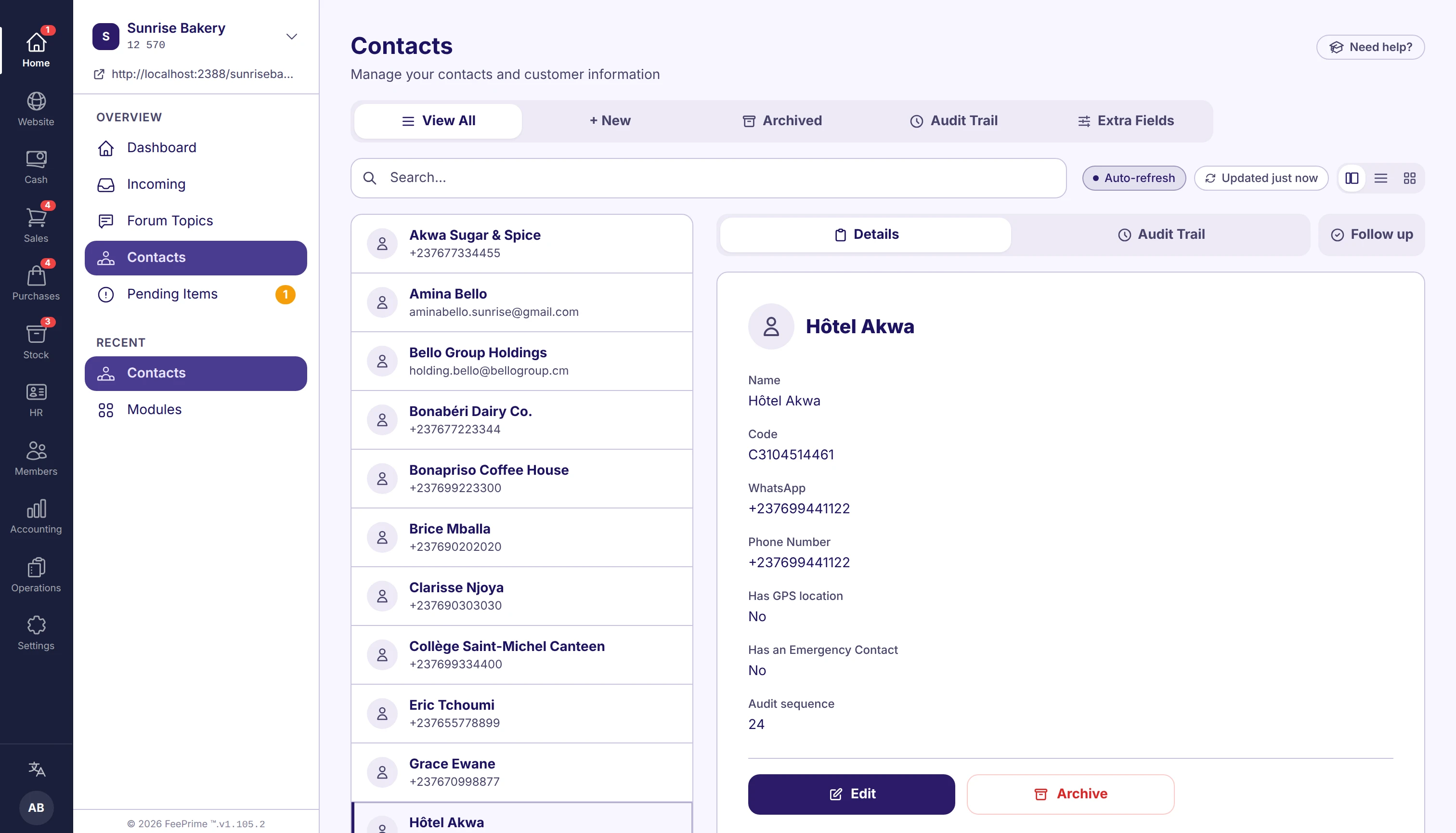 contacts screen in FeePrime (Sunrise Bakery).
 sales quotes screen in FeePrime (Sunrise Bakery).
2. An advance belongs to one order—not to the customer
An advance in FeePrime is tied strictly to the exact order the customer paid for, never to a general pot on their contact record.
Think of Nadège Fouda, who buys flour, butter, and cake boxes from Sunrise Bakery several times a week. On Wednesday morning she sends 40,000 XAF. A floating credit pot on Nadège’s profile sounds flexible at first—until she has six open orders and your accountant asks the question every accountant eventually asks: which of those six orders did that 40,000 XAF pay for?
No automatic rule gets that right. Holding each advance on one specific order builds the answer straight into the record.
There is a trade-off, and your team should know it early: never try to move an advance from one order to another. FeePrime does not shift advances across orders. If Awa Ndiaye pays 50,000 XAF on Order #104, cancels it, and places Order #109 for different pastries instead, handle it in two clean steps:
- Refund the advance on Order #104 under Cash / Money / Customer Refunds.
- Record a fresh payment against Order #109.
It takes one extra minute and guarantees nobody is guessing where Awa’s 50,000 XAF went six weeks later.
3. What happens when the invoice appears
Once Hôtel Akwa’s croissants leave the kitchen and Amina raises the invoice, FeePrime connects the dots automatically:
Customer sends 60,000 XAF
         │
         ▼
[ Cash / Money / Transactions ]  ──► Lands in named Cash Account (e.g. MTN MoMo)
         │
         ▼
Held as ADVANCE on the Order     (not a sale yet — you owe goods or a refund)
         │
         ▼
Goods delivered & final quantities confirmed
         │
         ▼
Invoice raised in [ Sales / Selling / Invoices ]
         │
   ┌─────┴────────────────────────────────────────┐
   ▼                                              ▼
Final invoice = 60,000 XAF                     Final invoice = 50,000 XAF (or cancelled)
Advance applies automatically                  50,000 XAF clears the invoice
Invoice shows PAID                             10,000 XAF returns via Customer Refunds
(NO second payment; cash not banked twice)     (the only step where cash leaves again)
Applying the advance clears the invoice without moving any cash. The cash was already banked the day it arrived.
So if Amina checks Hôtel Akwa’s history and sees an invoice marked Paid with no separate payment entry recorded against that invoice, nothing is broken—the order’s advance settled it automatically.
What if Hôtel Akwa cut their order down to 50,000 XAF, or cancelled outright? The 50,000 XAF pays off the invoice, and the remaining 10,000 XAF goes back to them under Cash / Money / Customer Refunds. That refund is the one step in this whole flow where real money leaves your business again.
4. Pick the exact cash account where the money landed
Every incoming payment must name the cash account (Cash / Money / Cash Accounts) that actually received the money—whether that is the Akwa Shop Till, the Bonapriso Cash Box, your bank account, or your MTN MoMo / Orange Money wallet.
Never dump every payment into one generic cash account. At the end of a long shift, Paul needs to count the physical notes in the Akwa till and see the exact same figure in FeePrime, while Amina checks the Mobile Money phone separately. Tying every transaction to its real cash account makes your cash position real, instead of a single mystery total disconnected from where money actually sits.
5. Part payments: record what arrived, never shrink the invoice
Suppose Sunrise Bakery invoices Hôtel Akwa 150,000 XAF for a weekend conference buffet. The hotel transfers 100,000 XAF on Monday and promises the remaining 50,000 XAF on Friday.
Record the 100,000 XAF that actually arrived against the invoice. FeePrime automatically shows 100,000 XAF received and 50,000 XAF still open.
Never edit or reduce an invoice to match a short payment. The invoice states what was owed. The transaction states what came in. The gap between the two is the exact number you need to see when chasing balances on Friday. An invoice edited down to 100,000 XAF looks paid in full—and that missing 50,000 XAF disappears from everyone’s radar.
6. Paying online—and what small shops can leave off
If you connect an online payment gateway under Settings / Payments / Payment Gateway Accounts, customers can pay straight from a link. FeePrime lands the money against the right document on its own: against the invoice if one exists, or against the order as an advance if not.
One exception worth knowing: an invoice opened directly from its own link is always paid as an invoice payment, because whoever sent that link decided the document was already final.
Running one shop that only takes cash and manual Mobile Money? Leave payment gateways turned off. Nothing breaks—just log payments in Cash / Money / Transactions and select the right Cash Account every time.
Try it
Open staging.feeprime.com—a practice copy of FeePrime, kept apart from the real thing—and run this 5-minute drill:
- Open Cash / Money / Cash Accounts and note the starting balance of your till and Mobile Money accounts.
- Open Sales / Selling / Orders, create or open an order for physical goods, and record a prepayment (or pay it from the public link if a test gateway is active). Confirm the money sits on the order as an advance with no invoice yet.
- Raise the invoice for that order and view it in Sales / Selling / Invoices. Watch the advance apply itself so the invoice shows paid with no second payment.
- Create a second invoice for 150,000 XAF, then record a partial payment of 100,000 XAF in Cash / Money / Transactions. Confirm 50,000 XAF stays open to collect.
- Re-check Cash / Money / Cash Accounts and verify your balances rose by the exact cash received—nothing doubled.
Five minutes of practice here saves hours of end-of-month untangling when real customer cash is moving.