
Stock takes and adjustments
Before you start, sign in and open Stock / Movements / Stock Counts and Stock / Movements / Inventory Transactions.
Can’t find it? It may be turned off for your business, or your account may not be allowed to open it. Ask the person who set up your FeePrime. They can fix both.
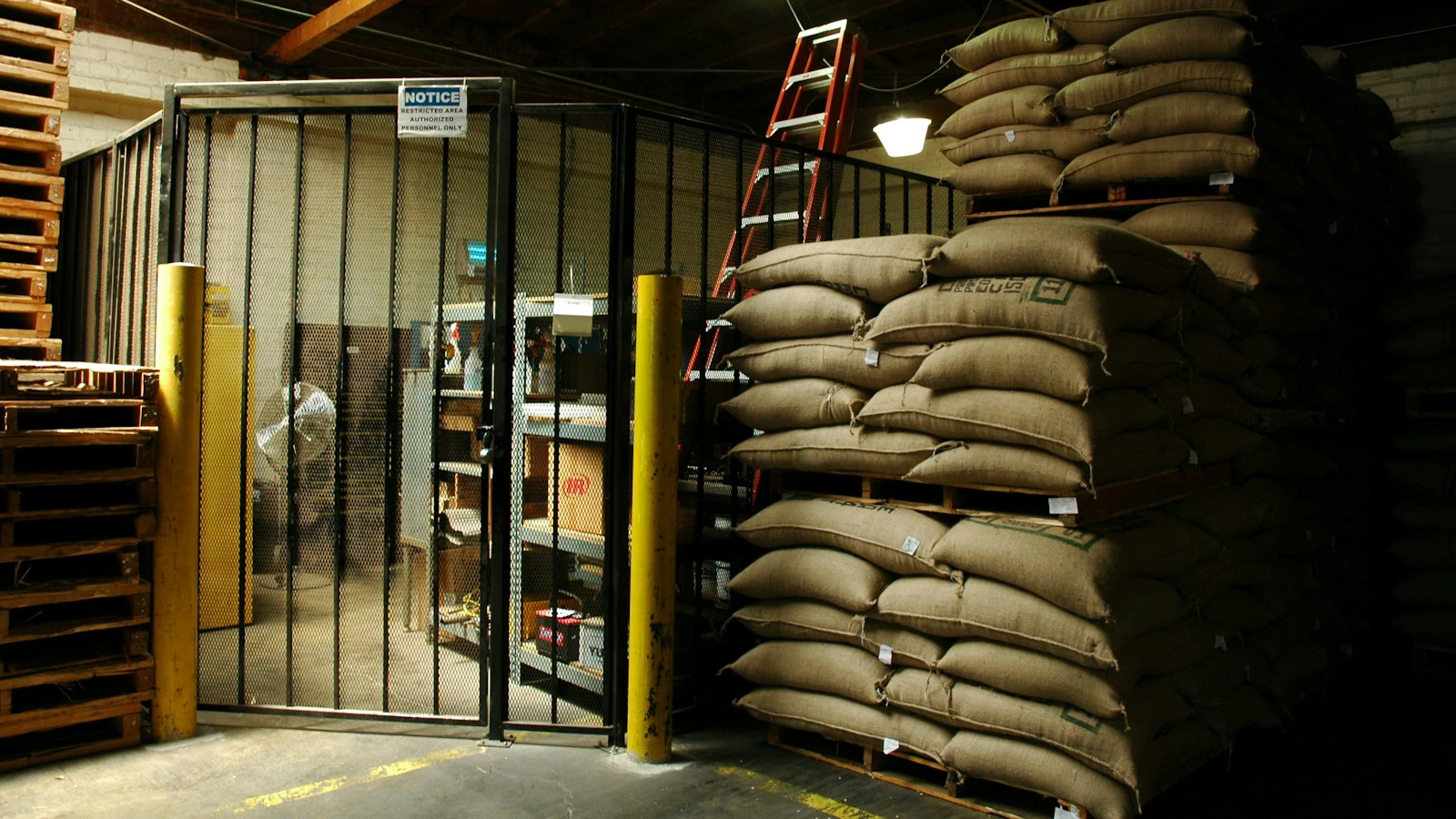
Photo: Wonderlane on Unsplash
However careful your team is, the number on the screen and the goods on the shelf will slowly drift apart. At Sunrise Bakery, a baker grabs an extra 50kg bag of flour during the 5:00 AM rush without writing it down. At the Bonapriso shop, a jar of jam slips off a crate and shatters on the tiles. By Friday, FeePrime says you have 50 bags of flour and 24 jars of jam, while the storeroom tells a different story.
Those small slips add up fast. Four missing bags of Flour 50kg at 22,500 XAF each is 90,000 XAF gone quietly in a single week—and worse, your sales team keeps promising orders from stock that is no longer there.
A stock take is how you bring the system and the shelf back together honestly. Done well, it does two jobs at once: it fixes your balances so you never sell empty air, and it exposes leaks before they quietly eat your profit.
1. What a stock take actually does
A stock take is a physical count of what is really sitting in one warehouse or shop, recorded as a stock movement that lines FeePrime up with reality.
Notice which way around that works. What is on the shelf is right, and the system gets corrected.
A count is never an excuse to fudge the clipboard until it matches the computer. If Amina counts 46 bags of Flour 50kg in the Akwa storeroom while FeePrime shows 50 bags, she records 46. The shelf wins. FeePrime posts the -4 adjustment automatically and keeps the full audit trail.
Never fix a stock number by typing over an old record. Every stock movement in FeePrime is a permanent line in your history. Recording a proper count in Stock / Movements / Stock Counts protects your trail so you can always see when stock went missing, where it happened, and by how much.
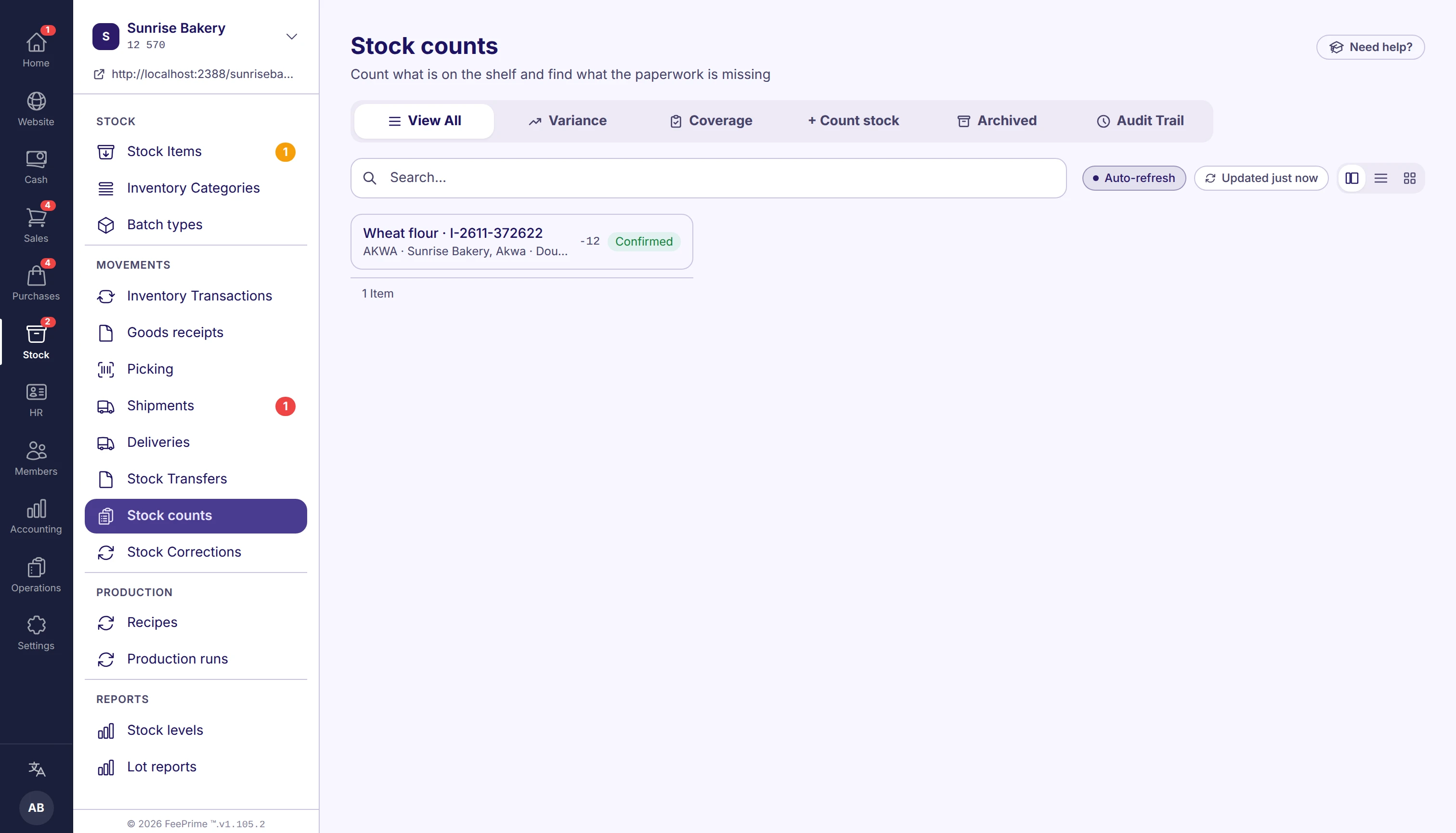 stock counts screen in FeePrime (Sunrise Bakery).
2. Count when nothing is moving
The biggest practical trap in any stock take is counting a shop or storeroom while it is still trading.
Imagine Paul trying to count loaves and butter at the Marché Central stall at 11:00 AM on Saturday while customers are buying and Junior is unloading fresh crates from the delivery motorbike. Goods move in and out mid-count, and you end up lining FeePrime up with a moment that never existed.
Count when nothing is moving.
- One shop, one storeroom? Count right after closing or before the shutters go up in the morning. Keep it simple—twenty calm minutes after close beats two frantic hours during lunch.
- Multiple warehouses or busy locations? You do not need to freeze the entire company. Count one warehouse (Stock / Stock / Warehouses), one branch (Settings / Business / Business Locations), or even one shelf section at a time, and pause movement only in that area until the count is saved.
A rough count of a still warehouse is far more useful than a precise count of a moving one.
3. The difference is the point
Most teams glance at the new balance after a stock take and move on. The number actually worth your attention is the difference.
Count real shelf (still room, no movement)
       │
       ▼
Record count in Stock / Movements / Stock Counts
       │
       ▼
FeePrime compares Shelf vs. System
       │
       ├──▶ No difference ──▶ Books and shelf agree
       └──▶ Short or over ──▶ Ask WHY before moving on:
                               • Unrecorded breakage or spoilage
                               • Delivery booked to the wrong warehouse
                               • Unit mismatch (20L jerrycans vs. litres)
                               • Unrecorded kitchen use or theft
If the Akwa bakery is short by 5 to 8 blocks of butter three months in a row, the storeroom is trying to tell you something. Maybe bakers are grabbing extra blocks during the early shift without recording them. Maybe a supplier delivery was booked to Bonapriso instead of Akwa. Or take Hôtel Akwa: if the kitchen receives cooking oil in 20-litre jerrycans but counts single litres at month-end without converting them, every count will show a huge false gap even when zero oil was lost.
None of those problems get fixed by saving a new balance every quarter. Record the count, open Stock / Reports / Inventory Reports to compare recent variances, and ask why. A stock take that only ever corrects and never explains is a chore, not a control.
4. Wastage, stock take, or reversal?
Three different situations can make your stock number look wrong. Picking the wrong tool hides what really happened in your business.
Wastage      → You KNOW what happened   (spoiled, broken, expired)
               Record in Stock / Movements / Inventory Transactions
               with a clear written reason.

Stock take   → You DO NOT KNOW why      (it is simply not there)
               Record in Stock / Movements / Stock Counts,
               then investigate the gap.

Reversal     → Someone TYPED IT WRONG   (40 trays entered instead of 4)
               Undo it in Stock / Movements / Inventory Transaction Reversals,
               then enter the true movement.
- Never hide known wastage inside a stock take. When Junior drops a carton of 12 glass jars of jam worth 30,000 XAF on the Bonapriso tiles, Paul knows exactly why those jars are gone. He books a wastage movement in Stock / Movements / Inventory Transactions and writes the reason. A business that lumps every spoiled pastry and broken jar into a monthly stock take has no idea how much money it is losing to handling mistakes.
- Never use a stock take to cover up a typing mistake. Suppose Paul means to book 4 trays of spoiled eggs, accidentally types
40, and saves it. Do not run a fake stock take of+36to patch the balance. Open Stock / Movements / Inventory Transaction Reversals, reverse the wrong movement cleanly, and repost the true4trays.
5. Opening balances happen once
An opening balance records what you were holding on the day you started using FeePrime—per item, per location.
It is the starting line, used once.
Getting opening balances right matters more than it feels on day one. Every stock balance after that day is simply your opening balance plus every receipt, sale, transfer, wastage, and count since. An opening balance typed in carelessly is an error that stays in your numbers until you track it down.
- Small single-shop setup: Count your shelves once before your first day of live sales, enter your opening balances per item in Stock / Movements / Inventory Transactions, and never touch opening balance for those items again.
- Bigger multi-branch operation: Set opening balances separately for each warehouse or business location so branch transfers and location reports start accurate from day one. Never post a second opening balance to fix a routine shortfall—use Stock / Movements / Stock Counts instead.
6. Build a calm counting rhythm
You do not need to count every napkin, spice jar, and paper cup every week to stay in control. Match the rhythm to the size of your shop:
- Small shop or bakery: Do a 10-minute weekly count of your top 5 to 10 high-value or fast-moving items (flour, butter, sugar, cooking oil), and a full storeroom count once a month. No complicated schedule needed.
- Larger warehouse or multi-site team: Use cycle counting—count one category or one warehouse each week in Stock / Movements / Stock Counts so every item gets checked regularly without shutting down trading.
Try it
Practice on staging.feeprime.com—a practice copy of FeePrime kept apart from your real business.
- Open Stock / Stock / Inventory Items (or Stock / Reports / Inventory Reports) and pick one stocked item to check its current quantity at a location.
- Open Stock / Movements / Stock Counts and record a count that is 3 units lower than what the system shows. Check how FeePrime records the difference.
- Open Stock / Movements / Inventory Transactions and post a wastage movement for 2 units of the same item, adding a short reason such as “Damaged in storeroom”.
- Compare both entries in Stock / Movements / Inventory Transactions so you can see how clearly each one explains itself to a manager reviewing the month.
- Practice fixing a typing mistake: post a deliberate wrong wastage quantity, undo it cleanly in Stock / Movements / Inventory Transaction Reversals, and enter the intended quantity.
Ten minutes of practice on staging now will make your next real storeroom count calm, fast, and completely honest.