
Purchase reports and supplier performance
Before you start, sign in and open Purchases / Reports / Purchase Reports.
Can’t find it? It may be turned off for your business, or your account may not be allowed to open it. Ask the person who set up your FeePrime. They can fix both.

At the end of a busy quarter at Sunrise Bakery, Amina the manager knows flour costs went up and cash felt tighter than expected. She suspects the Akwa bakery is spending more than last quarter, or that one wholesaler quietly raised prices. Digging through folders of paper invoices takes an entire Sunday afternoon — and still leaves her guessing.
Purchases / Reports / Purchase Reports answers four core questions in seconds: what you bought, from whom, for which location, and for how much across any date window.
Even more important, pairing that report with your Purchase Orders and Goods Receipts reveals something a price sheet never shows: which suppliers actually deliver on time and in full, and which ones quietly drain your profit.
1. Setting up your date window and filters
When you open Purchases / Reports / Purchase Reports, you choose how wide or narrow a slice of history you want to inspect:
- Start date and End date define the exact week, month, or quarter you are reviewing.
- Group by decides the shape of the answer — by supplier, by item, by location, or by period.
- Filters narrow the report to a specific supplier, item, location, location tag, or currency.
- Include line details switches the output from a clean summary table down to every individual purchase line.
If those controls look familiar from Sales / Reports / Sales Reports, that is deliberate. You are asking the same business questions, pointed back toward your suppliers.
One shop, one currency? Keep it simple. If you run a single corner store in Yaoundé and buy everything in XAF, set your Start date, End date, and Group by, and leave location, location tag, and currency blank. Nothing breaks. Once your business grows across multiple sites — like Sunrise Bakery’s Akwa bakery, Bonapriso shop, and Marché Central stall — or imports packaging in EUR alongside local XAF purchases, those filters become essential.
Right beside it in the sidebar sits Purchases / Reports / Bill Reports, which looks specifically at billed supplier amounts when you need to review payables rather than purchasing volume.
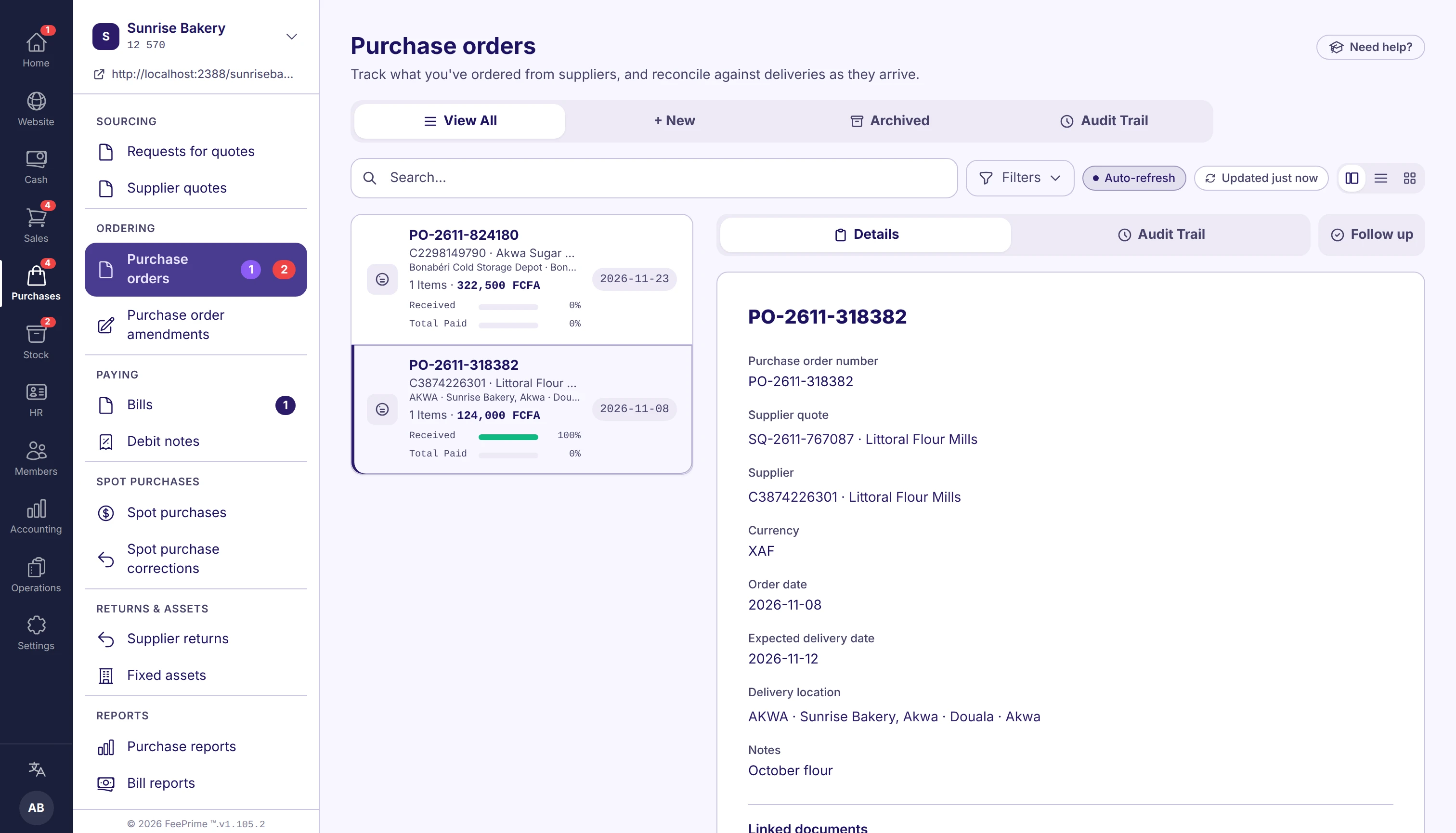 purchase orders screen in FeePrime (Sunrise Bakery).
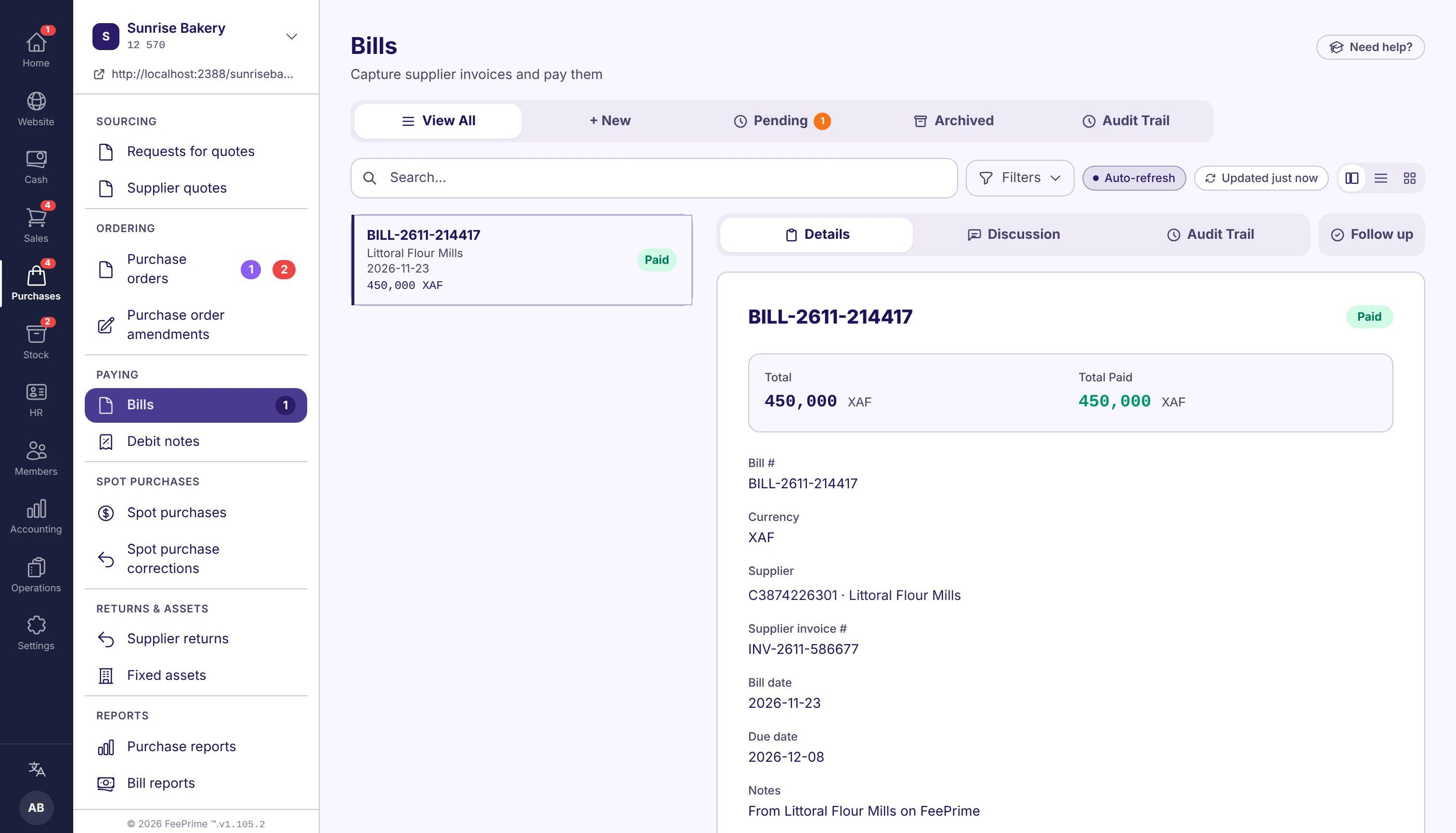 bills screen in FeePrime (Sunrise Bakery).
 contacts screen in FeePrime (Sunrise Bakery).
2. How “Group by” changes the question
Most owners open a purchase report, glance at the grand total, and close the tab. The real insight appears when you change Group by:
GROUP BY CHOICE      THE BUSINESS QUESTION IT ANSWERS
──────────────────────────────────────────────────────────────────────
By supplier     ──►  Who do we depend on? (supplier concentration)
By item         ──►  What eats our budget? (top cost drivers)
By location     ──►  Which branch or kitchen spends the most?
By period       ──►  Is our spending creeping up month by month?
The view almost nobody runs first is by supplier — and it is usually the most revealing.
When Amina groups Sunrise Bakery’s last 90 days by supplier, she sees that 78% of her flour spending (14,800,000 XAF) went to one wholesaler in Douala. Nobody decided to put nearly four-fifths of the bakery’s lifeline in one vendor’s hands. It happened one rushed order at a time. If that wholesaler runs out of Flour 50kg or hikes prices by 10% next week, the ovens stall on Monday morning. Concentration risk stays invisible until you group by supplier.
Each of the other groupings catches a different leak:
- By item shows where negotiation actually pays off. Saving 3% on Flour 50kg and butter saves far more cash than arguing over paper napkins.
- By location (or filtered by location tag) shows whether the Bonapriso shop is ordering twice as much packaging per sale as the Akwa counter.
- By period catches slow price creep across months before a quiet increase wipes out your margin.
Need to investigate a sudden jump on one item? Filter to that item and location, then turn on Include line details to inspect every single line behind the total.
Always check your date window before comparing two totals. Comparing a 28-day February against a 31-day March without noticing makes normal buying look like a sudden spike.
3. Never mix currencies in one total
Never add amounts from two different currencies into a single combined figure.
Suppose Sunrise Bakery buys Flour 50kg and sugar locally in XAF, while importing custom cake boxes in EUR. If you leave the currency filter open and read one combined grand total across both, FeePrime’s underlying rows are right, yet adding XAF and EUR together creates a confident-looking number that means nothing.
Whenever you buy in more than one currency, follow one of two habits:
- Filter the currency field to one currency at a time (review XAF first, then run a second view for EUR).
- Read each currency’s separate breakdown on its own line and never sum them together.
If every supplier invoices you in XAF, you can leave the currency filter empty — all your figures already speak the same language.
4. What Purchase Reports will not tell you: supplier reliability
A Purchase Report tells you what you bought and what you paid. It does not tell you whether a supplier is reliable.
The cheapest vendor on paper is often the most expensive in real life. Wholesaler A might sell Flour 50kg at 24,500 XAF — 500 XAF less than Wholesaler B — yet arrive two days late twice a month, drop three torn bags on the loading bay, and force Amina to send Junior on a rush motorbike run across town at retail prices.
That reliability story does exist inside FeePrime — just not on the spend report alone:
Purchase Reports                Purchase Orders               Goods Receipts
(Purchases / Reports)           (Purchases / Ordering)        (Stock / Movements)
───────────────────────         ───────────────────────       ───────────────────────
• Spend per supplier            • Expected delivery dates     • Actual quantities counted
• Top items & unit costs        • Quantities promised         • Discrepancy flags & notes
• Spend by location & period                                  • Condition on arrival
           │                               │                             │
           └───────────────────────────────┴─────────────────────────────┘
                                           ▼
                             TRUE SUPPLIER PERFORMANCE
                       (Spend + On-time delivery + Accuracy)
Never rubber-stamp a goods receipt as “received in full” when a delivery arrives short or damaged. A storekeeper who waves every truck through as 100% matched to save two minutes leaves the business with a neat buying history and zero proof of which suppliers keep letting you down.
Never judge a supplier on unit price alone. Before renewing a major contract or shifting volume, read your by supplier spend report alongside expected delivery dates on Purchases / Ordering / Purchase Orders, discrepancy flags and notes on Stock / Movements / Goods Receipts, and any goods sent back through Purchases / Returns & Assets / Supplier Returns.
That is the long-term payoff for careful receiving: record what actually arrived today, and a year from now you have hard evidence showing which suppliers deserve your next order.
5. Course wrap-up: the full purchasing picture
You have reached the end of Purchasing & Suppliers. Across these lessons, you have built a complete purchasing habit:
- The core purchasing documents, and which operational question each one answers.
- The three-way check across order, receipt, and bill — and why the goods receipt in the middle protects your cash.
- How honest receiving stops silent stock losses before they enter the store.
- How buying in the field and spot purchases work when you buy away from the desk or without signal.
- How deliveries record a journey from vendor to warehouse.
- How to turn Purchase Reports and receiving records into sharper supplier decisions.
Put Purchasing & Suppliers together with Inventory & Stock and Sales & Customers, and you now see the full path of goods and money through a trading business: bought cleanly, stored accurately, and sold profitably.
Next up is Cash & Accounting, where every franc you spent and collected finally lands.
Try it
Open staging.feeprime.com — a practice copy of FeePrime, kept apart from the real thing — and run a five-minute supplier review:
- Open Purchases / Reports / Purchase Reports and set a Start date and End date covering the last 90 days.
- Set Group by to by supplier and note which single vendor represents the largest share of your spending.
- Switch Group by to by item, then switch on Include line details to inspect individual purchase lines behind your highest-cost item.
- Apply a single currency filter (and a location filter if you have more than one branch) to see how totals clean up when mixed data is separated.
- Open Purchases / Ordering / Purchase Orders and Stock / Movements / Goods Receipts for your top supplier to check whether orders arrived on time and without discrepancy notes.
Five quiet minutes once a month is all it takes to spot supplier risk before it hits your shelves.