
Create your first business
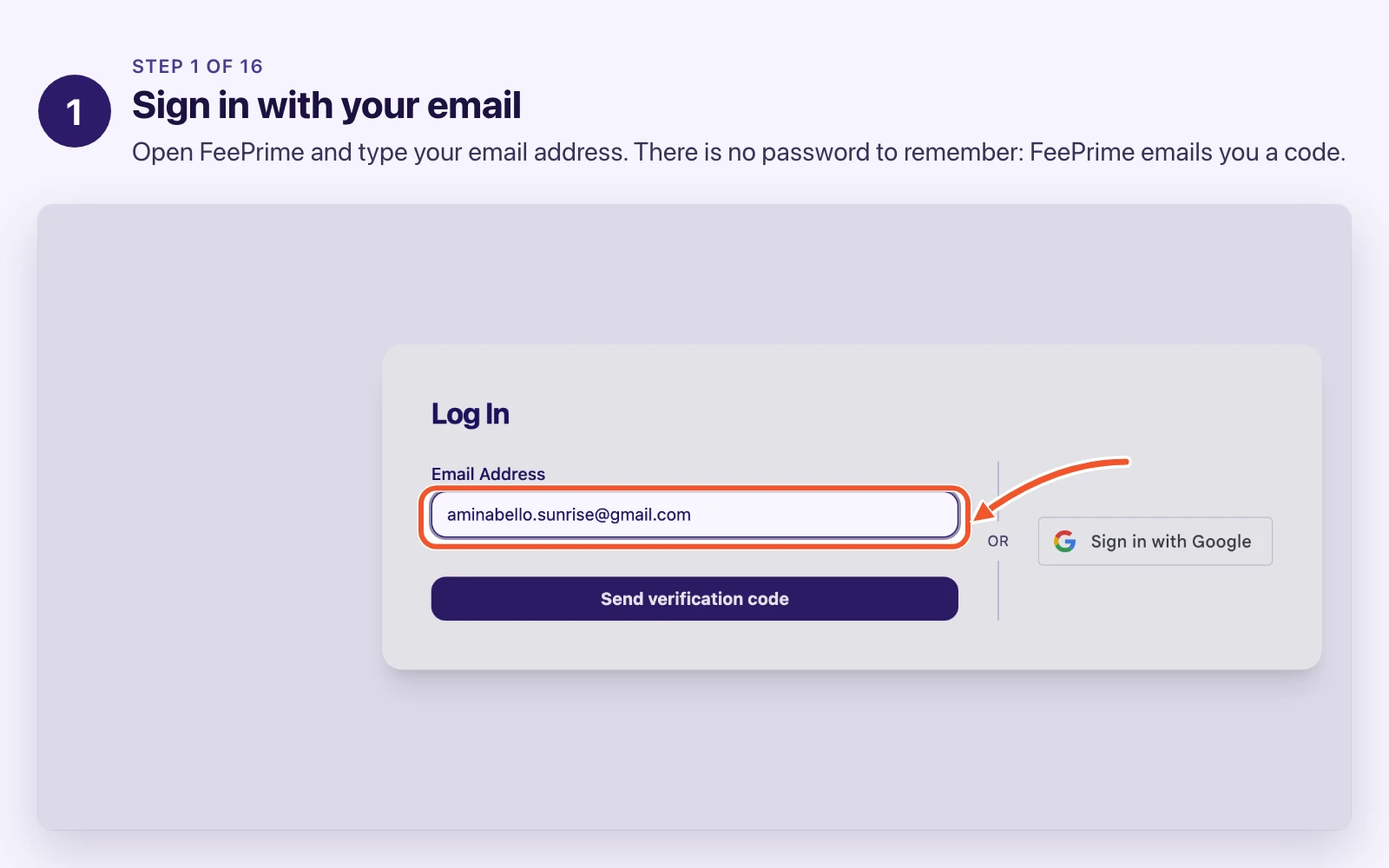
Before you start, sign in at feeprime.com. There is nothing else to open: this lesson starts on your Home page.
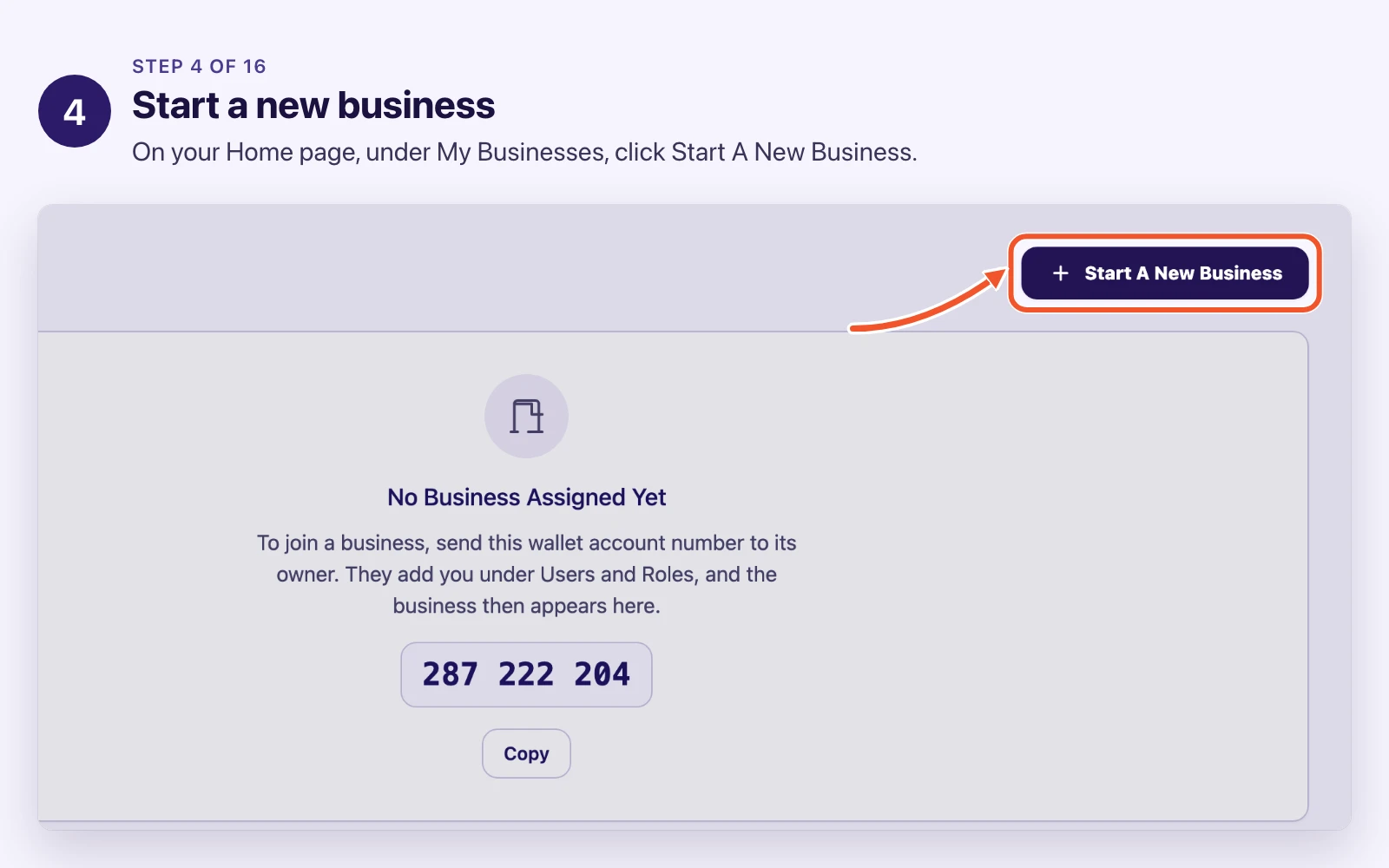
Everything in FeePrime hangs off a business, so creating one is the first thing that happens.
You may never do this yourself. Usually somebody sets it up once and everybody else just joins. But knowing what gets decided here explains a lot of what you meet later.
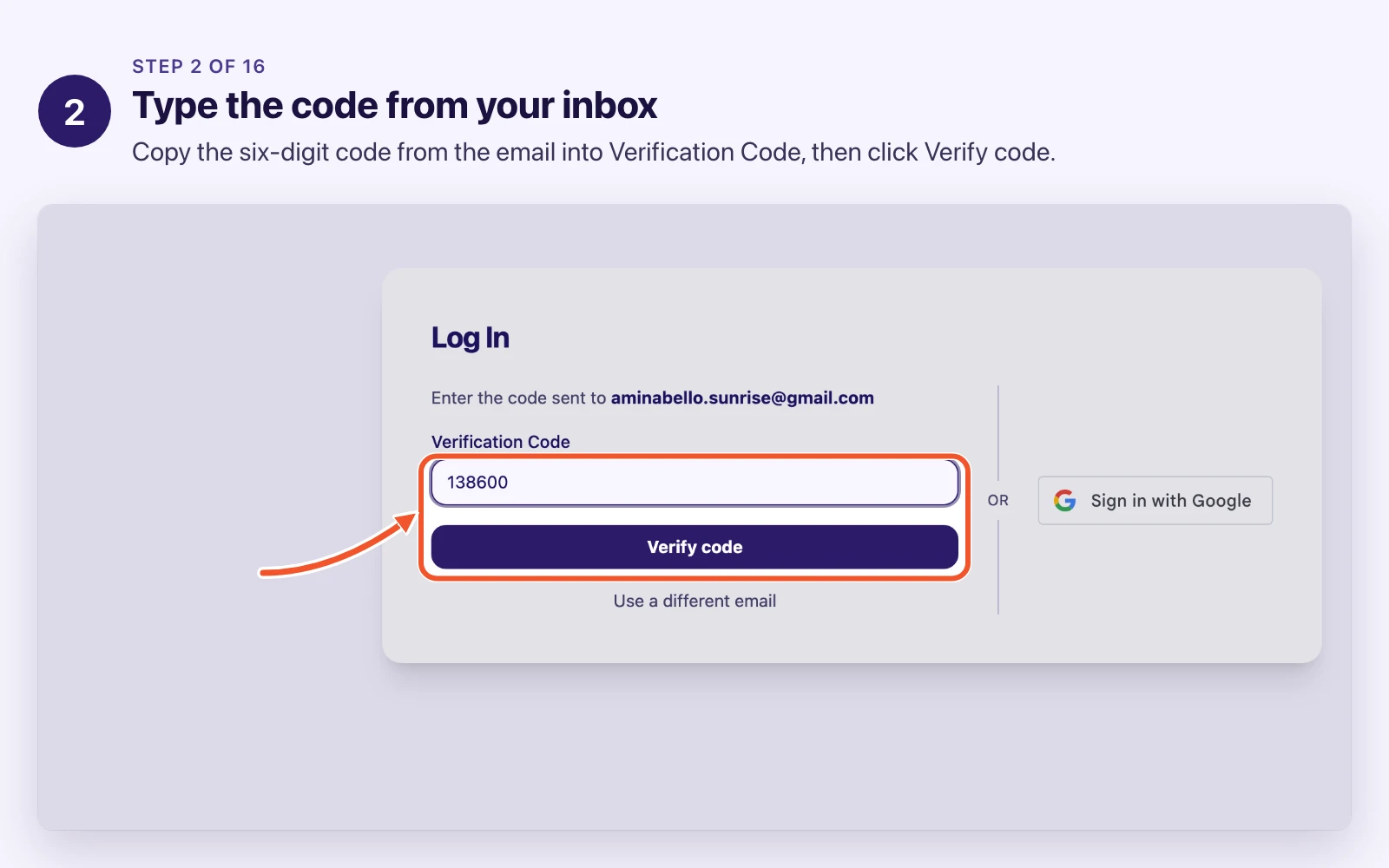
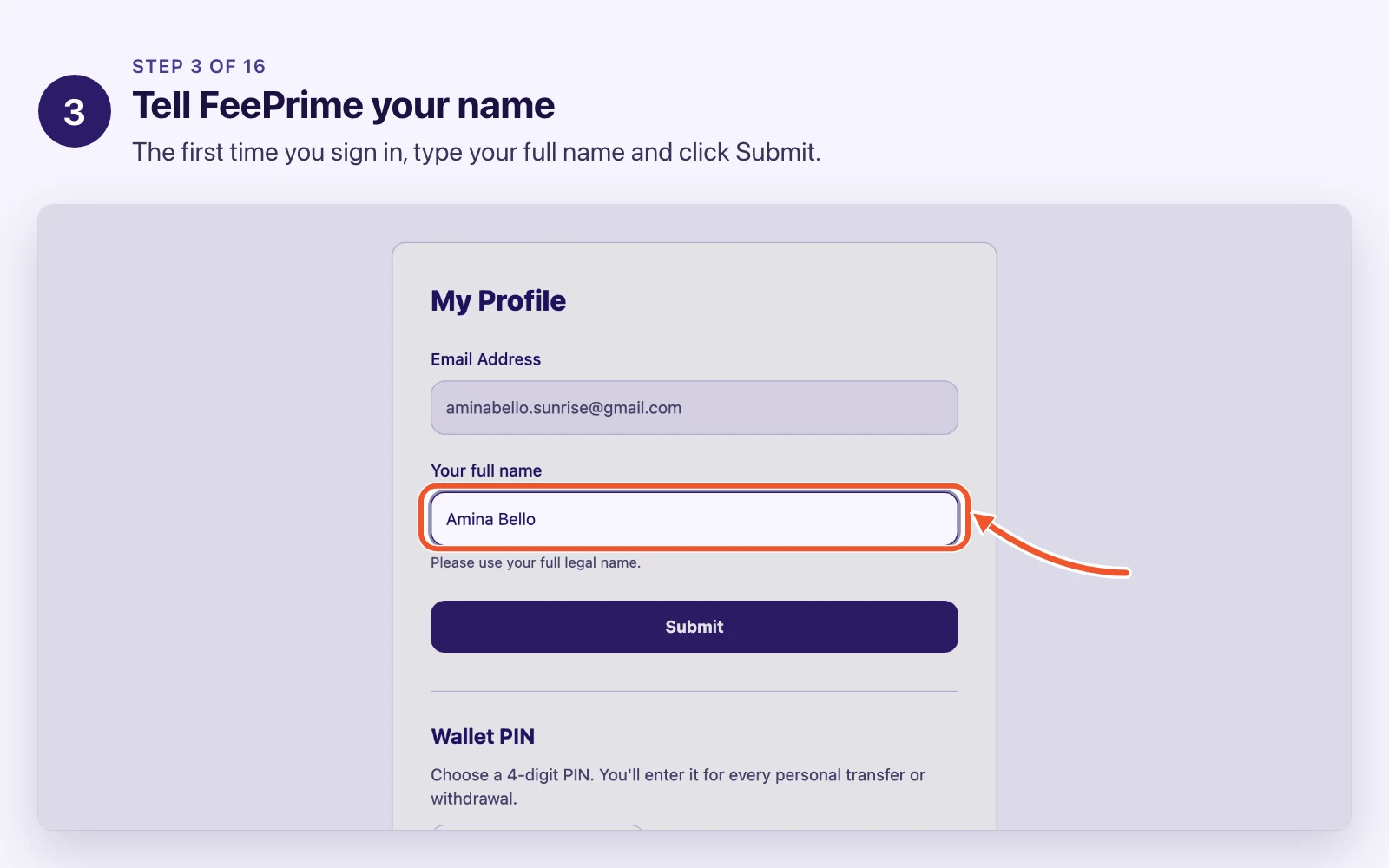
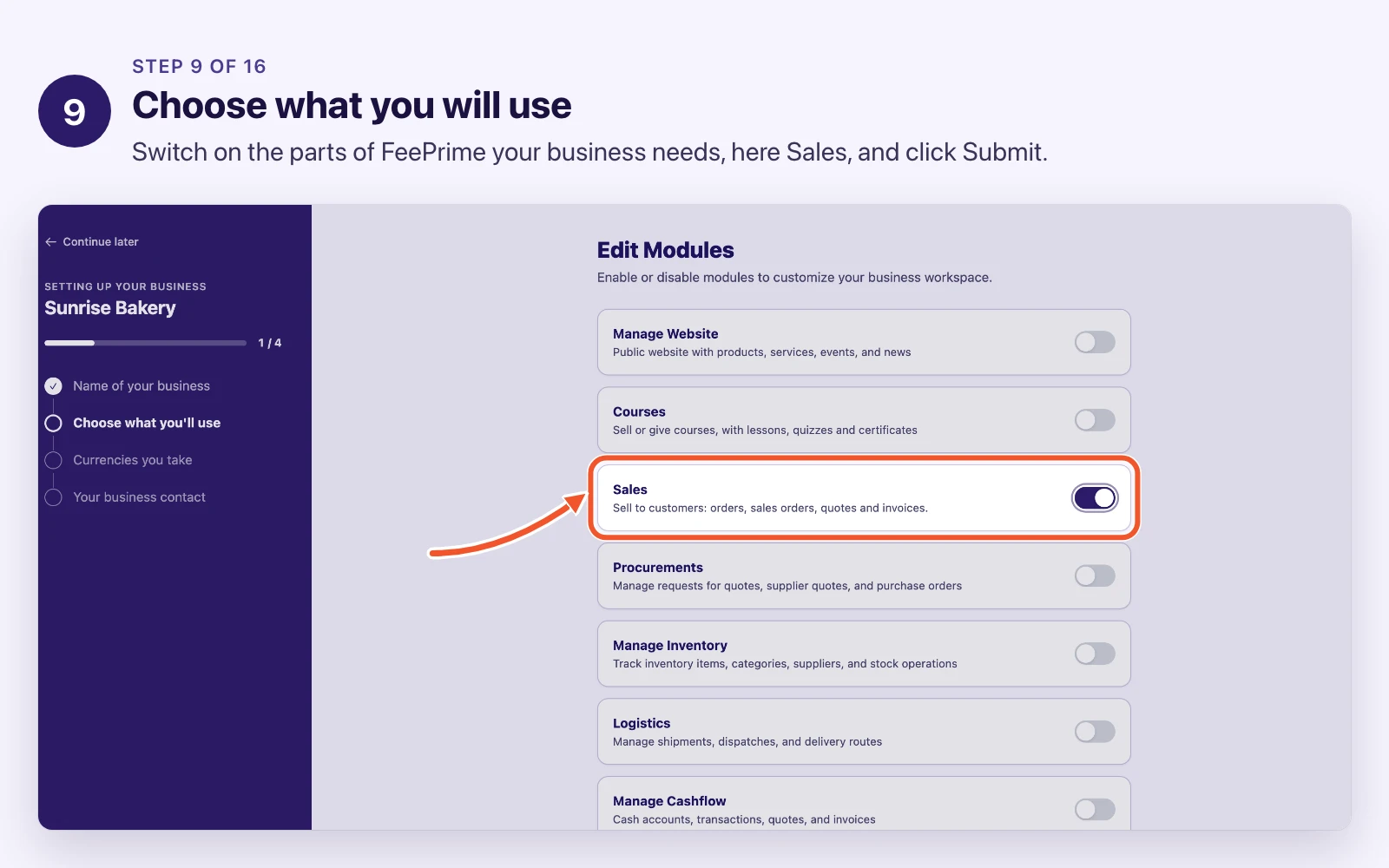
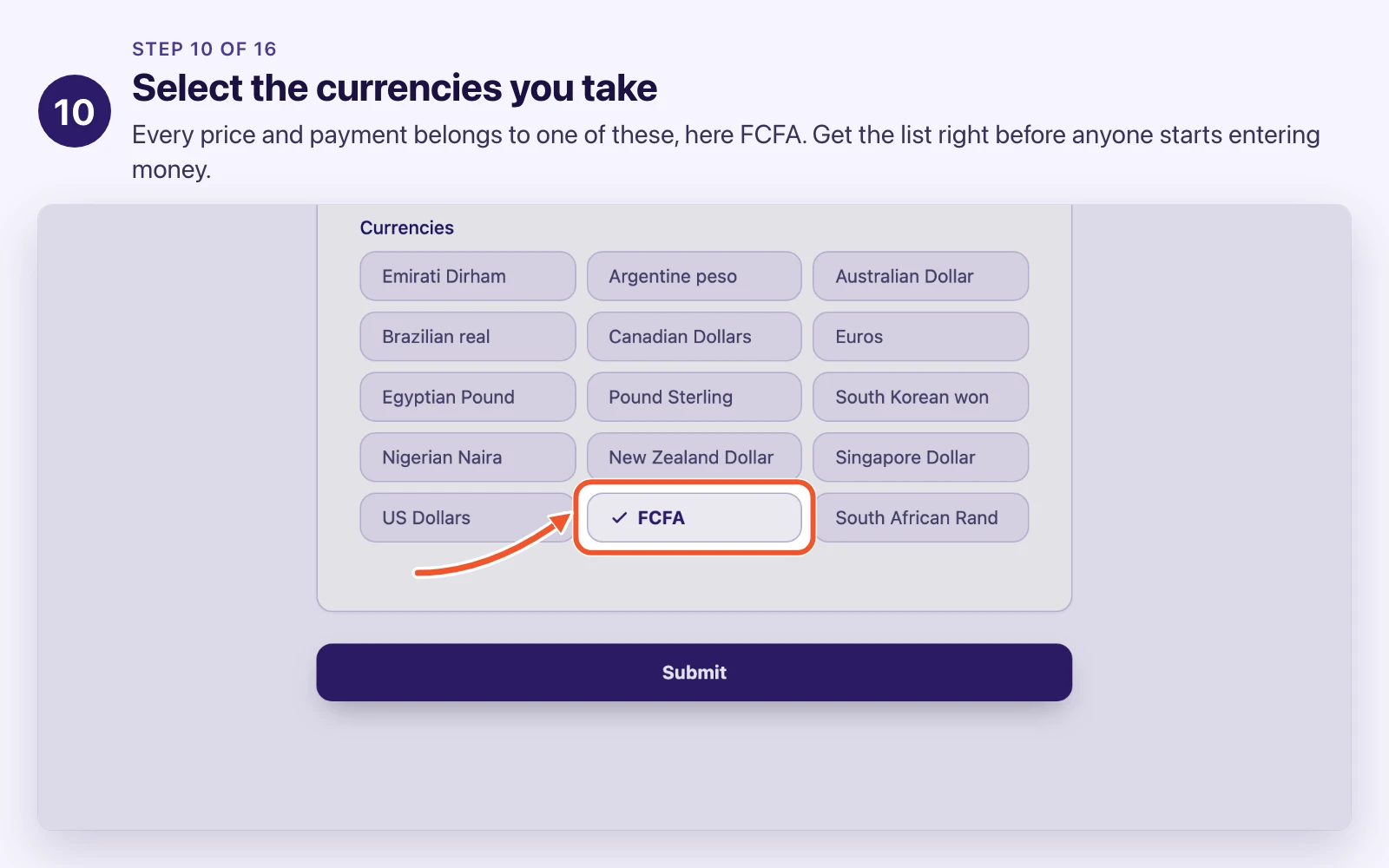
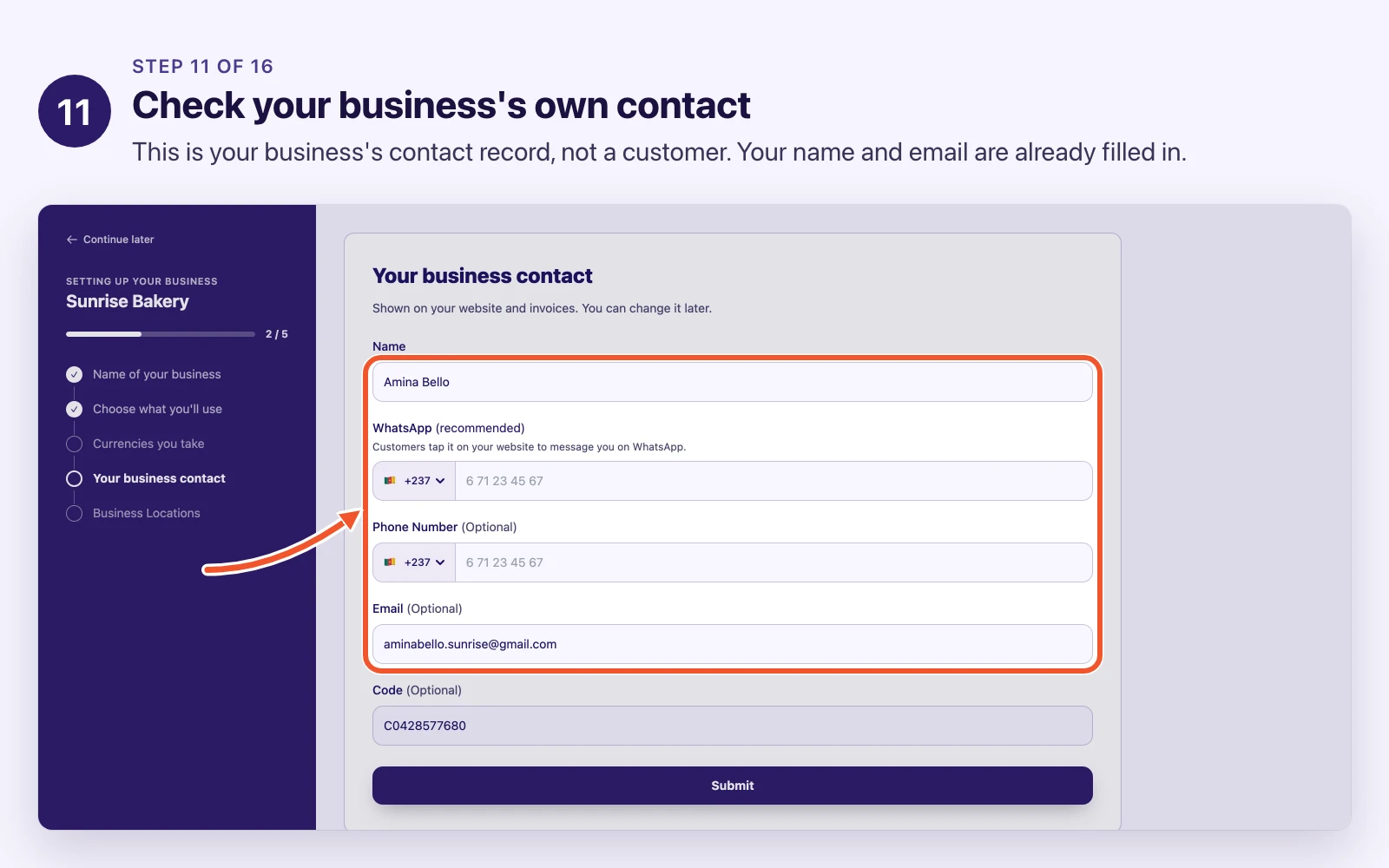
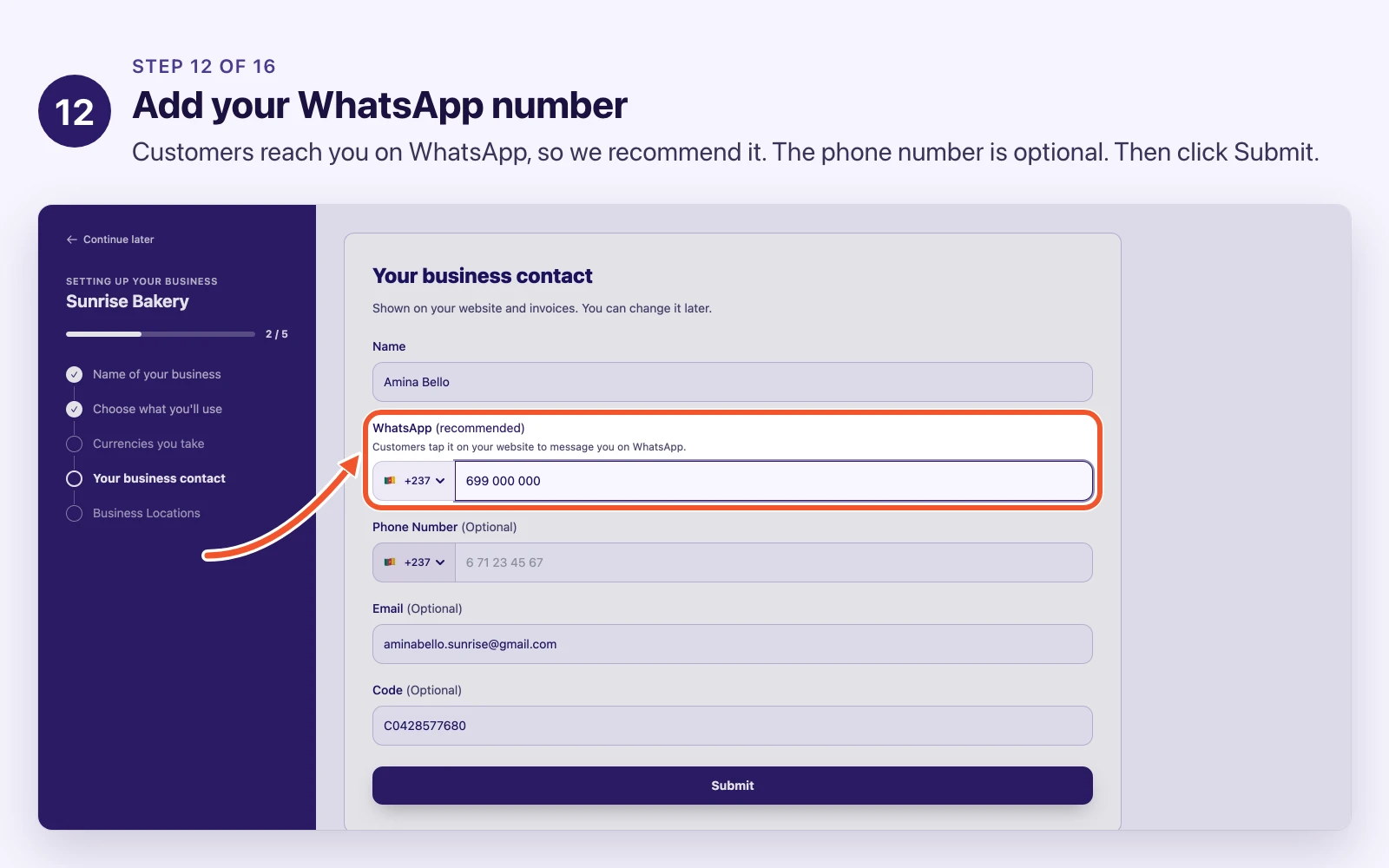
The video with this lesson shows the whole setup in about two minutes. The pictures below follow it screen by screen, and the gallery has the same pictures if you would rather flip through them.
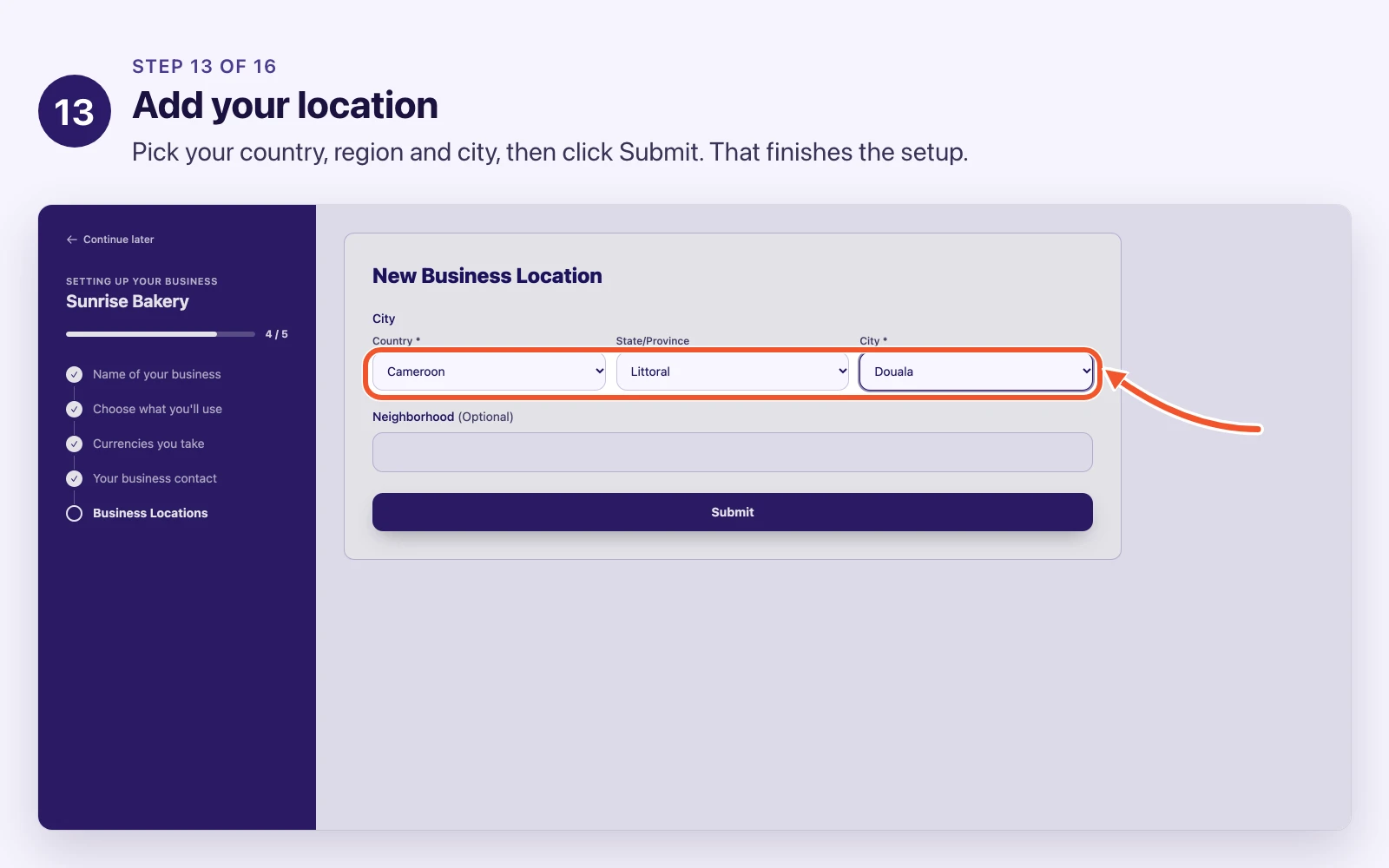
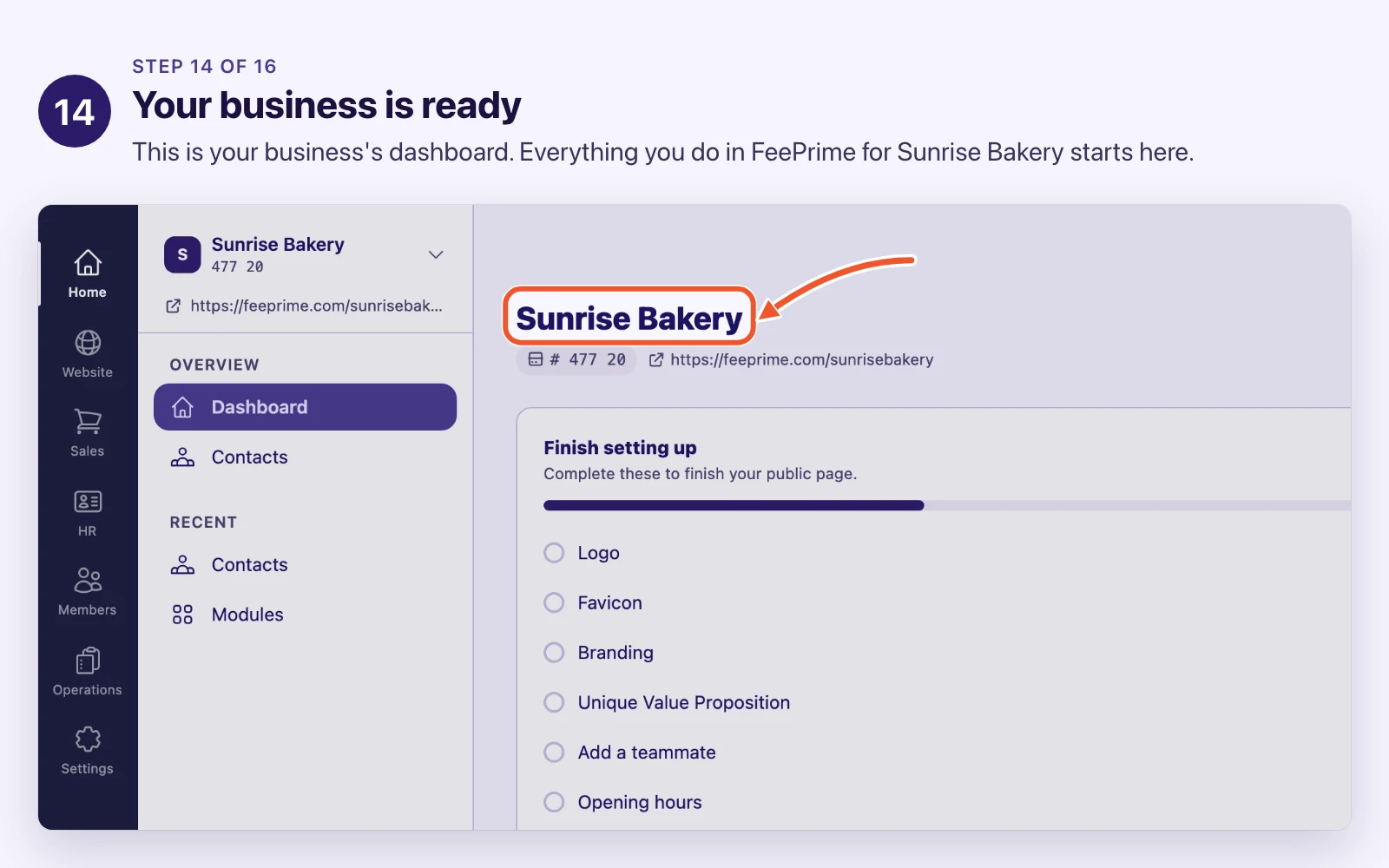
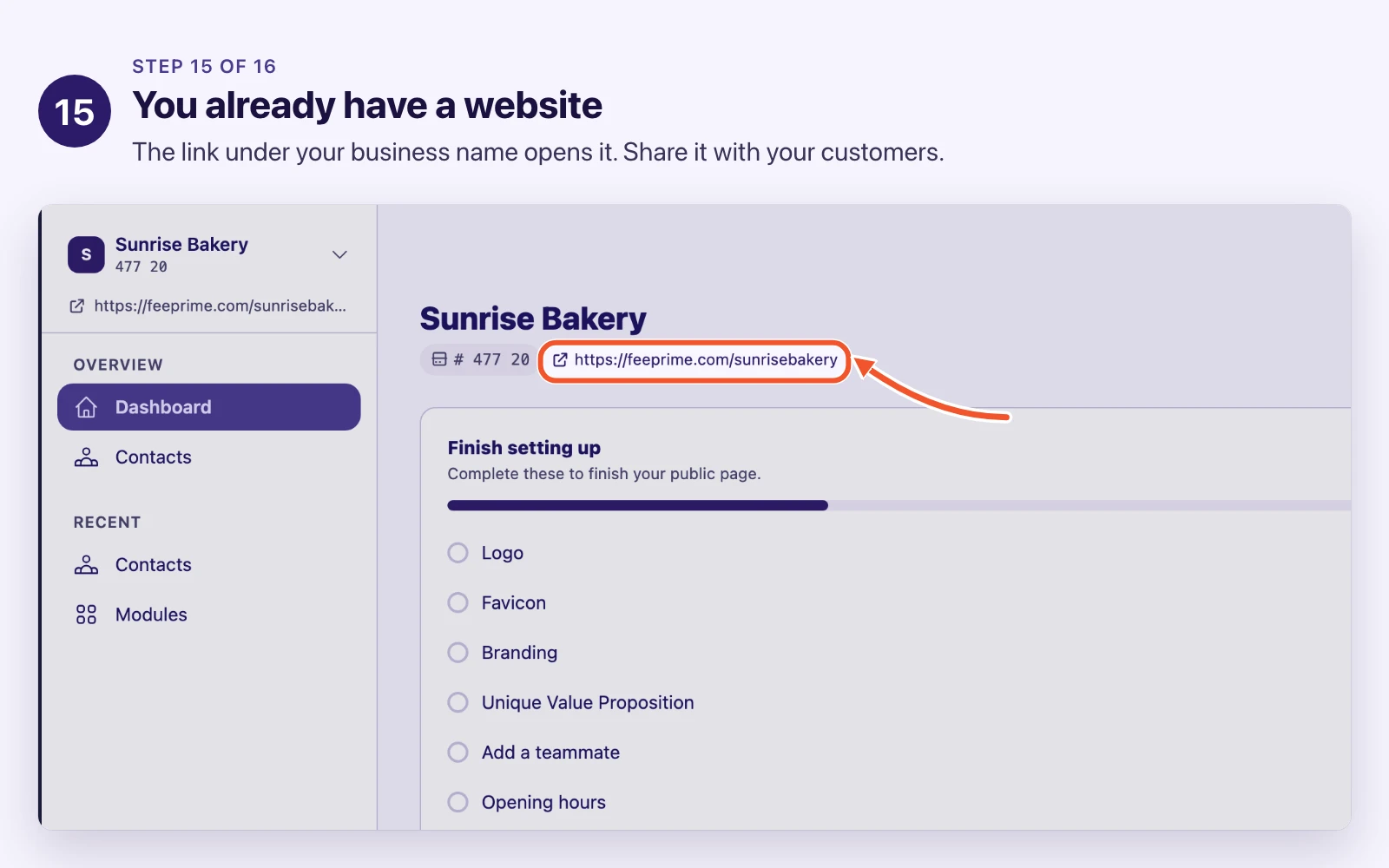
The setup, screen by screen
Your web address is a public decision
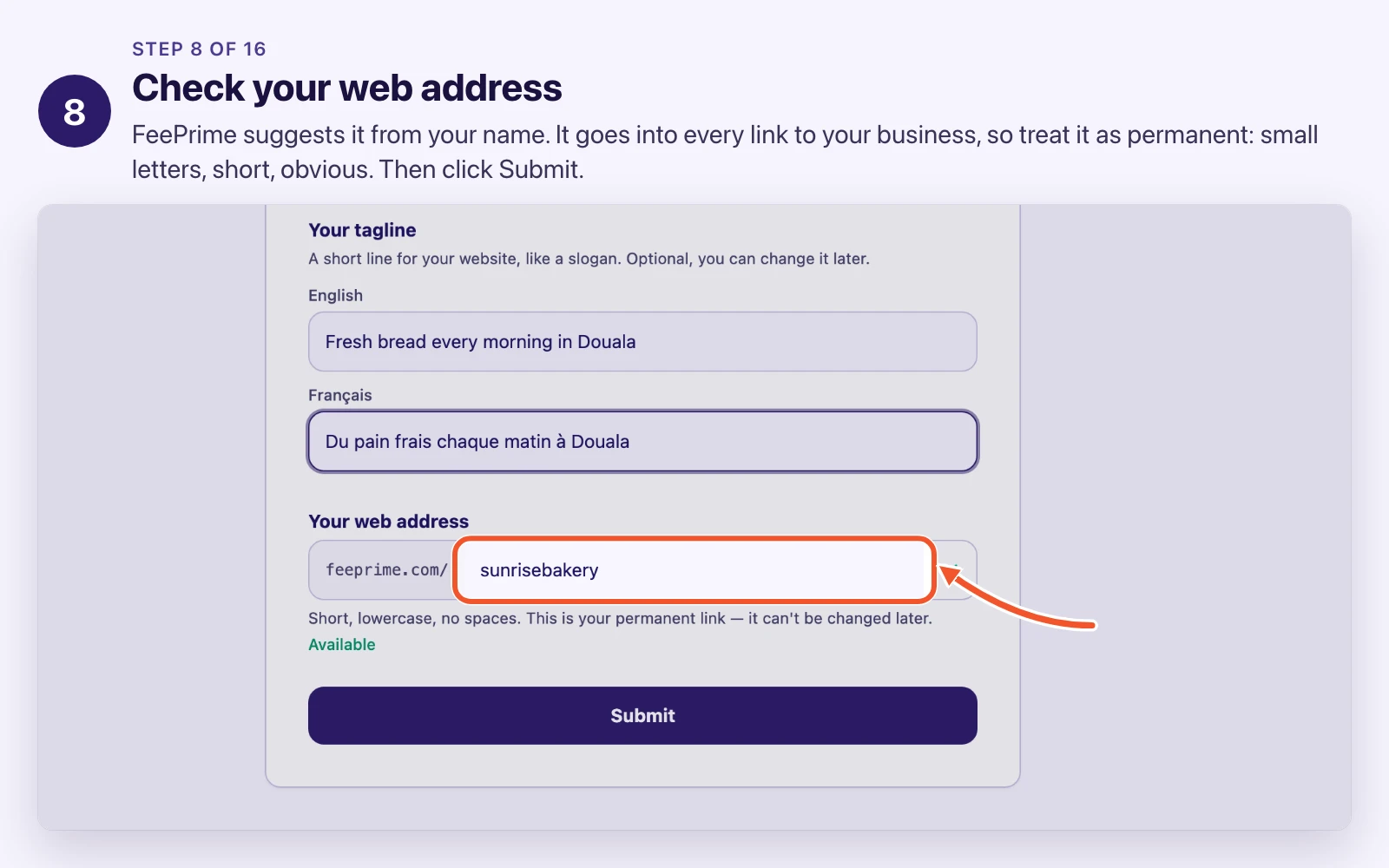
Your business has a name, like “Sunrise Bakery”. Separately it has a web address: a short word in small letters with no spaces, like sunrisebakery.
You can change the name whenever you like. The web address is different, because it becomes part of every public link your business has.
   feeprime.com / sunrisebakery / en / products
                  ^^^^^^^^^^^^^    ^^
                  web address      language
FeePrime suggests one from your English name. Check it before you click Submit, and pick it the way you would pick a shop sign: short, obvious, and something you will still be happy with in three years. Do not put a year in it, and do not name the one branch you happen to have today.
Treat it as permanent. Changing it later breaks every link anybody has saved or printed.
Get languages and currencies right before anybody starts typing
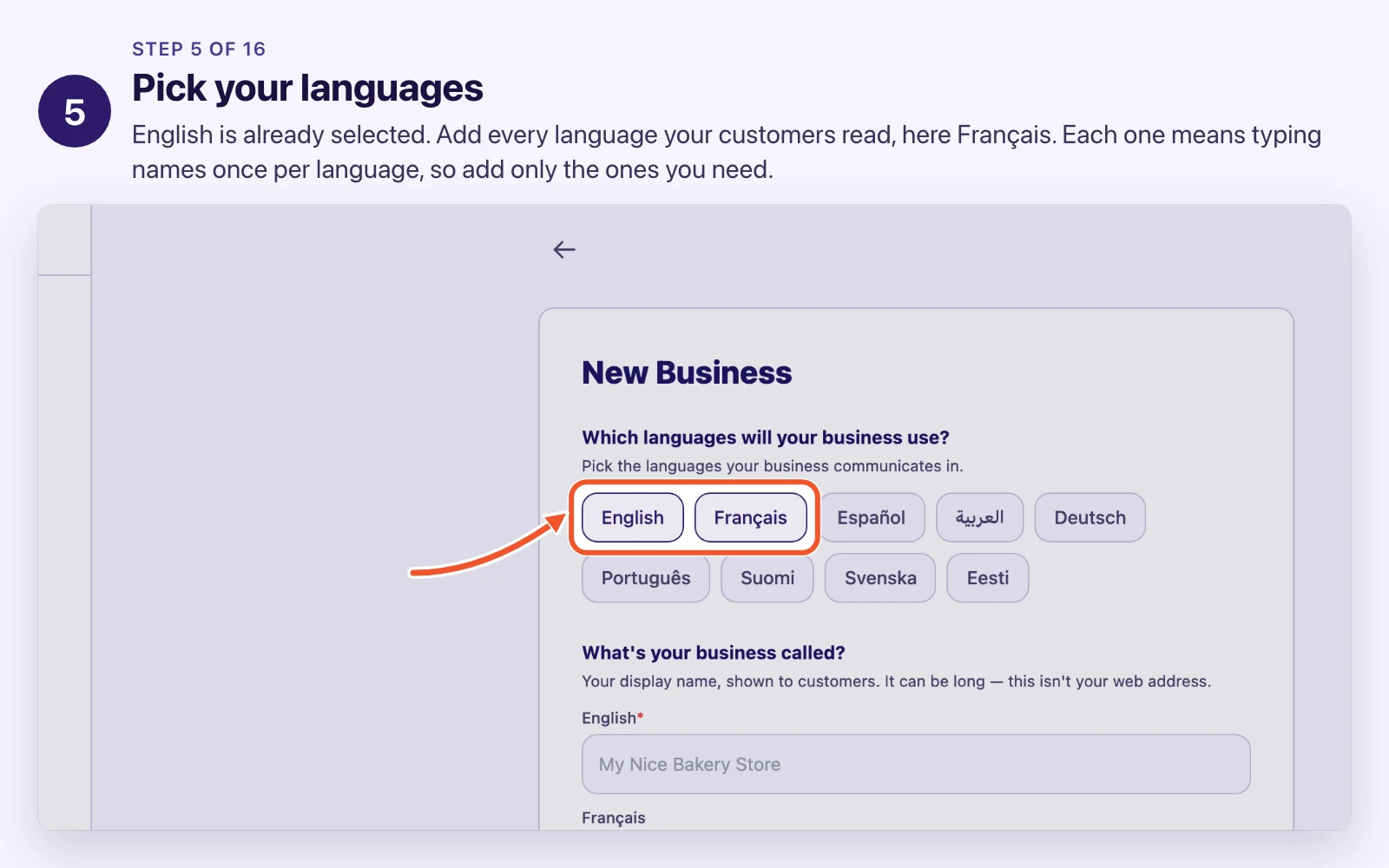
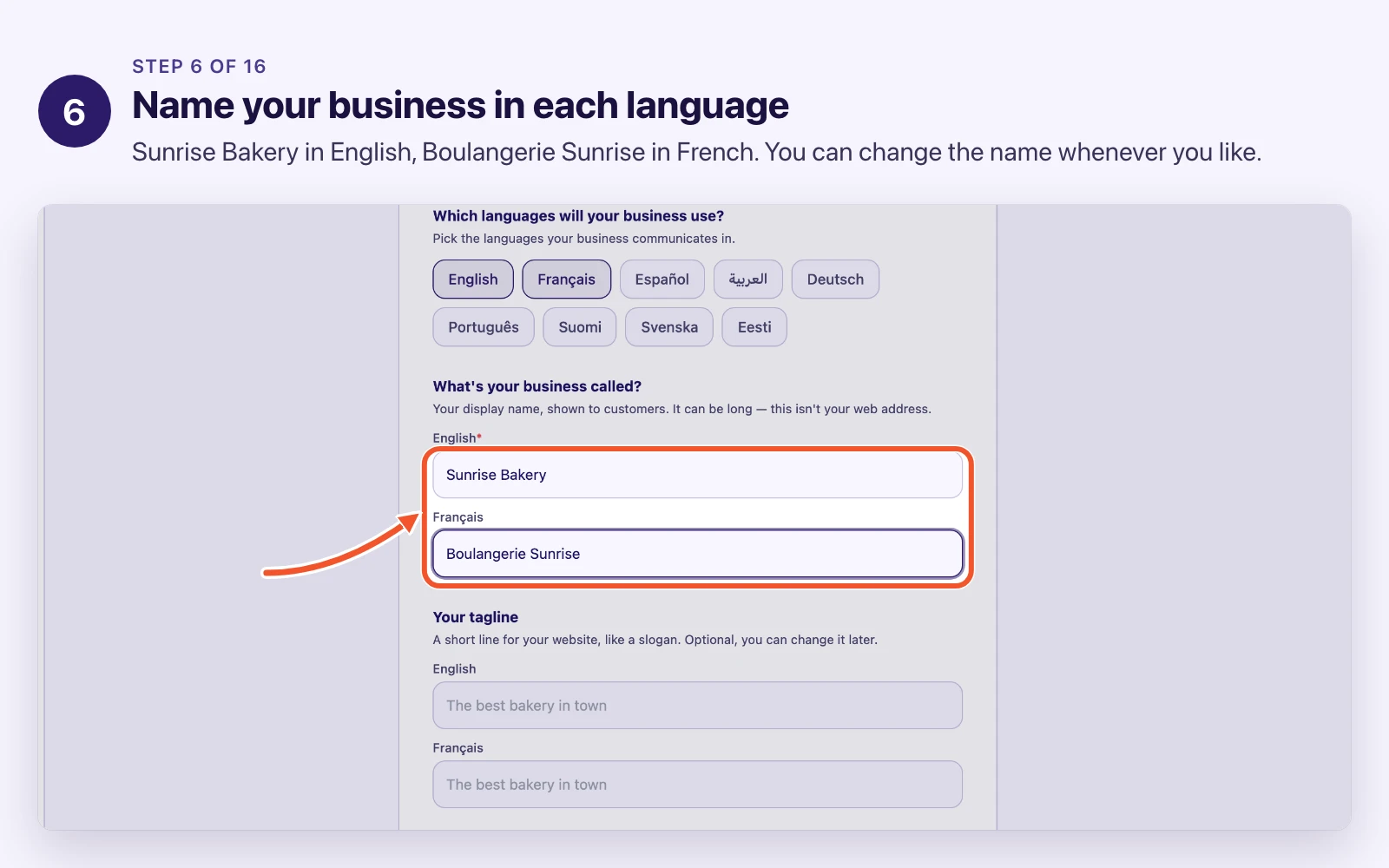
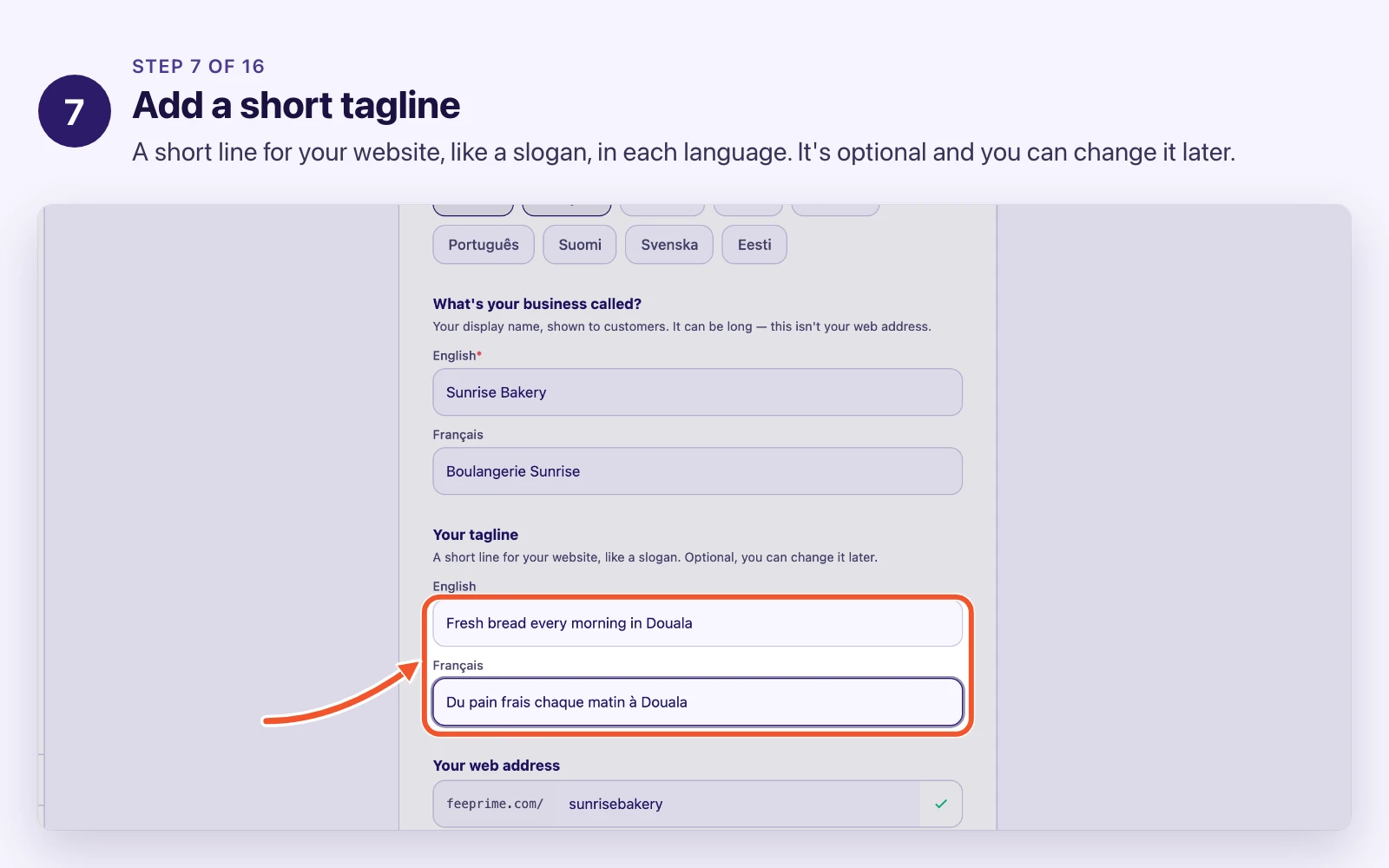
Languages. Some boxes then ask for the same thing once per language, so a product can be “Bread” in English and “Pain” in French. Add the languages your customers genuinely read. Every extra language is extra typing forever.
Currencies. Every amount you enter later belongs to one of these, so the list has to be right before anybody starts entering money.
These two are the ones people regret. Adding a second language after a thousand products exist means a thousand products with a blank French name. Adding a currency is easier, but changing which currency an existing payment was in is not.
Spend the extra five minutes now.
The first contact is your business, not a customer
The setup asks for one contact, and it is already filled in with your name and email. That is your business’s own contact record: the name, email, WhatsApp number and address your business is reached at. Customers come later, in their own lesson.
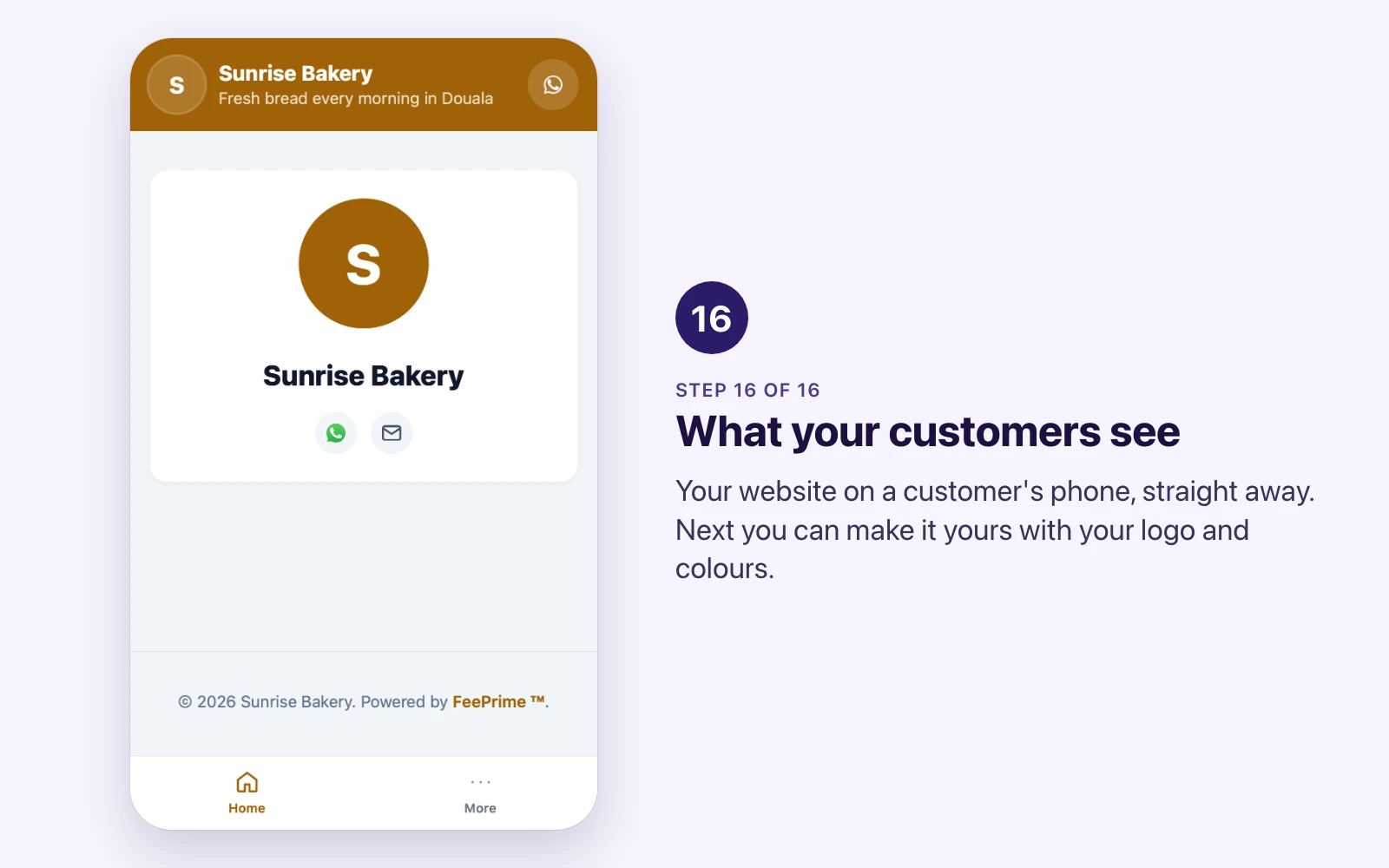
It is also the contact your website shows. The WhatsApp number you add here becomes the button customers tap to message you, and your invoices use this contact too.
Try it
On staging.feeprime.com, create a business of your own with a silly web address. When setup finishes, click the link under your business name and look at your new website on your phone.
That loop, change something in the app and see it on the public site, is the basic rhythm of FeePrime.