
Recipes and production runs
Before you start, sign in and open Stock / Production / Recipes and Stock / Production / Production Runs. You will also use Stock / Movements / Inventory Transactions to verify what moved.
Can’t find it? It may be turned off for your business, or your account may not be allowed to open it. Ask the person who set up your FeePrime. They can fix both.
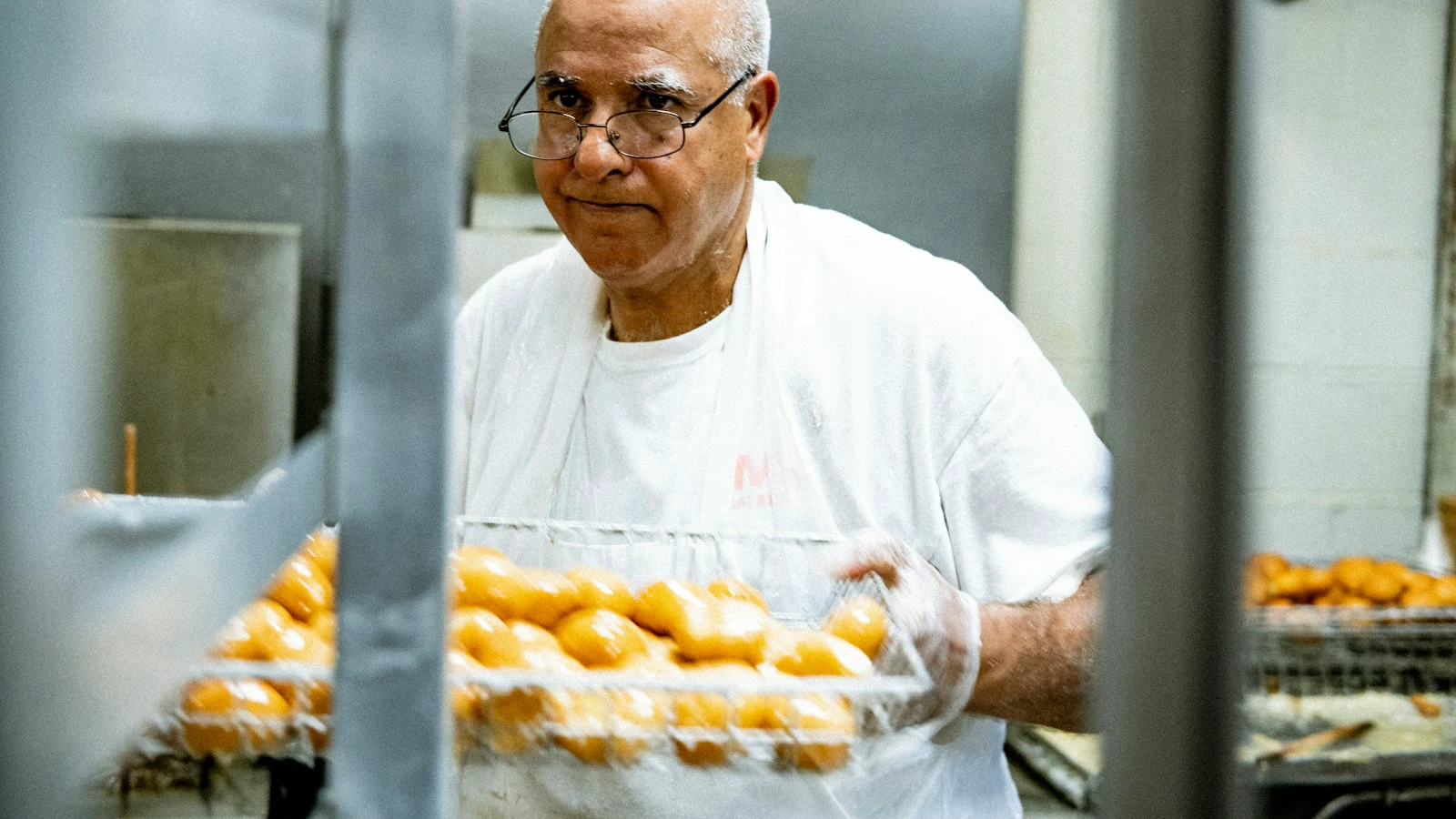
Photo: Bernie Almanzar on Unsplash
At Sunrise Bakery in Akwa, Amina buys 50kg bags of flour, blocks of butter, yeast, and sugar. She does not sell 50kg bags of flour to walk-in customers — she sells warm croissants and baguettes across the counter and delivers crates to Hôtel Akwa.
If you transform what you buy before you sell it — whether you bake, mill grain, roast cocoa, pack spices, brew juice, or assemble kits — your raw materials and your finished goods are completely different items in your store.
Without a proper link between them, your stock numbers drift apart fast. Your screen still claims you have 20 bags of flour sitting in the back room while showing negative 400 croissants up front. Recipes and Production Runs turn raw inputs into finished outputs honestly, in one connected move.
1. A recipe is the formula, not the move
Open Stock / Production / Recipes to define how one product is made from others.
Every recipe records five core things:
- Name — a clear, everyday label your team recognizes at 5 AM (for example, Butter Croissant — Standard Batch).
- SKU — your internal code for that formula.
- Description — brief notes on the batch standard or process.
- Inputs — the exact raw materials and quantities needed to make one batch (such as flour, butter, sugar, and yeast).
- Outputs — the finished goods that come out of one batch.
Saving a recipe moves zero stock. It is the written formula pinned to the wall, not the act of baking. You create a recipe once and reuse it every day, every shift, or every week.
Notice that outputs is plural on purpose. In real SME work, one process often produces more than one useful item. Think of a grain mill processing 100kg of whole maize: one pass through the mill produces fine maize flour for families and maize bran sold to poultry farmers. Listing both as outputs lets you account for by-products cleanly instead of hiding them or cramming everything onto one line.
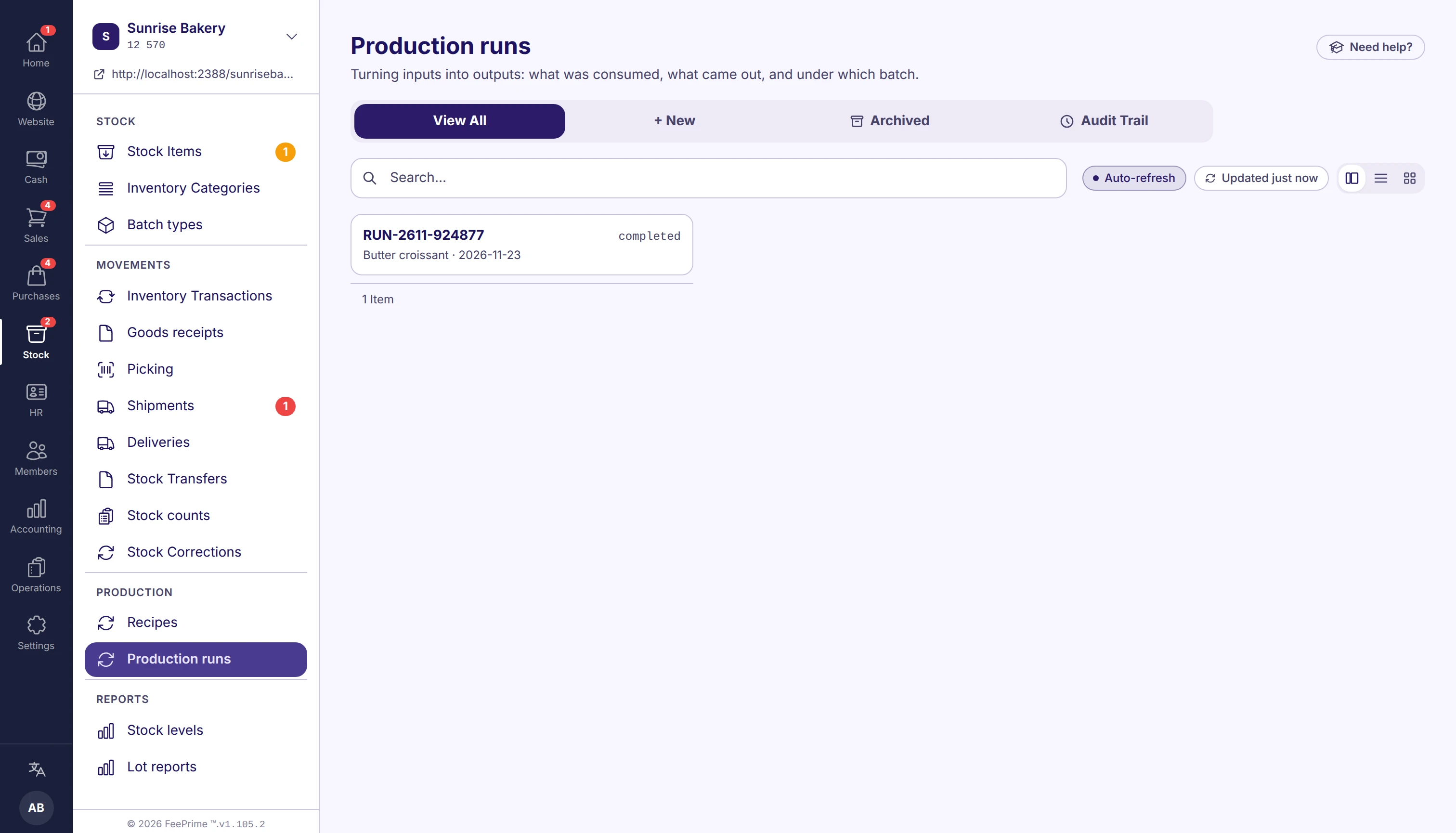 production runs screen in FeePrime (Sunrise Bakery).
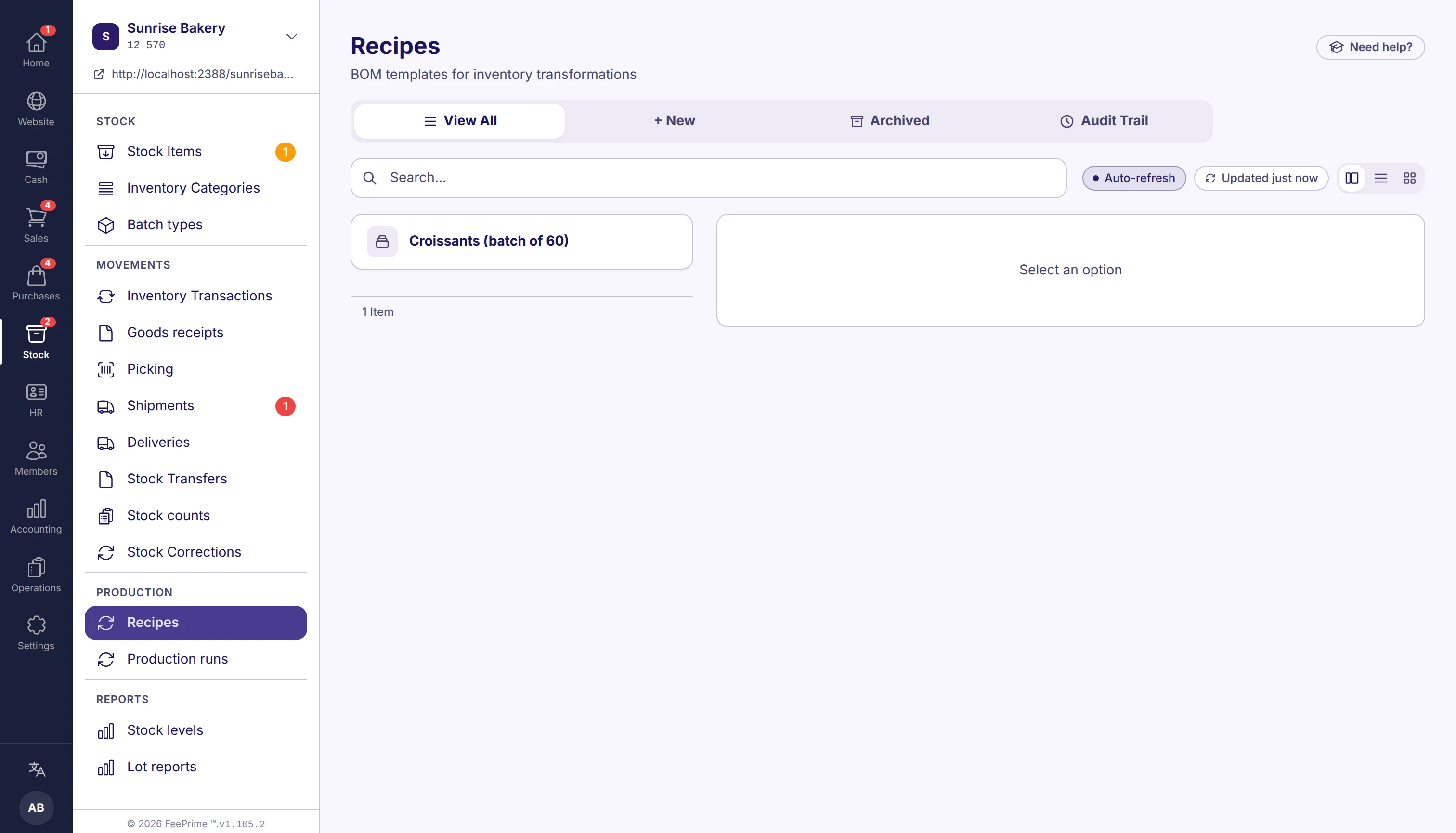 recipes screen in FeePrime (Sunrise Bakery).
2. A production run moves both sides in one go
When your team actually mixes the dough, fires the oven, or runs the mill, open Stock / Production / Production Runs and record a production run.
A production run is the real stock movement. In a single action, it deducts the inputs from your store and adds the outputs into your store so both sides move together and neither can be forgotten.
BEFORE THE RUN                      THE PRODUCTION RUN                         AFTER THE RUN
--------------                      ------------------                         -------------
Raw materials in store              Stock / Production / Production Runs       Finished goods in store
  - Flour 50kg     (-1 bag)   --->  Recipe: Butter Croissant Batch      --->     - Butter Croissant (+385 pcs)
  - Butter 10kg    (-1 block)       Batches: 1                                 Stock / Movements /
  - Sugar 5kg      (-1 bag)         Production cost: 68,500 XAF                Inventory Transactions
                                    If lot-tracked:                              - Inputs out & outputs in
                                      batch ref, expiry, origin link               linked in one movement
Every production run records:
- Which recipe was used and how many batches were made.
- Production cost, capturing what that run actually cost your business.
- Lot details (where the output item is lot-tracked): the output’s batch reference, expiry, and where it came from.
Right after you save the run, open Stock / Movements / Inventory Transactions. You will see the raw materials leaving and the finished goods arriving together as one clear story.
3. Why one run beats two manual adjustments
Some busy shops try to take a shortcut. At the end of the day, a storekeeper writes off two bags of flour as wastage and types 400 croissants into a manual goods receipt. On the surface, the total quantities look roughly right.
Never fake production by writing off inputs as waste and receiving finished goods by hand. Two separate adjustments that happen to balance are not the same thing as one record of what really happened. Taking that shortcut costs you three vital things:
- No link between inputs and outputs. Nobody can look back next Tuesday and prove which bags of flour became which batch of croissants.
- No honest cost per unit. You cannot tell whether a rise in butter prices just wiped out your margin on Hôtel Akwa’s breakfast order.
- No way to answer a recall. If a supplier calls to warn you about a damp or contaminated lot of raw ingredients, you have no trail showing which finished batches used it.
One production run keeps the entire chain intact automatically.
4. Record the real yield, never the tidy number
A recipe tells you what should come out of a batch. A production run must record what actually came out.
Suppose Sunrise Bakery’s croissant recipe expects 400 pieces from one batch, but this morning one tray burned and the Akwa kitchen only pulled 365 sellable croissants from the oven. Always enter the 365 you actually got, never the 400 the recipe promised.
When your recorded output keeps falling short of the recipe prediction, FeePrime gives you an early warning. A repeated short yield almost always points to one of three things:
- The recipe is wrong. Your bakers really need 10% more flour than the formula says, or the standard batch size was guessed too high.
- The process is losing material. Scales are off, ovens are scorching trays, or packaging machines are spilling product.
- Something is going out the back door. Unrecorded stock is leaving the kitchen or warehouse.
Typing the expected number just to make the sheet look neat destroys the only signal you had.
5. Small workshop vs bigger producer
You do not need every advanced tracking feature on day one. Match your setup to how your business actually runs:
- Small bakery, kitchen, or assembly shop (same-day sales, no expiry tracking): Create your raw materials and finished goods in Stock / Stock / Inventory Items, write your formulas in Stock / Production / Recipes, and log each shift in Stock / Production / Production Runs. Leave lot tracking and expiry fields off. Nothing breaks.
- Food processor, agro mill, bottler, or multi-branch operation: Turn on lot tracking for sensitive items so every production run stores the batch reference, expiry, and where it came from. Record production cost on every run, and use Stock / Reports / Lot Reports whenever you need full batch traceability for audits, quality checks, or recalls.
6. Five common mistakes to avoid
- Building a recipe before creating the items. Both your raw inputs and your finished outputs must already exist in Stock / Stock / Inventory Items.
- Stopping after saving the recipe. Creating the recipe only stores the formula. Your stock balances will not budge until you record a production run.
- Recording the expected yield instead of the real yield. Honest counts protect your cash and expose waste or theft early.
- Ignoring by-products. If a secondary output like maize bran or cocoa husks has value or takes up shelf space, add it as a second output in the recipe.
- Splitting production into wastage plus a manual receipt. Keep raw materials and finished goods tied together inside one production run.
Try it
Head over to staging.feeprime.com — a practice copy of FeePrime, kept apart from the real thing — and run a full batch in five minutes:
- Open Stock / Stock / Inventory Items and confirm you have at least two raw material items with stock on hand (for example, Flour and Butter) and one finished good (for example, Croissant).
- Open Stock / Production / Recipes and create a new recipe with those two inputs and one output.
- Check your stock balances right after saving the recipe — notice that nothing moved yet.
- Open Stock / Production / Production Runs, select your recipe, record 1 batch, enter a realistic production cost, and save. Then open Stock / Movements / Inventory Transactions to watch all three stock numbers move together in one linked action.
- Record a second production run with a deliberately short actual output (say 365 instead of 400) and check how clearly the yield gap stands out.
Once you see both sides move in one clean step, you will never go back to guessing what a batch really cost you.