
Renewals, fund approvals, and member governance
Before you start, sign in and open Members / Membership / Memberships, Members / Membership / Member Contributions, Cash / Planning / Liquidity Pools, and Settings / Access / Members.
Can’t find one? It may be turned off for your business, or your account may not be allowed to open it. Ask the person who set up your FeePrime. They can fix both.

Photo: Beth Stevenson on Unsplash
Most member associations, cooperatives, and savings groups do not fall apart because the software failed. They fall apart quietly over a single year: renewals slip past their date without a reminder, one treasurer handles cash alone because everyone is busy, two officers share one login on the office laptop, and by December nobody can explain where 300,000 XAF went.
Take the Akwa Bakers & Traders Association, where Sunrise Bakery is one of forty paying members. Each shop pays 25,000 XAF in annual dues and contributes into a 4,200,000 XAF shared liquidity pool that funds emergency member loans. Amina chairs the committee, Paul is treasurer, and Nadège Fouda handles the secretary’s desk.
This final lesson in Members & Membership is the least about clicking buttons and the most about the habits that keep an association healthy year after year.
1. Run a steady yearly rhythm
Good governance is boring on purpose. When the committee follows the same four habits every quarter, there are no end-of-year rescues and no heated arguments at the annual meeting.
- Renewals (
Members / Membership / Memberships). Check who is expiring next month, not who expired last quarter. Asking Awa Ndiaye to renew her 25,000 XAF membership during its final week is a two-minute routine. Chasing her three months after she lapsed means convincing her to join all over again. Never backdate a lapsed renewal to hide a gap — record the real date so the register always tells the truth. - Contributions (
Members / Membership / Member ContributionsandMember Payment Requests). Pick deadlines the committee is willing to follow up on, then remind members early and calmly. A deadline nobody enforces trains everyone to pay late. - The shared fund (
Cash / Planning / Liquidity PoolsandCash / Money / Loans). Walk through the pool balance and every open loan at every committee meeting (Members / Engagement / Meetings). Then share a plain summary throughMembers / Engagement / Member UpdatesorMembers / Reports / Membership Reportsbefore rumours fill the silence. - The member register. Archive, never delete. When a baker sells their shop and leaves Douala, archive their membership so they drop off active lists while their payment and loan history stays intact. Never overwrite an old member’s profile with a new joiner’s name — your history is one of the most valuable assets the association owns.
  Before expiry           Contribution due         Every committee meeting        Member leaves
        |                        |                           |                          |
        v                        v                           v                          v
  Ask early to renew      Send calm reminder       Review Liquidity Pools        Archive profile
  (keep real dates)       (act on deadlines)       & Loans + share update        (keep history)
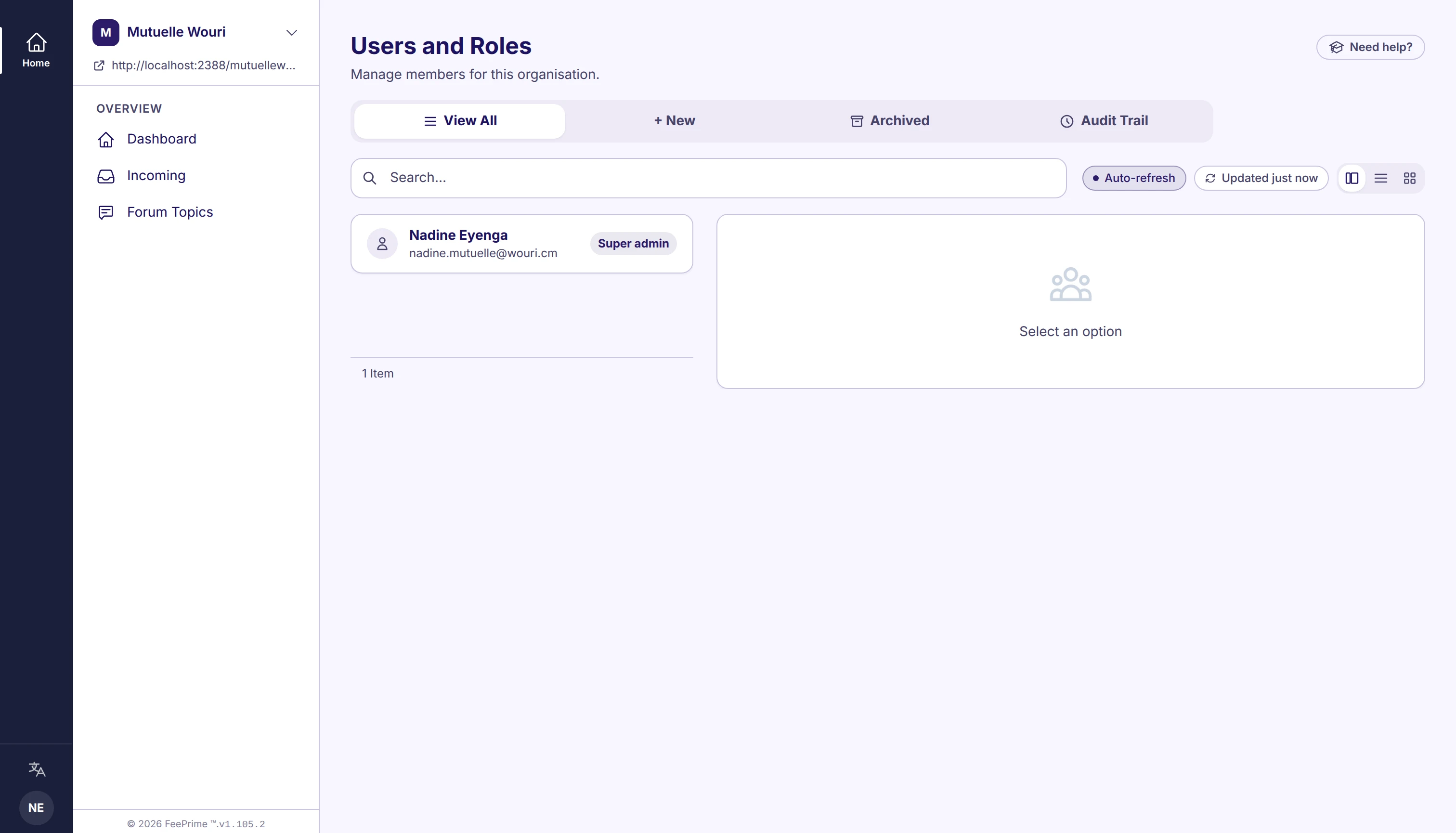 members screen in FeePrime (Mutuelle Wouri).
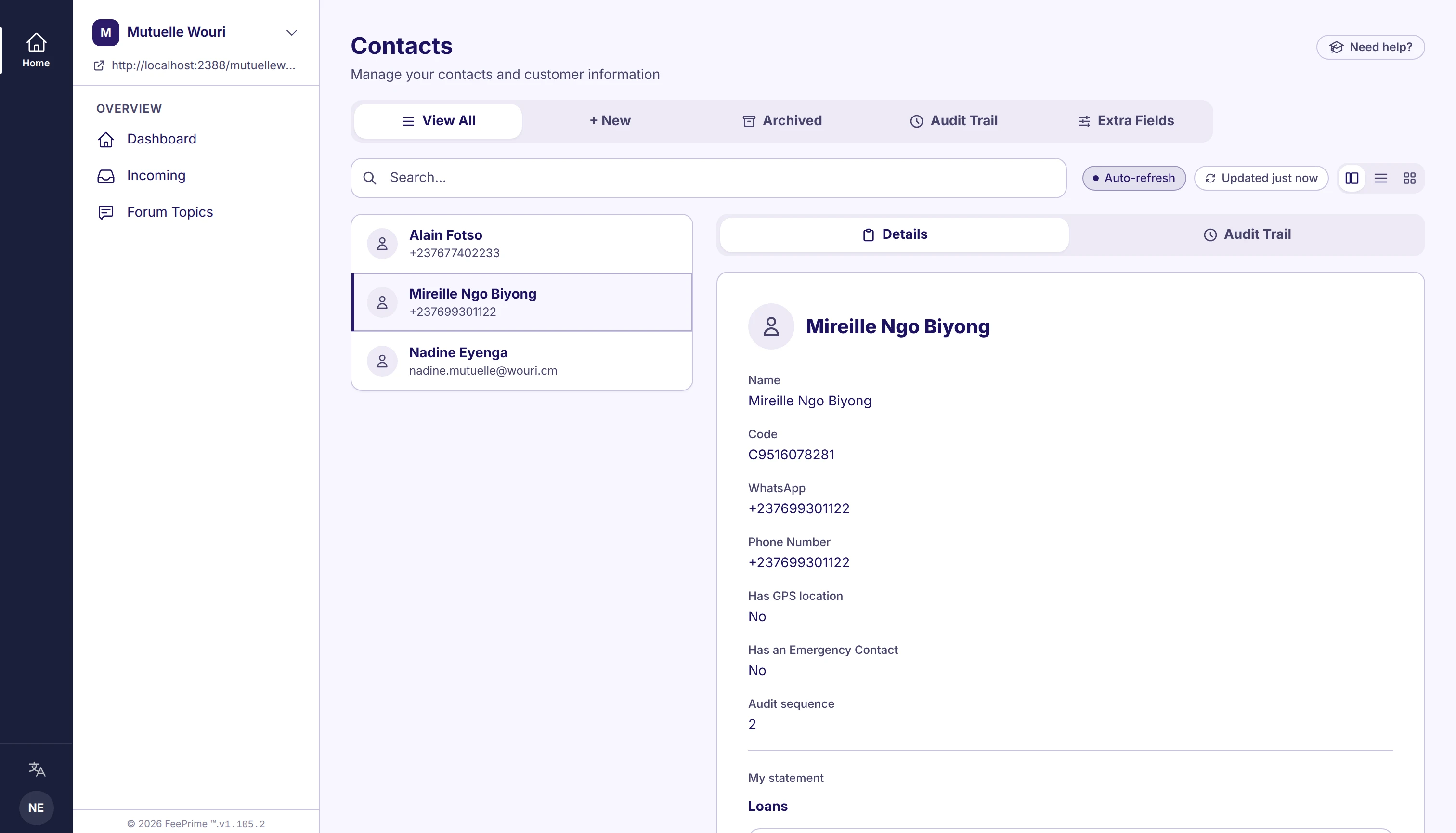 contacts screen in FeePrime (Mutuelle Wouri).
2. Approvals protect the person doing the work
In a private business like Sunrise Bakery, having a second person approve an expense mainly protects the owner from mistakes or theft.
In a member organisation, two-person approval protects the person doing the work. It protects Paul the treasurer from suspicion, from being accused two years later at a general assembly, and from being the only person who knows why 150,000 XAF left the liquidity pool.
A treasurer who insists that every loan or payout from the pool is approved by another officer is not being difficult. They are refusing to be the only person who could have moved community money. That is a completely reasonable boundary when the cash belongs to forty neighbours.
  Paul (Treasurer)                  Amina (Chairperson)               Audit Trail
  Prepares 150,000 XAF loan  --->   Reviews & approves         --->   Pool updates + both
  under his own login               under her own login               names locked in log
Turn on approvals and set limits in Settings / Access / Spending Controls, keep the audit trail intact, and never delete a posted entry to tidy up a mistake — use reversals or adjustments instead.
Small neighbourhood club vs larger cooperative:
- A 15-member neighbourhood group with tiny refreshment costs? Keep routine dues collection light, but still require a second officer to approve any loan or withdrawal from Cash / Planning / Liquidity Pools.
- A 150-member trade association or cooperative? Turn on Settings / Access / Spending Controls across every fund movement, enforce dual approval on all loans and payouts, and review Members / Reports / Membership Reports every month.
3. Never share a login — your audit trail depends on it
This rule appeared in FeePrime Essentials, and it matters twice as much when you manage other people’s money.
Every action in FeePrime is stamped against whichever user is signed in under Settings / Access / Members. Imagine Paul is rushing before a meeting and uses Amina’s chairperson login on the committee tablet to enter and approve a 150,000 XAF emergency loan. On paper, FeePrime now says Amina created and approved a payout she never saw. In the exact moment a member asks who released the funds, the record is wrong.
- Give every committee officer their own login in
Settings / Access / Members, with only the permissions their job requires. - Revoke access right after elections. When a treasurer or secretary steps down, turn off their access and create a separate login for their successor. Never hand over an old password. The former officer’s past entries stay safely tied to their name in the audit history.
4. Know what software can — and cannot — do
FeePrime records what happened and shows everyone where things stand:
- Who has paid dues and who is overdue in
Members / Membership / Member Contributions - How much sits in
Cash / Planning / Liquidity Poolsand when each entry inCash / Money / Loansfalls due - Who prepared and who approved every movement, and what the committee agreed in
Members / Engagement / Meetings
What software cannot do: FeePrime will not force a reluctant member to pay. It will not decide whether a baker recovering from a slow rainy season deserves a two-week grace period. And it cannot repair trust once officers bend the rules behind closed doors.
What it gives you is cleaner ground to stand on: no excuse of not knowing. No balances pieced together from old WhatsApp chats, no arguments about what was agreed six months ago, and no cash position that only one person can explain.
5. You have finished Members & Membership
Every habit in this course connects back to the core ideas across FeePrime: clear records over scattered notebooks, two-person approval and personal logins over informal favours, and archiving instead of deleting.
If you completed FeePrime Essentials and Members & Membership, you already have everything you need to run a disciplined member organisation. Come back for another course — like Stock, Selling, or Events — only when your organisation takes on that job.
Try it
Open staging.feeprime.com — a practice copy of FeePrime kept apart from your real organisation — and spend five minutes running a committee governance check:
- Open
Members / Membership / Memberships, spot a membership close to its end date, and practise renewing it rather than waiting for it to lapse. - Pick a departed test member and archive the record instead of deleting it, then confirm their past history is still visible.
- Open
Cash / Planning / Liquidity PoolsandCash / Money / Loansside by side to review the current pool balance and open loans as you would before a committee meeting. - Open
Settings / Access / Membersand check that every officer role has its own separate login rather than a shared account. - Open
Settings / Access / Spending Controlsand review how a second officer approves fund movements above your threshold.
Five minutes of habit every month saves hours of tension at your annual general meeting.