
Managing customer orders: pickup, delivery, and statuses
Before you start, sign in and open Sales / Selling / Orders.
Can’t find it? It may be turned off for your business, or your account may not be allowed to open it. Ask the person who set up your FeePrime. They can fix both.
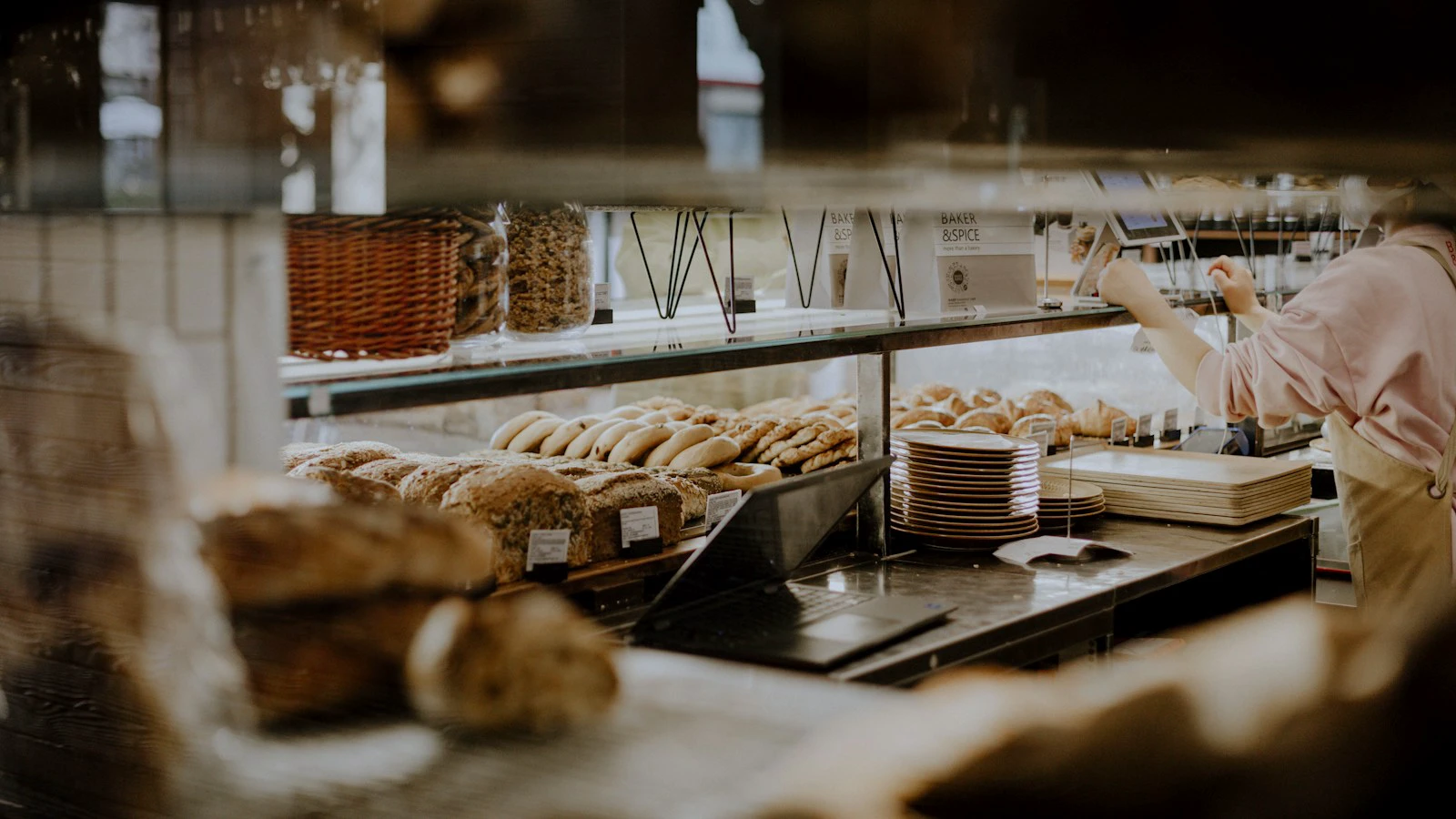
An order is a customer’s commitment — and for most shops, bakeries, restaurants, and distributors, Orders is the busiest screen in the building.
Picture a Friday morning at Sunrise Bakery in Douala. A bride messages at 11:30 PM from your website for a cake and 40 croissants. At 8:00 AM, Hôtel Akwa calls for their breakfast bundle. Meanwhile, walk-in customers are queuing at the Bonapriso counter, and Junior the rider is waiting by his motorbike asking which box leaves first.
When those commitments live across WhatsApp chats, sticky notes, and somebody’s memory, boxes get handed to the wrong person, riders waste twenty minutes hunting for a gate, and nobody knows whether the customer already paid. Sales / Selling / Orders puts every open commitment in one live queue so the cashier, the kitchen, and the rider work from the same truth.
1. What an order holds (and why strangers can order too)
Every order in FeePrime carries the essentials your team needs to prepare and hand over the goods without chasing the buyer back for details:
- Customer name, phone, and email say who the order is for. An order can be taken from somebody who is not in Sales / Customers / Contacts yet. That matters when a brand-new customer orders from your website at midnight — you never lose a sale just because nobody created a contact record first.
- Order number gives both your team and the customer one short reference to quote when they call or arrive at the counter.
- Order items list exactly what they want, and an order can also link directly to an offer (from Sales / Catalogue / Offers) so a promotional package like Sunrise Bakery’s Breakfast Bundle stays recognisable as a bundle instead of looking like random loose items.
- Notes hold the human details that save mistakes: “Write ‘Happy Birthday Nadège’ in dark chocolate” or “Call on arrival, security gate is locked after 6 PM.”
- Source and referrer code record where the order came from — your Bonapriso shop, your public website, a partner page, or a flyer campaign at Marché Central.
Never leave source and referrer code blank if you run more than one channel. Blank fields tell you nothing at the end of the month. Filled in consistently, they answer the question every owner asks: which channel is actually bringing us paying orders?
2. Collection vs home delivery: getting the handoff right
Once you know what the customer wants, the next question is how the box leaves your hands. FeePrime separates collection from home delivery cleanly so neither side gets cluttered.
For collection (customer picks up): - Pickup location — which branch holds the box (Akwa bakery, Bonapriso shop, or Marché Central stall). - Pickup date and pickup time — so the kitchen bakes on time and Paul the cashier knows what should be ready at the counter before noon.
For home delivery (your rider takes it out): - Home delivery switch and delivery date. - GPS location and landmark. - Recipient name and recipient phone (often different from the buyer when someone sends a cake to a colleague or relative). - Delivery fee, distance, and a delivery code to confirm the handoff reached the right person.
The landmark field is not decoration. Across Douala, Yaoundé, and most African cities, an address is a description, not a neat postal line. The GPS pin gets Junior the rider into the right neighbourhood; the landmark (“blue gate opposite Pharmacie du Carrefour, second turn after the bakery”) gets him to the right door without four phone calls. GPS location plus landmark is what turns an order into a delivery that actually arrives.
One shop, counter pickup only? Leave the home delivery fields off and ignore them. Nothing breaks.
3. Status is what actually happened, not a screen to tidy
As your team works the queue, an order moves through clear stages:
[processing] ──▶ [packaged] ──▶ [ready for pickup] ────────────────────▶ [delivered]
                      │
                      └──▶ [dispatched] ──▶ [out for delivery] ────────▶ [delivered]

(any open stage) ──▶ [cancelled] + reason
Treat every status as a record of physical reality, never a checkbox to tidy before you lock up:
- Processing — the order is accepted and the team is preparing or baking it.
- Packaged — the items are packed, labelled with the order number, and ready to move.
- Ready for pickup — sitting at the pickup counter waiting for the customer.
- Dispatched — handed off for delivery.
- Out for delivery — Junior is on the road with the box.
- Delivered — the customer or recipient has the goods in hand.
- Cancelled — the order will not go ahead, with a reason written down.
Never mark an order dispatched just because you are closing your shift. If Paul marks three uncollected boxes as dispatched at 7:00 PM to make his screen look clean, the morning shift thinks those customers already received their goods. An order left honestly at processing or packaged is always better than a tidy lie.
Always write a real cancellation reason. Don’t type “cancelled” or leave it vague. Write “Rider couldn’t arrive before 9 AM meeting” or “Customer wanted chocolate cake, out of stock.” Over a month, honest cancellation reasons become the cheapest market research your business will ever get.
4. Payment on an order vs settling an invoice
An order can record that a payment was made, linked directly to the payment it came from.
Here is the distinction that trips up many growing teams:
- Payment on an order answers the practical, right-now question at the counter or the doorstep: Has this customer paid the 25,000 XAF for the box I am about to hand over?
- Invoices (in Sales / Selling / Invoices) are where money is formally billed and settled in your accounts — especially for business clients like Hôtel Akwa who pay on terms or need a formal tax document.
You will walk through formal invoicing in the next lessons. For the fulfilment queue, checking the payment link on the order stops two expensive mistakes: handing over unpaid goods by accident, and demanding cash at the door from a customer who already paid online.
5. Five habits that keep the queue calm
- Fill in source and referrer code on manual orders too, not just website orders, so phone and WhatsApp sales are counted accurately.
- Pair GPS location with a clear landmark on every home delivery before handing the box to a rider.
- Update the status when the box actually moves — mark it packaged when the box is taped shut, not an hour earlier.
- Check payment status and delivery code before completing the handoff.
- Record the real reason on every cancellation and review those reasons once a week with your manager.
Try it
Open staging.feeprime.com — a practice copy of FeePrime, kept apart from the real thing — and test the full journey from both sides in five minutes:
- Place a test order from your public site the way a brand-new customer would, using a phone number that is not in your contacts yet.
- Sign in to the app and open Sales / Selling / Orders to spot the new order at the top of the queue.
- Open the order and add a home delivery date, a clear landmark, a recipient phone, and a source.
- Walk the order honestly through processing → packaged → dispatched → out for delivery → delivered.
- Create a second quick order, then mark it cancelled with a specific, realistic reason (such as “Delivery time missed customer’s event”).
Doing it once from the customer’s side and once from the shop’s side teaches you more in five minutes than reading a field list twice.