
Transactions and operations
Before you start, sign in and open Cash / Money / Transactions, Cash / Money / Cash Accounts, and Cash / Money / Expense Accounts.
Can’t find it? It may be turned off for your business, or your account may not be allowed to open it. Ask the person who set up your FeePrime. They can fix both.

Every time money moves in or out of your business — a bank transfer from a hotel, a Mobile Money payment from a catering client, or cash taken from the drawer for motorbike fuel — FeePrime records a transaction.
At Sunrise Bakery in Douala, Hôtel Akwa pays once a week by bank transfer. Last Friday, one single transfer of 150,000 XAF arrived to clear three separate morning pastry invoices. If Paul the cashier logs that transfer as three separate transactions, FeePrime invents three bank movements where only one happened. Come month-end, Amina the manager sits with the EcoBank statement trying to match one bank line against three scattered entries.
Understanding how a transaction holds operations — and how each operation tells your reports what really happened — makes the rest of Cash & Accounting click into place.
1. One transaction holds one or more operations
A transaction is not a single amount with a single reason. Think of it as an envelope for one real movement of money.
Inside that envelope sit one or more operations. Each operation has its own type, its own amount, and its own link to the invoice, bill, or expense account it belongs to.
BANK STATEMENT (1 real movement)
└── +150,000 XAF from Hôtel Akwa → EcoBank Account
             │
             ▼
TRANSACTION (1 record in Cash / Money / Transactions)
Account: EcoBank Account  |  Total: 150,000 XAF
 ├── Operation 1: Invoice payment   60,000 XAF  → INV-2608-0041
 ├── Operation 2: Invoice payment   50,000 XAF  → INV-2608-0052
 └── Operation 3: Invoice payment   40,000 XAF  → INV-2608-0063
The transaction represents the money that moved. The operations represent what that money was for.
Never split one real bank transfer or cash payout into multiple transactions just because it covers several invoices. Record one transaction for the real transfer, and add one operation per invoice inside it. Your bank statement stays a clean one-to-one match, and all three invoices clear at once.
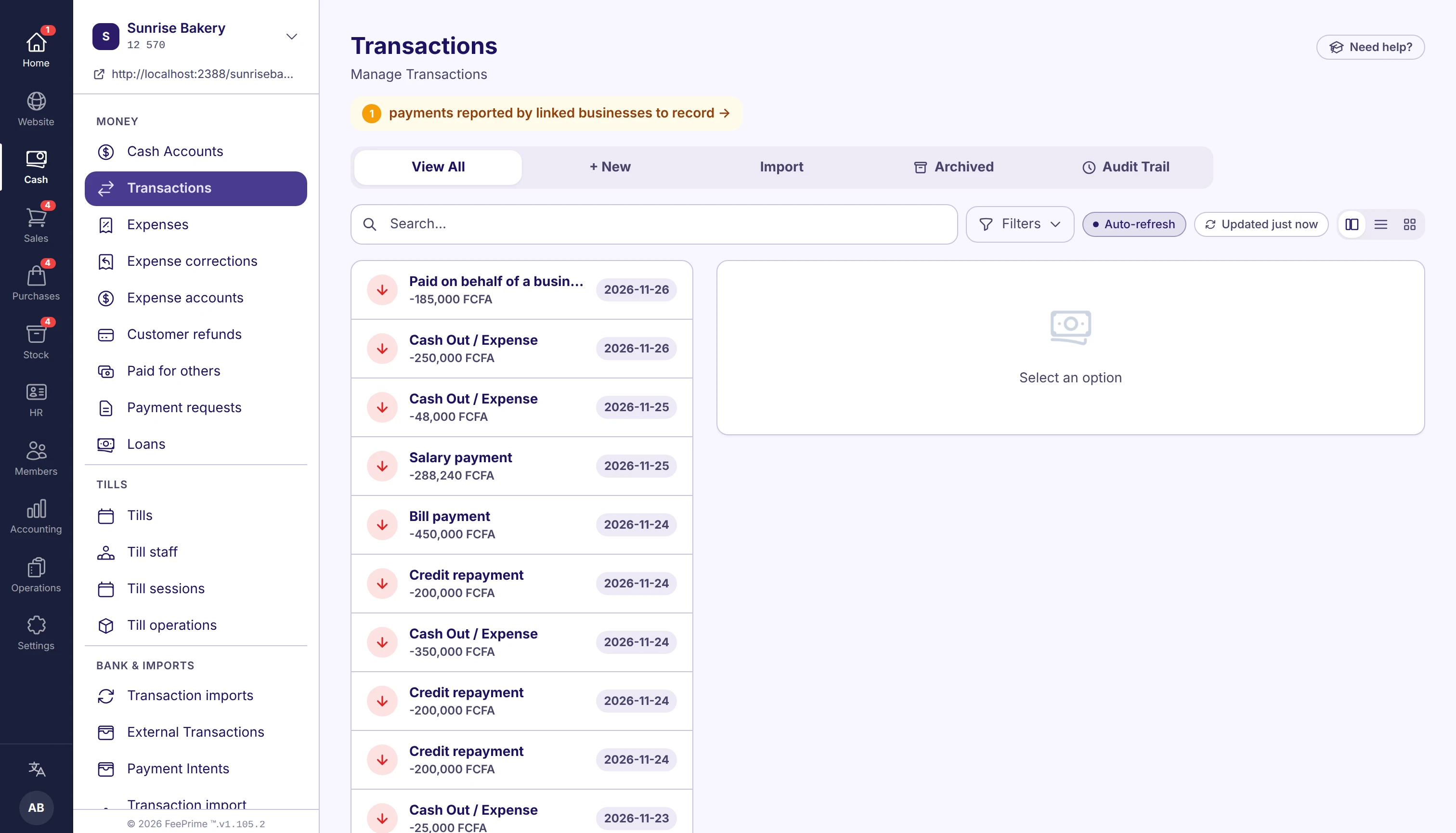 transactions screen in FeePrime (Sunrise Bakery).
2. Operation types tell your reports what happened
An operation type is not just a friendly label for staff. It is the instruction your accounting reports read when building Accounting Reports / Income Statement Reports and Accounting Reports / Cashflow Reports.
Four everyday operation types do most of the heavy lifting:
- Invoice payment — settles money a customer already owed on a sales invoice (like Hôtel Akwa clearing Friday’s deliveries). It lowers what they owe you without counting the sale twice.
- Customer advance — records money you are holding before an invoice exists. When Nadège Fouda pays an 80,000 XAF deposit on Tuesday for a Saturday event order, it is an advance until you invoice the finished order.
- Bill payment — settles a supplier bill already logged under Procurements / Paying / Bills (such as paying your flour supplier 320,000 XAF for 20 bags of Flour 50kg). That clears your supplier balance instead of double-counting the flour cost.
- Expense — logs a direct operating cost recorded under Cash / Money / Expenses, such as fuel for Junior’s delivery motorbike, shop electricity, or fixing an oven latch.
Never guess an operation type just to get a screen saved. A transaction with the wrong type looks completely normal in your transaction list, and your cash balance will still agree with your bank. The damage only surfaces weeks later, when your profit report treats a customer deposit as earned revenue or hides a supplier payment inside expenses. When in doubt, pause and ask Amina or your accountant.
3. Sorting costs with Expense Accounts and categories
Open Cash / Money / Expense Accounts. Every expense account has a clear name and a category — such as Rent, Fuel, Wages, Utilities, or Repairs. It is how your day-to-day spending gets sorted automatically.
When Junior hands Paul a 12,000 XAF fuel receipt from the Akwa bakery drawer, picking Delivery Fuel as Paul records the expense takes five seconds. Leaving expenses unsorted all year and trying to classify 400 payouts the weekend before a tax check costs two full days — and by then nobody remembers what 35,000 XAF paid on the 14th of March was actually for.
Keep your list practical for the size of your operation:
- Running one small shop or stall? Start with six to eight clear expense accounts (Rent, Utilities, Ingredients & Supplies, Fuel & Delivery, Wages, Repairs, Packaging). Too many tiny buckets slow staff down and cause inconsistent guesses.
- Running multiple locations (like Sunrise Bakery’s Akwa bakery, Bonapriso shop, and Marché Central stall)? Keep consistent categories across sites so Cash / Reports / Expense Reports shows immediately if fuel or repairs spike at one branch.
4. Every transaction names its exact Cash Account
From the first lesson in this course, you set up your Cash / Money / Cash Accounts — one for each physical place money sits, such as the Akwa Cash Drawer, MTN Mobile Money, and your EcoBank account.
Every transaction must name the exact account money left or entered. That single detail is what makes Cash / Bank / Reconciliation Queue work at the end of the week: each real line on your bank or Mobile Money statement lines up directly against one transaction in FeePrime.
Never log a Mobile Money payment under the Cash Drawer account “just to get it entered quickly” during a busy rush. At 7 PM closing, Paul’s physical cash count will look short, and your Mobile Money statement will be missing a matching transaction.
5. Never delete — fix mistakes with Corrections
People make typing mistakes. Paul enters the wrong date on a flour payment, selects Repairs instead of Fuel, or accidentally logs the same 25,000 XAF receipt twice.
In FeePrime, saved money records are never silently erased. With cash, knowing who changed what and when is the entire point of an audit trail. Instead of deleting, use the dedicated tools under Cash / Corrections (and Cash / Money / Expense Corrections for expense adjustments):
Saved Transaction (permanent audit record)
 ├── Wrong expense category? → Cash / Corrections / Operation Category Corrections
 ├── Wrong date entered?     → Cash / Corrections / Transaction Date Corrections
 │                             or Operation Date Corrections
 └── Duplicate or wrong sum? → Cash / Corrections / Transaction Reversals
                               or Operation Reversals
Never try to hide an entry error by recording a fake cash sale or an invented refund to “balance the drawer.” One clean reversal or category correction fixes the numbers and leaves a clear explanation any manager or auditor can read in seconds.
Try it
Head to staging.feeprime.com — a practice copy of FeePrime, kept apart from the real thing — and run through this five-minute drill:
- Sign in and open Cash / Money / Cash Accounts to review the available accounts (such as cash drawer, bank, and Mobile Money).
- Open Cash / Money / Expense Accounts and check the categories already listed. Add one simple account like Delivery Fuel if it is not there yet.
- Open Cash / Money / Transactions and record one customer payment transaction that settles two open invoices using two separate invoice payment operations.
- Open the saved transaction and trace how the single total breaks down into its individual operations and invoice links.
- Open Cash / Money / Expenses, log one small shop cost (like 12,000 XAF for motorbike fuel) against an expense account and cash account, then open Cash / Corrections to see where reversals, date corrections, and category corrections live.
Once you can read a transaction from its account down to its operations, every cash report in FeePrime will make sense at a glance.