
Payroll accounting, controls and month-end HR close
Before you start, sign in and open Accounting Reports / Income Statement Reports (and keep HR / Payroll runs and HR / Salary payments handy).
Can’t find it? It may be turned off for your business, or your account may not be allowed to open it. Ask the person who set up your FeePrime. They can fix both.

Photo: Sweet Life on Unsplash
On the evening of 31 October, Amina Bello checks Sunrise Bakery’s profit for the month. Flour invoices are in, bread sales from Akwa, Bonapriso, and Yaoundé are closed, and the shop looks unusually profitable—until she remembers that October salaries of 1,450,000 XAF will not leave the bank until 2 November.
If payroll only hits your books when money leaves the bank, October looks richer than it really was and November looks like a disaster. Worse, once your team grows across two cities, payroll becomes the easiest place for quiet leaks: a departed worker left active, an unapproved raise, or a cash payout nobody can verify later.
This final lesson connects everything you built in HR straight into your OHADA financial statements and internal controls—so every franc you accrue, deduct, and pay balances cleanly at month-end.
1. Two moments, not one: accruing payroll vs. paying cash
In FeePrime, paying your team is split into two distinct accounting events. Understanding that split is the whole secret to clean payroll books.
  STEP 1: ACCRUE THE WORK (31 Oct)             STEP 2: MOVE THE MONEY (2 Nov)
  --------------------------------             ------------------------------
  HR / Payroll runs (Approved & Posted)        HR / Salary payments (Posted / Wallet)
        |                                            |
        +--> Income Statement                        +--> Balance Sheet
        |    Class 66: Personnel Expenses            |    Class 422: Salaries Payable
        |    (+1,450,000 XAF in October)             |    (drops toward 0 XAF)
        |                                            |
        +--> Balance Sheet                           +--> Cashflow Reports & Accounts
             Class 422: Salaries Payable                  Class 52/57: Bank, Cash,
             (+1,450,000 XAF owed)                        MoMo or Wallet outflow
             (+ Class 43/44 CNPS & taxes)                 Employee 'Still owed' -> 0
- When Mireille Nkom posts October’s run in HR / Payroll runs (
period_start1 Oct,period_end31 Oct), FeePrime records the personnel cost in October—the exact month Paul Kamga baked the bread, Grace Ewane ran the Bonapriso counter, and Brice Mballa delivered the loaves. No cash has moved yet, so the unpaid net wages sit as a liability on your Balance Sheet. - When cash, Mobile Money, bank transfer, or Pay via Wallet goes out on 2 November in HR / Salary payments, FeePrime does not count the salary expense a second time. Instead, it reduces what you owe your staff on the Balance Sheet, lowers each employee’s Still owed card, and records the cash outflow on November’s Cashflow Report.
Never judge a month’s profit from a Cash-basis Income Statement when payday falls in the next month. Always run your management P&L on Accrual basis so wages sit alongside the sales that earned them.
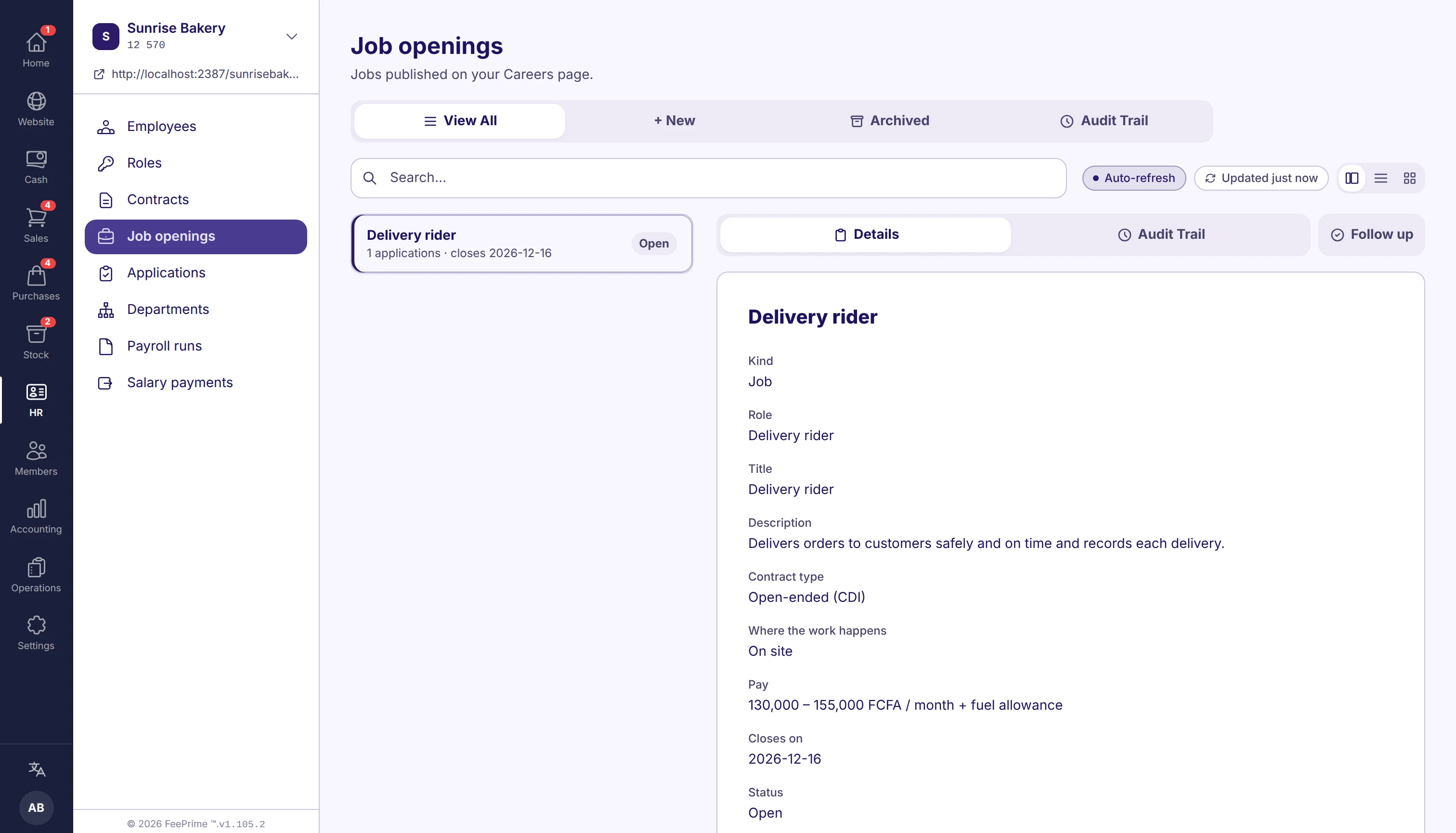 HR / Job openings publishing open CDI positions with salary range, location, and 3 screening questions.
2. Reading payroll on your OHADA financial statements
Once a payroll run and its salary payments are posted, you can trace every single franc across three reports under Accounting Reports without touching a manual spreadsheet.
Income Statement Reports (what your team cost this month)
Open Accounting Reports / Income Statement Reports, set Chart of accounts to ohada, Accounting basis to accrual, pick your currency (for Sunrise Bakery, XAF), and choose start_date 1 October to end_date 31 October.
Look under Class 66 (Personnel Expenses). October’s full accrued payroll—base salaries plus approved additions such as Paul Kamga’s 25,000 XAF night-shift bonus—lands right here, even if not a single franc has left the bank on 31 October.
Balance Sheet Reports (what you still owe on any date)
Open Accounting Reports / Balance Sheet Reports, choose ohada, accrual, XAF, and set as_of_date to 31 October.
Look under Class 42 (Personnel — specifically 422 Salaries Payable). On 31 October, Sunrise Bakery sees 1,450,000 XAF owed to staff. Re-run the same Balance Sheet as of 5 November after payouts go through: that balance drops to zero if everyone has been paid, or shows the exact unpaid remainder if one rider has not collected cash yet.
Here is your golden reconciliation test: on any closing date, the Salaries Payable balance on your Balance Sheet should match the combined Still owed figures across your team in HR / Employees. Any statutory withholdings deducted on the payroll run (such as CNPS social security or IRPP payroll tax) sit in their own payable accounts (Class 43 / Class 44) until you remit them to the authorities.
Cashflow Reports and Bank Reconciliation (when money actually left)
Open Accounting Reports / Cashflow Reports for November to see the real cash impact of the 2 November bank transfers, Mobile Money payouts, and wallet transfers. Need line-by-line proof for an auditor? Accounting Reports / Trial Balance Reports, General Ledger Reports, and Journal Entry Reports show every posted entry generated by each payroll run and payment.
When bank or wallet statements come in under Cash / Bank / Reconciliation Queue, match outgoing payroll lines directly as a salary payment or a payroll tax remittance. That keeps your bank balance, your HR records, and your OHADA books locked together.
3. Stopping ghost employees and unauthorized raises
Accounting tells you what happened. Internal controls stop the wrong thing from happening in the first place.
FeePrime gives you four guardrails that protect growing SMEs without burying you in paperwork:
- Separate operational roles from login permissions. Assigning Brice Mballa or Grace Ewane a job in HR / Roles routes their daily tasks—it does not grant them financial access. Login rights live separately in Settings / Access / Users & Roles. HR can see directly whether each role holder has the right FeePrime access to do their job, without handing payroll powers to cashiers.
- Turn on Maker-Checker approvals. Under Settings / Access / Spending Controls, require a second person to approve Payroll runs and Salary payments. At Sunrise Bakery, Mireille prepares October’s payroll run and payment batch; Amina reviews the approval screen—which shows every employee’s full name, readable labels, and formatted XAF amounts—before approving release. One person cannot invent a worker and pay them out alone.
- Respect immutability: archive and replace, never patch. Once a Payroll run or Salary payment is posted, FeePrime blocks editing it in place—because changing a document after approval would alter what someone signed off. Never try to work around a payroll mistake with a random cash entry or manual journal patch. Archive the wrong run or payment, create a clean replacement, and let FeePrime post the exact correction automatically.
- Inspect the Audit Trail for silent changes. Before approving a monthly run, review recent changes on HR / Employees and HR / Contracts in the Audit Trail. Any bump to
base_salary, change topayment_method, or archived run leaves a timestamped user trail—and formal pay changes should always link back through an amendment (amends) in HR / Contracts.
One small shop where you are both the owner and the bookkeeper? You do not need complex approval tiers right away—keep Maker-Checker off until you hire an HR or finance officer, and rely on immutable runs and the Audit Trail. Nothing breaks. Two branches or a dedicated admin team? Turn on Maker-Checker before your next payday.
4. Catching payroll leaks before month-end close
Most payroll errors happen quietly between paydays: a temporary worker leaves and nobody updates their profile, or an advance is paid without linking it cleanly.
Start every close week by opening the Dashboard Task Board (HR tab). FeePrime automatically raises cards when something needs attention:
- Staff still active past their
end_date—so a finished CDD worker is not swept into next month’s run. - Trials and fixed-term contracts ending soon—so Mireille reviews
probation_end_dateand contract renewals with Amina on time. - Payroll runs due and salaries unpaid—showing open obligations before staff have to ask.
- Employees who cannot be paid or lack a wallet number—catching setup gaps before payday morning.
- Departments without a manager—preventing orphan teams with no sign-off owner.
Two more built-in safeguards protect your numbers when you run payroll and pay staff:
- Double-accrual protection: When Mireille loads employees into a new run in HR / Payroll runs, FeePrime matches one
currencyand onepay_frequencyat a time and flags anyone already covered by another run for that period. Never create a second run for the same period without archiving the first. - Clean settlement direction: On HR / Salary payments, selecting a specific
payroll_runapplies the payment straight to that period (with any excess rolling to the oldest unpaid period). Leavingpayroll_runblank tells FeePrime to clear the employee’s oldest unpaid period first. Use a blank run when paying down arrears; pick the exact run when settling a specific month.
5. Your 6-step month-end HR and payroll close checklist
Run these six steps in order on the last working day of every month. Once your team has done it twice, the whole close takes under 30 minutes:
- Clear the HR Task Board. Mark departed staff
inactivein HR / Employees, confirm ending trials or CDD contracts, and fix any missing payment details. - Spot-check pay terms against contracts. Confirm any new hires, raises, or bonuses match signed records in HR / Contracts and check the Audit Trail for unexpected edits.
- Post and approve the period’s Payroll runs. Generate one run per
currencyandpay_frequencyin HR / Payroll runs, verifyadditionsanddeductions(CNPS, IRPP, advances), get Maker-Checker approval, and generate PDF payslips. - Record payouts and reconcile bank or wallet lines. Post HR / Salary payments (or trigger Pay via Wallet), then match outgoing bank/wallet transfers and CNPS/tax remittances in Cash / Bank / Reconciliation Queue.
- Tie Balance Sheet Class 422 to HR. Open Accounting Reports / Balance Sheet Reports (
ohada,accrual, as of month-end) and verify that Salaries Payable equals the sum of Still owed across HR / Employees. - Review P&L and Cashflow with leadership. Open Accounting Reports / Income Statement Reports (
ohada,accrual) and Accounting Reports / Cashflow Reports so the owner sees true monthly personnel cost alongside actual cash left in the bank.
Try it
Open staging.feeprime.com—a practice copy of FeePrime, kept apart from the real thing—and run a quick 5-minute close check:
- Open HR / Payroll runs and inspect a posted monthly run—notice the edit button is disabled because posted runs are immutable.
- Open HR / Employees, click any staff member on that run, and note their Total accrued, Total paid, and Still owed cards.
- Open Accounting Reports / Income Statement Reports, create an
ohadareport onaccrualbasis for that month, and locate personnel costs under Class 66. - Open Accounting Reports / Balance Sheet Reports, create an
ohadareport onaccrualbasis as of the end of that month, and compare Salaries Payable (Class 422) against your team’s unpaid balances. - Open Cash / Bank / Reconciliation Queue and check how outgoing salary transfers and payroll tax remittances are classified.
Do this once on staging and month-end close stops feeling like guesswork—you will know to the franc what your team earned, what left the bank, and what is still owed.