
Operations: Marketplace expenses, delivery costs and pickup tills
Before you start, sign in and open Cash / Money / Expenses, Cash / Tills / Tills, Cash / Tills / Till Sessions, and Cash / Reports / Expense Reports.
Can’t find it? It may be turned off for your business, or your account may not be allowed to open it. Ask the person who set up your FeePrime. They can fix both.
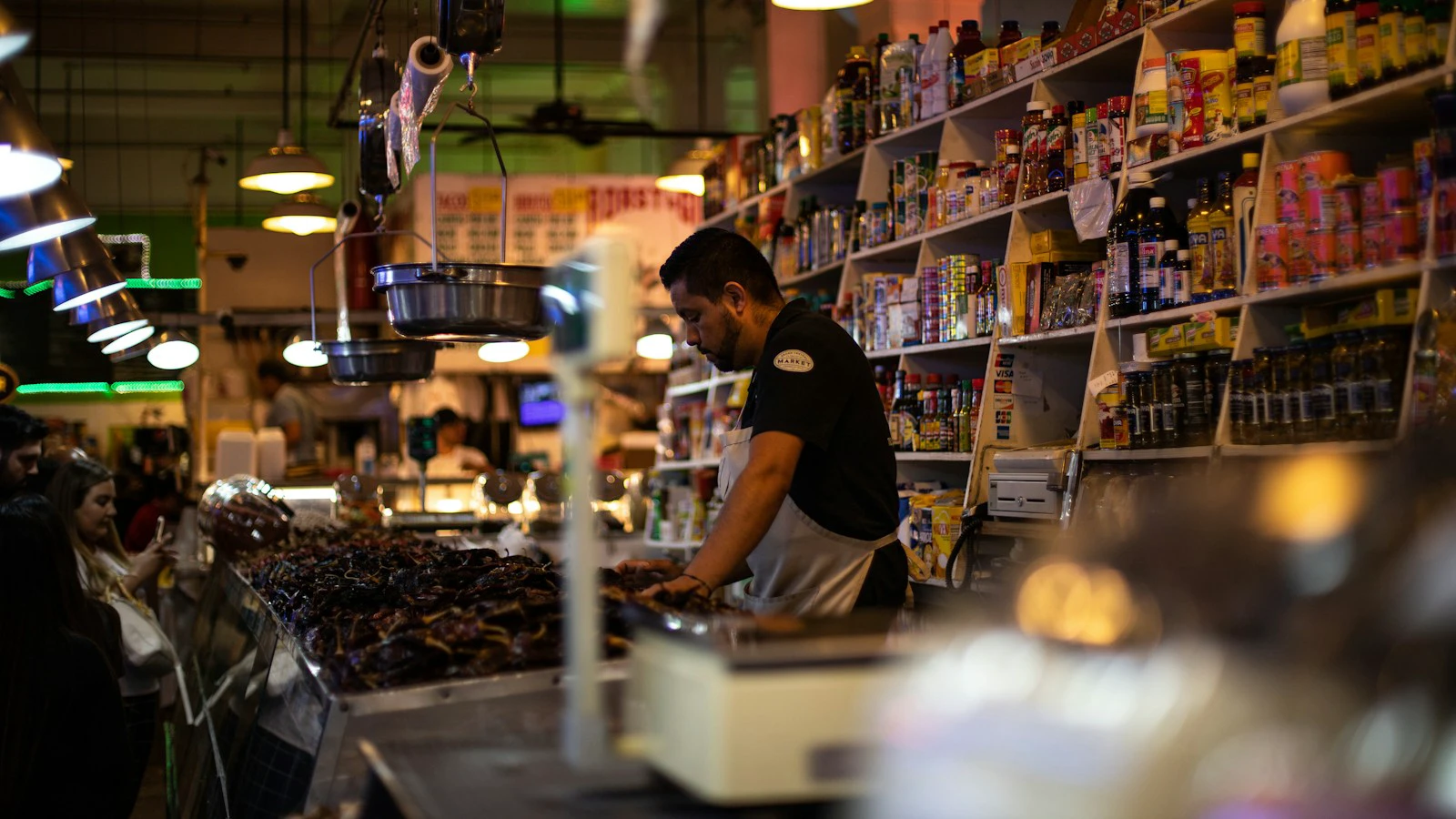
Order volume can fool you.
At MaketCM, Douala and Yaoundé orders are climbing every week. Hervé at KamerCraft is shipping more Douala Leather Messenger Bags and Mount Cameroon Arabica Coffee 500g packs, and shoppers like Stéphanie keep coming back. Yet at the end of the month, Nadine opens the bank and cash totals and asks the same uncomfortable question: where did the money go?
In a Cameroonian product marketplace, growth rarely breaks on sales. It leaks in daily operations: unlogged motorbike rider subsidies, social media ad boosts paid from mobile money, packing cartons bought in a rush at Marché Central, Akwa pickup-hub rent, and cash-on-delivery (COD) envelopes that never quite match the end-of-day count.
FeePrime closes those leaks with two clean habits under Cash: Expenses for every operating cost, and Tills & Till Sessions for every physical cash drawer — both feeding directly into Expense Reports.
1. Logging operating costs in Cash / Money / Expenses
Whether you run the marketplace like Nadine or operate a seller shop like Hervé, operating costs happen on the move — often on a phone with patchy 3G. Cash / Money / Expenses is built for that exact reality.
Raising an expense claim moves no cash immediately. Because it does not need an open cash session or a live balance check, FeePrime lets staff log claims offline and syncs them automatically when the connection returns. Better yet, a field coordinator or pickup-hub assistant can submit an expense claim without ever being given access to your full cash ledger.
When you create a claim in Cash / Money / Expenses, fill in the fields in order:
- Expense Category (always first): Pick the category that describes what the money actually paid for — delivery and transport, marketing ads, packaging supplies, or pickup-hub rent. This field drives the OHADA class 6 account behind the scenes.
- Never rush past Expense Category. Any claim left without the right category falls into OHADA account 6588 (Autres charges diverses). By month-end, half your operating costs sit in one vague bucket and your reports become useless.
- Expense Account (optional): If your accountant created finer sub-accounts under Cash / Money / Expense Accounts (for example, splitting Douala Rider Subsidies from Yaoundé Inter-City Freight), FeePrime shows only the sub-accounts belonging to the category you chose. If your business has not set up sub-accounts, this field stays out of your way — everyday staff never have to memorize OHADA account numbers.
- Payee (optional): Link a contact only when it is a recurring supplier like your Akwa hub landlord or packaging wholesaler. Never pollute Contacts with one-off taxi drivers or motorbike riders. Leaving Payee blank on a 3,000 XAF courier receipt is completely normal.
- Amount and Currency: Enter the exact receipt figure and currency (such as XAF).
- Paid by Third Party & Payer (optional): Suppose Hervé or a MaketCM co-founder pays 35,000 XAF out of pocket for branded shipping cartons so afternoon orders do not stall. Tick Paid by Third Party and select them as Payer. No marketplace cash account moves; instead, FeePrime records the operating cost and books what you owe that person under OHADA credit accounts (471, 162, or 462).
Never try to edit a submitted expense. Once created, an expense record is locked so nobody can quietly alter past figures. If someone typed 45,000 XAF instead of 4,500 XAF, fix it cleanly under Cash / Money / Expense Corrections (or archive the duplicate where appropriate).
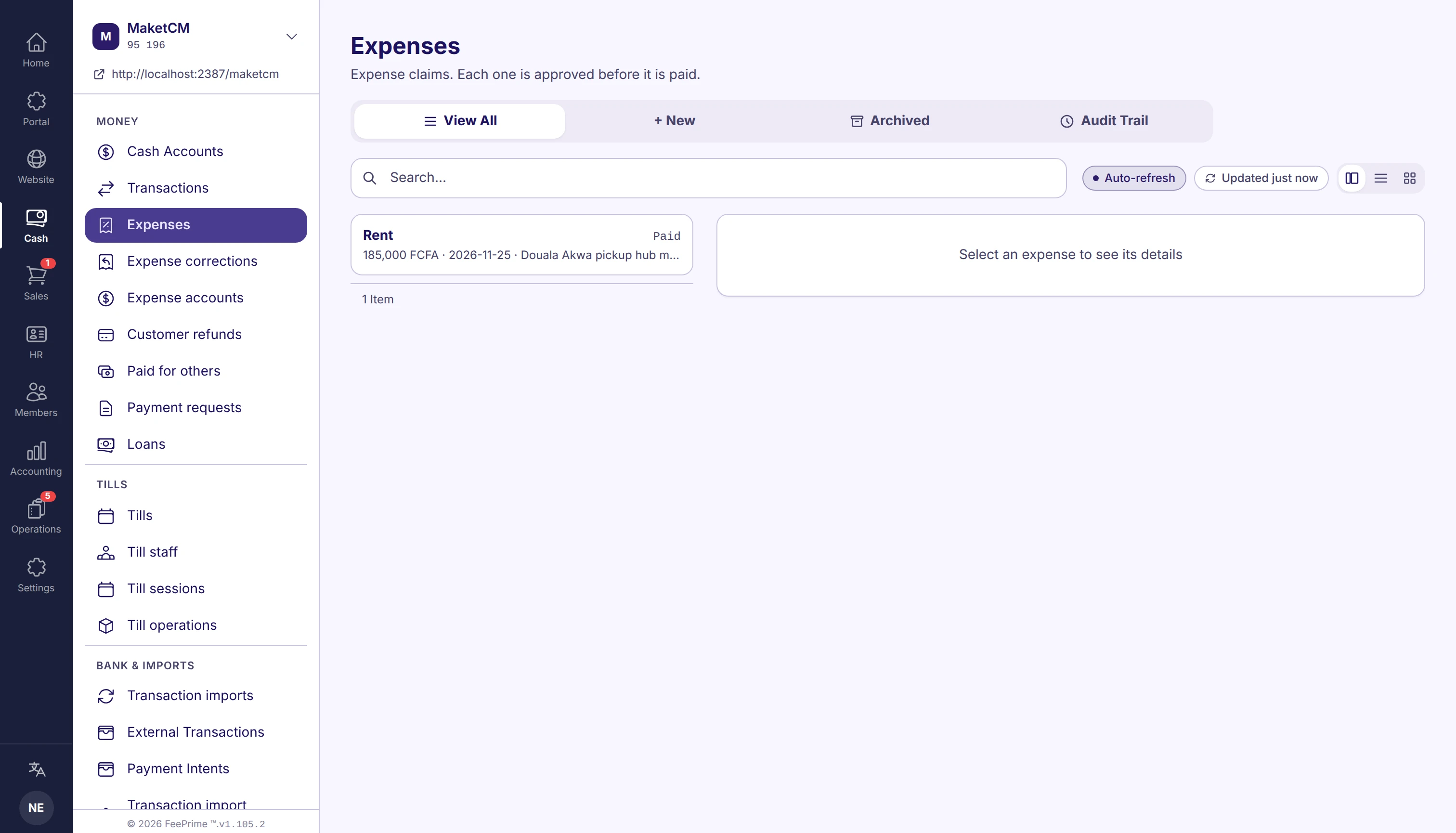 Tracking marketplace launch ads, pickup-hub rent, and delivery costs under Cash / Money / Expenses.
2. How expenses, pickup tills and reports fit together
Keep these two money streams clear in your head. Operating expenses track what it costs to run the business. Tills track physical cash changing hands at pickup counters and from COD riders.
OPERATING COSTS                          PICKUP COUNTER & COD CASH
───────────────                          ─────────────────────────
Ads, rider fees, cartons, rent           Stéphanie pays COD / pickup cash
             │                                          │
             ▼                                          ▼
  Cash / Money / Expenses                Cash / Money / Cash Accounts (Cash)
   ├─ Expense Category (OHADA 6xx)                      │
   ├─ Expense Account (optional)                        ▼
   └─ Paid by Third Party? ──► 471/162/462     Cash / Tills / Tills
             │                             ├─ Allowed Operations (incl. cash2cash)
             ▼                             ├─ Approval Ceiling ──► Pending tab
  Cash / Reports / Expense Reports         └─ Authorized in Till Tellers
   (Spot margin leaks by category)                      │
                                                        ▼
                                              Cash / Tills / Till Sessions
                                               ├─ Teller = signed-in user
                                               ├─ Opening Float = prior close
                                               └─ Close & Count ──► Variance:
                                                  Shortage -> 6588_<drawer>
                                                  Overage  -> 7588_<drawer>
3. Setting up pickup and COD drawers in Cash / Tills / Tills
If MaketCM collects cash-on-delivery money from motorbike riders (tracked alongside Sales / Selling / COD Collections) or lets shoppers like Stéphanie pay cash at the Akwa pickup counter, an ordinary cash account is not enough. You need drawer-level accountability.
A Till is a control layer placed on top of a physical cash drawer already created in Cash / Money / Cash Accounts. To set one up in Cash / Tills / Tills:
- Name: Use the physical counter name, like Akwa Pickup Counter Till or Yaoundé Hub COD Till.
- Cash Account: Link it to the drawer’s cash-type account (its physical location already lives on the cash account, so you never maintain it in two places).
- Allowed Operations: Tick only what counter staff are allowed to post during a shift — for example
invoice_payment,customer_refund,expense, andcash2cash. Anything you leave unticked is blocked by FeePrime on the server, not merely hidden on screen.- Always enable
cash2cashon busy pickup drawers. When Akwa counter cash hits 600,000 XAF at 14:30,cash2cashlets the teller drop 450,000 XAF into the office vault or hand it to an armored courier mid-shift without closing the session.
- Always enable
- Approval Ceiling (optional): Set a threshold — say, 50,000 XAF. If Stéphanie returns a damaged leather bag worth 65,000 XAF, the clerk still serves her on the spot. FeePrime saves the transaction as Unapproved in the Pending tab for Nadine to sign off, so nobody stands waiting in line at the counter. Leave this blank if no ceiling is needed.
Next, open Cash / Tills / Till Tellers and whitelist exactly which team members may operate each till (one row per teller and till). Never let clerks share one login at the counter. If everyone uses the same user account, nobody owns the count.
4. Running shifts with Cash / Tills / Till Sessions
Before taking a single franc at the pickup counter, the assigned clerk opens a shift under Cash / Tills / Till Sessions.
Three built-in safeguards stop cash leaks before they hide:
- Automatic Teller Accountability: FeePrime stamps the signed-in user onto the session automatically. You can never open a shift in someone else’s name.
- Automatic Opening Float: The starting cash figure carries straight over from the previous closed session on that till. A teller never types the opening float by hand. If Monday night ended 10,000 XAF short, the shortage surfaces on Monday’s close instead of being quietly swallowed into Tuesday morning’s starting cash.
- Locked Shift History: Once recorded, till sessions cannot be edited or archived. Every operation posted during the shift sits visibly under Cash / Tills / Till Operations, and the final count is permanently preserved.
At close of shift, the clerk counts the physical notes and coins in the drawer. FeePrime compares the counted amount against the expected cash balance and posts any difference automatically:
- Shortage (less cash than expected): Posts to OHADA class 6 (
6588_<drawer>). - Overage (more cash than expected): Posts to OHADA class 7 (
7588_<drawer>).
Never offset a shortage against yesterday’s overage. FeePrime keeps shortages (expenses) and overages (gains) in separate per-drawer accounts so an auditor — and Nadine — can see every discrepancy by drawer and direction without anyone maintaining manual variance accounts.
5. Catching cash leaks with Cash / Reports / Expense Reports
Logging costs only pays off when you read them. Every Friday afternoon, Nadine opens Cash / Reports / Expense Reports to compare MaketCM’s spending by category against that week’s commission income.
Three fast checks catch 90% of marketplace leaks:
- Delivery cost creep: Are free-delivery promos in Douala costing more in motorbike payouts than the commissions those orders earned?
- Ad spend vs orders: Did a 150,000 XAF social media campaign actually lift completed sales, or did it just burn cash?
- Pickup-hub overhead: Are Akwa hub rent, electricity, and carton restocks staying within the budget per parcel handled?
Running a small seller stall like KamerCraft with no physical pickup counter yet? Start with Expenses and Expense Reports so every leather strap, coffee bag, and courier fee is tracked. Leave Tills off until you handle counter cash or rider COD drawers — nothing breaks.
Try it
Practice on staging.feeprime.com — a practice copy of FeePrime kept apart from your real business data.
- Open Cash / Money / Expenses and log a 4,500 XAF motorbike courier cost. Pick a clear Expense Category, leave Payee blank, and save.
- Create a second expense for 25,000 XAF of shipping cartons, tick Paid by Third Party, and select a contact as Payer so you see how out-of-pocket spending is recorded without touching a cash account.
- Open Cash / Tills / Tills, create an Akwa Pickup Counter Till linked to a cash account, enable
invoice_paymentandcash2cashunder Allowed Operations, and set a 50,000 XAF Approval Ceiling. - Whitelist your user under Cash / Tills / Till Tellers, then open and close a practice shift in Cash / Tills / Till Sessions with a small test variance to see how the session locks the opening float and final count.
- Open Cash / Reports / Expense Reports and confirm your courier and packaging claims appear under their proper categories instead of a vague catch-all.
Five minutes here saves hours of end-of-month detective work.